Basic Hides Old Notes, Business Brings Them Back
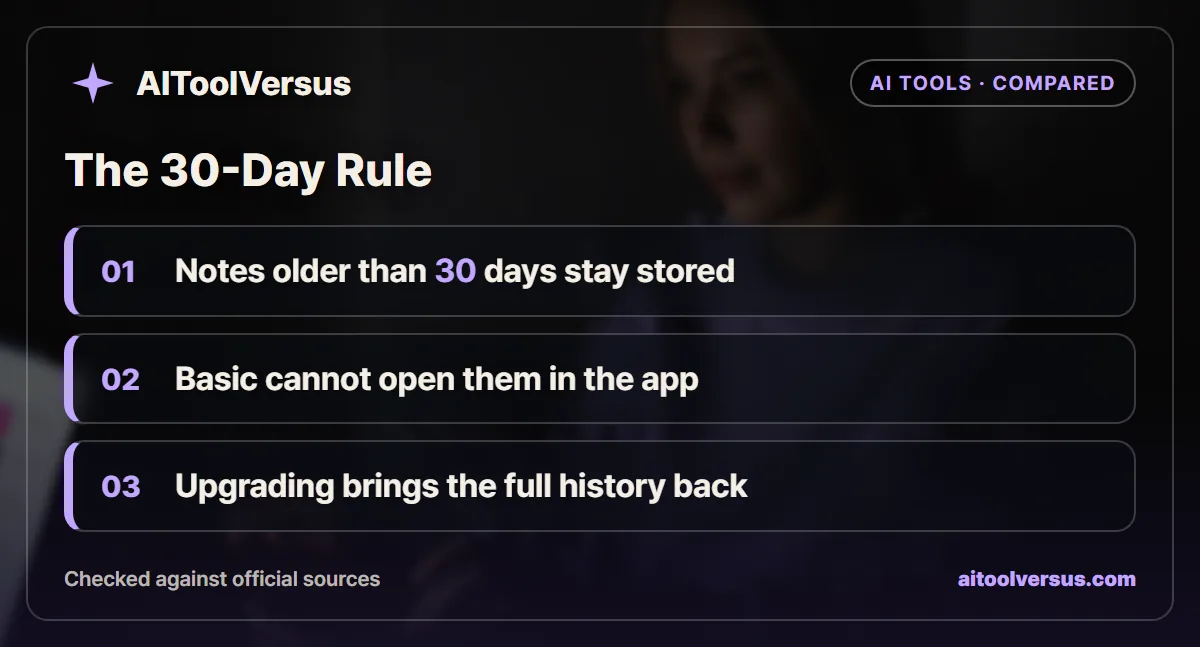
If you only need this week’s meeting notes, Granola Basic is enough, but pick Business at $14 per user a month once you revisit older calls. Basic shows only the last 30 days in the app. Older notes are kept, not deleted, and they reappear when you upgrade.
That makes the free plan a rolling window rather than a trial. Granola says no plan has a daily transcription limit, so the real question is how often you look back. Prices are as of November 2026, so confirm current pricing on the official site before you subscribe.
What the 30-Day Window Actually Does
Granola is an AI notepad for meetings. It listens on your computer, writes a transcript, and turns your rough notes into a cleaner summary afterward.
The Granola subscriptions and billing article describes Basic history as the last 30 days only in the app. Anything older is still stored on your account. You just cannot open it until you move to a paid plan.
The window moves every day. A call from 1 October drops out of view at the end of October, while a call from yesterday stays visible for another month.
The window says nothing about deletion. If you upgrade a year later, the notes from that whole year are there to read. That is very different from a tool that purges old files, and it changes how much risk a free trial run carries.
Basic, Business and Enterprise Side by Side
The table uses figures from the Granola pricing page and its help articles, as of November 2026.
| Feature | Basic | Business | Enterprise |
|---|---|---|---|
| Price per user | $0 | $14 a month | From $35 a month |
| Notes visible in the app | Last 30 days | Unlimited | Unlimited |
| Daily transcription limit | None | None | None |
| AI chat model choice | Auto only | Pick from the model list | Pick from the model list |
| Billing options | Free | Monthly | Monthly or annual |
| HIPAA with a signed BAA | No | No | Yes |
| Training data default | May be used, opt-out available | May be used, opt-out available | Opted out by default |
| SSO | No | No | For workspaces with 50 or more users |
Two rows matter more than the rest. The history row decides whether Basic works for you at all. The HIPAA row decides whether Business is even an option for regulated work.
The model row is smaller than it looks. On Basic, Granola chooses the model for each chat. On Business you can pick a model yourself, which helps if one handles your kind of meeting better.
Getting Old Notes Out Without Paying
Basic users are not locked out of their own work. The billing article explains that you can go to Settings, then Profile, and generate a CSV export.
Granola emails the file within a few hours. It holds titles and summaries, so it captures the gist of each meeting rather than every line of the transcript.
That export changes the math for light users. If you only need to remember what was decided, a monthly CSV keeps a searchable record without a subscription. Run it near the end of each month so no meeting slips past the window unrecorded.
What the CSV cannot replace is AI chat over your history. Asking a question across six months of calls needs those notes inside the app, and that requires Business.
A Year of Client Calls on Each Plan
A freelancer or consultant shows the trade-off clearly. Assume 3 client calls a week for 52 weeks, and assume the Business price stays at $14 a month.
| Step | Calculation | Result |
|---|---|---|
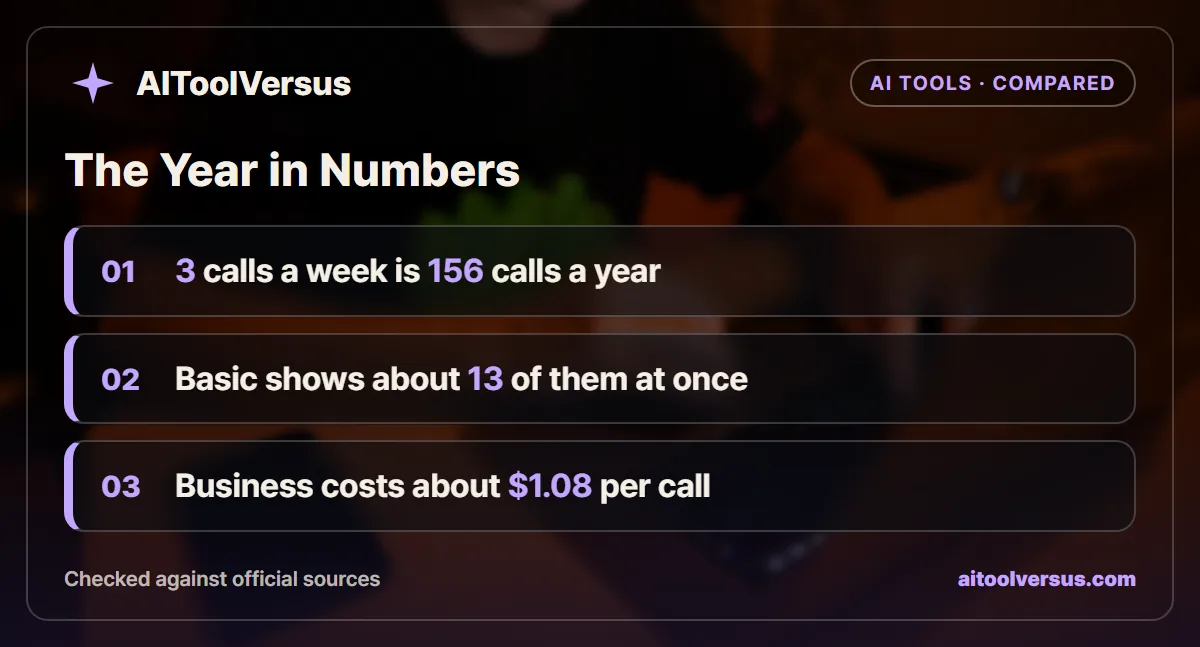
| Calls in a year | 3 x 52 | 156 calls |
| Calls inside the 30-day window | 3 x 30 / 7 | About 13 calls |
| Share hidden on Basic at year end | 1 - 12.86 / 156 | About 92% |
| Business cost for one user | $14 x 12 | $168 a year |
| Business cost per call | $168 / 156 | About $1.08 |
The figures are rounded only at the last step. On Basic, roughly 92% of the year’s calls sit outside the window at any one time. On Business, all 156 stay open in the app for about $1.08 each.
A team changes the total, not the logic. Granola bills one seat per active member, admins included, so 5 people on Business cost $840 a year. The same 5 seats on Enterprise start at $2,100 a year at the $35 floor.
The example shows that Business is cheap per call for anyone who meets weekly. It is poor value only if you rarely look past last month.
Seats, Trials and Billing Details
Pending invitations do not count as seats. Granola bills a member once they join, and adding or removing people adjusts the bill with proration.
Business and Enterprise can come with a time-limited trial. The billing article does not state its length, so check the offer in the app before you plan around it.
Basic and Business are billed monthly. Only Enterprise lists annual billing, and Granola publishes no annual discount figure for any plan.
Two 30-Day Clocks That Are Easy to Confuse
Granola runs two separate timers, and they behave in opposite ways. One hides notes on Basic, while the other permanently removes notes you chose to delete.
The first is the Basic history window covered above. A note that ages past 30 days is hidden but kept, so an upgrade brings it back.
The second is the trash. The Granola article on deleting notes says a note moved to the trash stays there for 30 days and is then deleted permanently. Using the trash button deletes it at once, with no way to recover it.
The practical rule is simple. Never delete a note you might want later just because Basic stopped showing it. Hidden notes come back with an upgrade, but trashed notes past 30 days do not.
One more detail catches iPhone users. The trash lives on the Mac, Windows and Android apps, so a note deleted on an iPhone has to be restored from one of those.
What Happens When You Cancel Business
Cancelling does not cut you off mid-month. Granola’s cancellation terms say a subscription continues until the end of the current billing cycle, counted from your last payment date.
After that, the account drops to the free plan with some feature limitations. The cancellation article does not spell out what happens to history in that case. Basic’s stated rule is that older notes stay stored while the app shows only the last 30 days.
That suggests a sensible routine before you cancel. Generate the CSV export while Business is still active, then keep it with your other records. If you return later, check that the full history reappears before relying on it.
A short Business stint can also work as a catch-up month. Upgrade, use AI chat across older meetings to pull out what you need, and export the results before the cycle ends.
Privacy Settings Worth Changing on Any Plan
The Granola models and training article says Granola may use anonymized data to improve its services by default. You can opt out at any time.
On the desktop app, go to Settings, then Preferences, and turn off the setting named “Use my data to improve models for everyone.” The choice applies to your whole account. Enterprise customers are opted out by default, and admins can enforce that.
Transcripts can also expire on a schedule. Granola offers auto-deletion after 1 day, 1 week, 1 month, 3 months, 6 months or 1 year, and only transcripts are removed while notes stay. For a wider checklist, see our guide on whether an AI tool trains on your data.
Consent is a separate question from settings. A botless notetaker still records the people you talk to, and our guide to AI notetaker recording consent covers when you should tell them.
When Neither Basic Nor Business Is Enough
Health practices hit a hard wall. The Granola HIPAA article states that HIPAA support and a signed BAA are not available on the Free or Business plans.
Enterprise is the only route for patient conversations. Granola also notes that one newer chat model is unavailable in HIPAA-enabled workspaces, so check model access with sales.
Larger companies may need Enterprise for other reasons. Single sign-on is listed for workspaces of 50 or more users, and annual invoicing is Enterprise only.
If your meetings run through Zoom or Teams with a bot, a different tool may fit better. Our comparison of an AI note-taking app versus an AI meeting assistant explains the trade-off between the two designs.
Which Granola Plan Fits Your Calendar
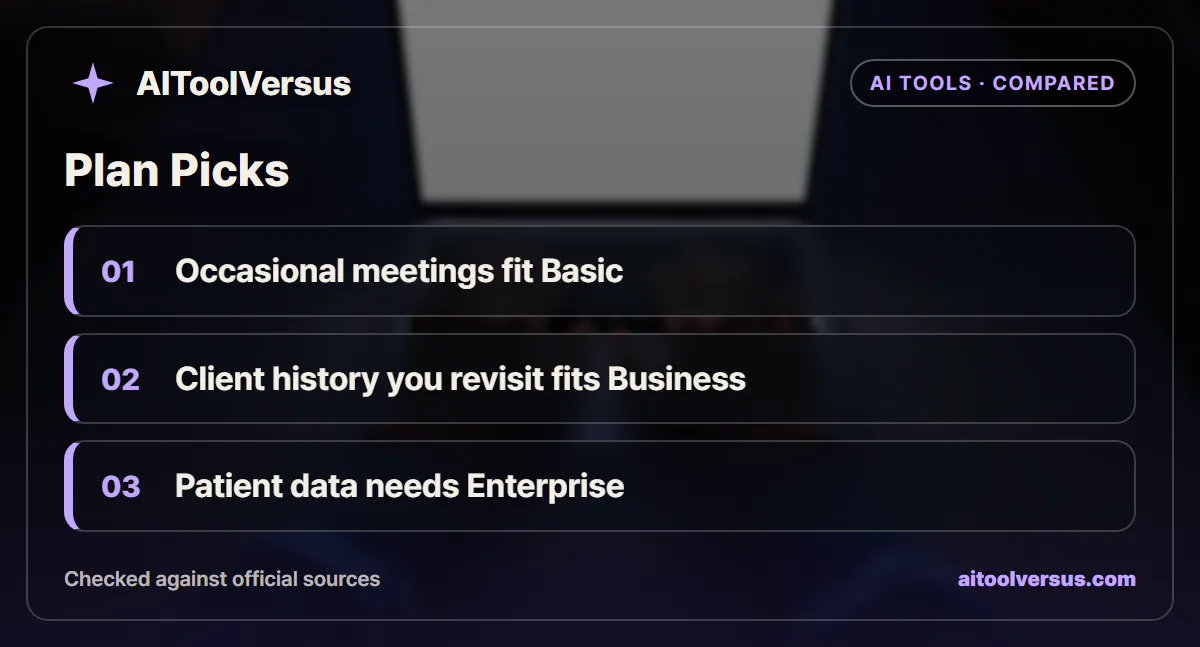
If you take a few meetings a month and rarely look back: Basic fits. Generate a CSV export once a month to keep a record of decisions.
If you are a freelancer who revisits client history: Business fits at $14 a month. At 3 calls a week, that works out to about $1.08 per call.
If you want AI answers across months of meetings: Business fits. Chat over your history only works on notes the app can open.
If you run a small team that shares notes: Business fits, but count every active member, admins included. Five seats come to $840 a year.
If you handle patient or other regulated data: Enterprise is the only fit. Basic and Business do not offer a signed BAA.
If you are still testing AI notetakers: Basic fits. Nothing is deleted at 30 days, so an upgrade later restores the whole history.
Try Basic for a Month, Then Decide
Run Basic for one full month and notice how often you reach for an older call. If you never do, Basic and a monthly CSV are enough.
If you keep wishing you could search last quarter, move to Business. For a reality check on what AI summaries can and cannot capture, read why AI meeting summaries miss decisions. Confirm current pricing on the official site before you subscribe.
FAQ
Does Granola delete notes after 30 days on the free plan?
No. Granola says notes older than 30 days are kept on the Basic plan, but you cannot open them in the app until you upgrade. Upgrading to Business makes the full history available again.
How much does Granola Business cost?
Business costs $14 per user per month and Enterprise starts at $35 per user per month, as of November 2026. Basic is free. Confirm current pricing on the official site before you subscribe.
Can I export my Granola notes on the free plan?
Yes, partly. In Settings, under Profile, you can generate a CSV that Granola emails to you within a few hours. It holds note titles and summaries, so it is a backup of the gist rather than of every transcript.
Is there a meeting limit on Granola Basic?
Granola says no plan has a daily transcription limit. Basic limits how far back you can see in the app, and it limits AI chat to the Auto model setting, rather than capping how many meetings you record.
Is Granola HIPAA compliant on the Business plan?
Only Enterprise. Granola states that HIPAA support and a signed BAA are not available on the Free or Business plans, so a clinic or health practice would need to talk to sales about Enterprise.
Sources
- Granola Pricing — checked 2026-11-11
- Granola Help: Subscriptions and Billing — checked 2026-11-11
- Granola Help: Models and Training — checked 2026-11-11
- Granola Help: Is Granola HIPAA Compliant? — checked 2026-11-11
- Granola Help: Transcript Auto-Deletion — checked 2026-11-11
- Granola Help: Model Selection in Granola Chat — checked 2026-11-11
- Granola Help: Deleting and Restoring Notes — checked 2026-11-11
- Granola Help: Subscription Cancellation Terms — checked 2026-11-11
Some links may be affiliate links. We may earn a commission at no extra cost to you.
How this article was made: it was drafted with AI assistance from the official sources listed above, and its figures were checked against those pages on the dates shown. It is not based on personal hands-on testing.
Comments
Post a Comment