Pro Pays Off Once You Pass Five Meetings a Month
Read AI Pro is worth it if you have more than 5 recorded meetings a month or any meeting longer than an hour. The Read AI pricing page lists 5 transcripts a month on Free, each capped at 1 hour. Pro costs $15 per user a month billed annually, or $19.75 month to month, as of November 2026.
If you only need notes for an occasional call, Free is a genuine plan rather than a trial. It includes summaries, search across meetings and the same Zoom, Teams and Meet support. The upgrade buys volume and length, not a different product. Confirm current pricing on the official site before subscribing.
What the Free Plan Actually Includes
The Read AI plans page lists 5 meeting transcripts, 5 live notes and 5 meeting reports a month on Free. A meeting report is the automatic summary with topics, action items and key questions.
Several features carry no monthly count. Free lists unlimited enterprise search, a personalized meeting coach, topic readouts and summaries for email and messaging. The Ask Read search feature, which connects meetings, emails and messages, is checked on every plan.
Free also runs on Windows, macOS, Android and iOS. What it leaves out is direct model access, premium integrations and file uploads, which the table marks as not included.
The One-Hour Cap Matters as Much as the Count
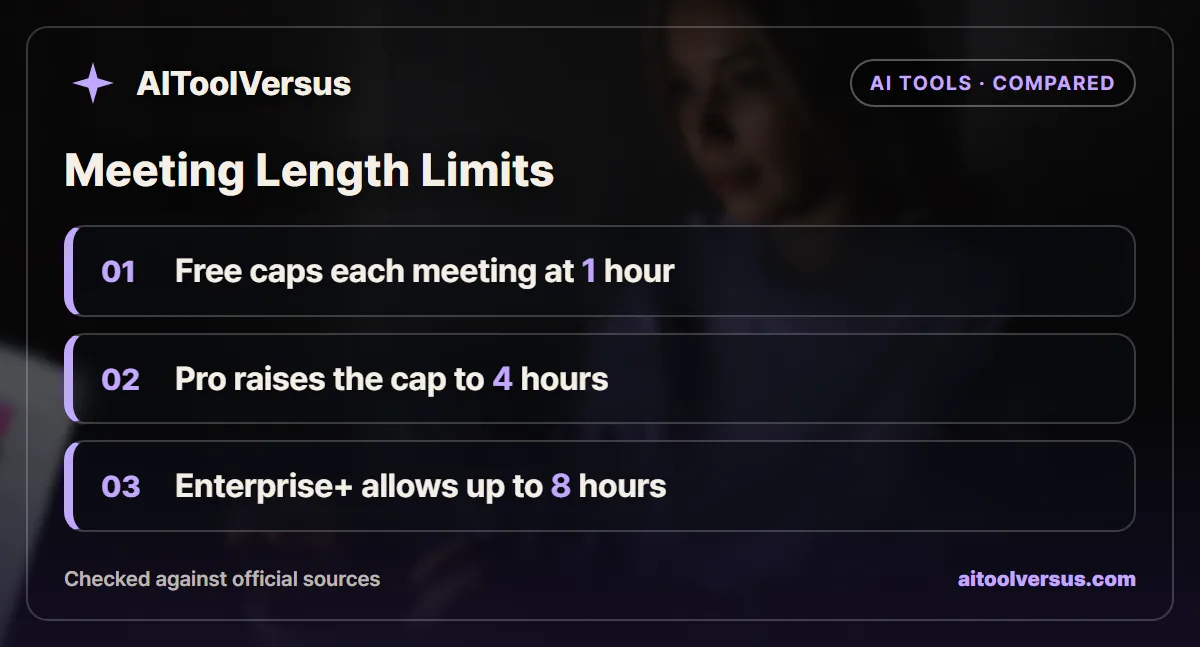
Read AI lists a maximum meeting length of 1 hour on Free. Pro and Enterprise raise it to 4 hours, and Enterprise+ to 8 hours.
That cap catches people who think only about the monthly count. A single 90-minute workshop or quarterly planning session already sits beyond the Free limit, even in a month with two meetings.
Every plan card also notes 30 meetings measured per month. The page does not explain what measurement means, so do not read it as a transcript allowance. The transcript count is the 5 a month on Free and unlimited on paid plans.
Read AI Plans Compared Line by Line
The table uses the Read AI pricing page as of November 2026. Annual prices are per user per month on annual billing.
| Plan | Monthly billing | Annual billing | Transcripts a month | Max meeting length | Uploads a month | Audio and video playback |
|---|---|---|---|---|---|---|
| Free | $0 | $0 | 5 | 1 hour | Not included | No |
| Pro | $19.75 | $15, or $180 a year | Unlimited | 4 hours | 100 minutes | No |
| Enterprise | $29.75 | $22.50 | Unlimited | 4 hours | 200 minutes | Yes |
| Enterprise+ | $39.75 | $29.75 | Unlimited | 8 hours | 300 minutes | Yes |
Enterprise+ requires at least 5 licenses. It is the only tier that lists SAML single sign-on, SCIM, a data retention policy and HIPAA compliance.
What Pro Adds Beyond Unlimited Transcripts
Pro lists priority report processing, so summaries should arrive faster after a call ends. It also unlocks premium integrations with Notion, Salesforce, HubSpot, Jira, Confluence, Zapier and webhooks.
Uploads are the other practical gain. Pro includes 100 file upload credits a month, which the comparison table describes as 100 minutes of audio or video. That covers recordings from in-person interviews or phone calls the assistant never joined.
Paid plans also add the Workspace controls. Admins can set report sharing rules and decide which meetings Read joins, which Free does not offer.
Recordings You Can Replay Start at Enterprise
The pricing table marks full audio and video playback with a dash on Free and Pro. Only Enterprise and Enterprise+ show it as included.
That changes the calculation for anyone who needs to rewatch a call. Pro gives you the transcript and report, but checking tone or a screen share means stepping up to $22.50 per user a month billed annually.
If you mainly need text to search and quote, Pro is enough. If your work depends on replaying exact moments, compare a recorder-first tool before paying the Enterprise rate.
How Read AI Free Stacks Up Against Otter Basic
Otter’s free tier counts minutes rather than meetings. The Otter pricing page lists 300 transcription minutes a month on Basic, with a 30-minute cap per conversation.
| Free plan limit | Read AI Free | Otter Basic |
|---|---|---|
| Monthly allowance | 5 meetings | 300 minutes |
| Longest single meeting | 1 hour | 30 minutes |
| File imports | Not included | 3 lifetime |
| AI questions | Ask Read on every plan | 20 queries a month |
| Paid upgrade list price | $15 annual, $19.75 monthly | $8.33 annual, $16.99 monthly |
The two free tiers suit different calendars. Read AI handles a few long calls better, while Otter covers more short ones. Our Otter Free vs Pro breakdown explains where its minute pool runs out.
A Consultant Month Worked Through
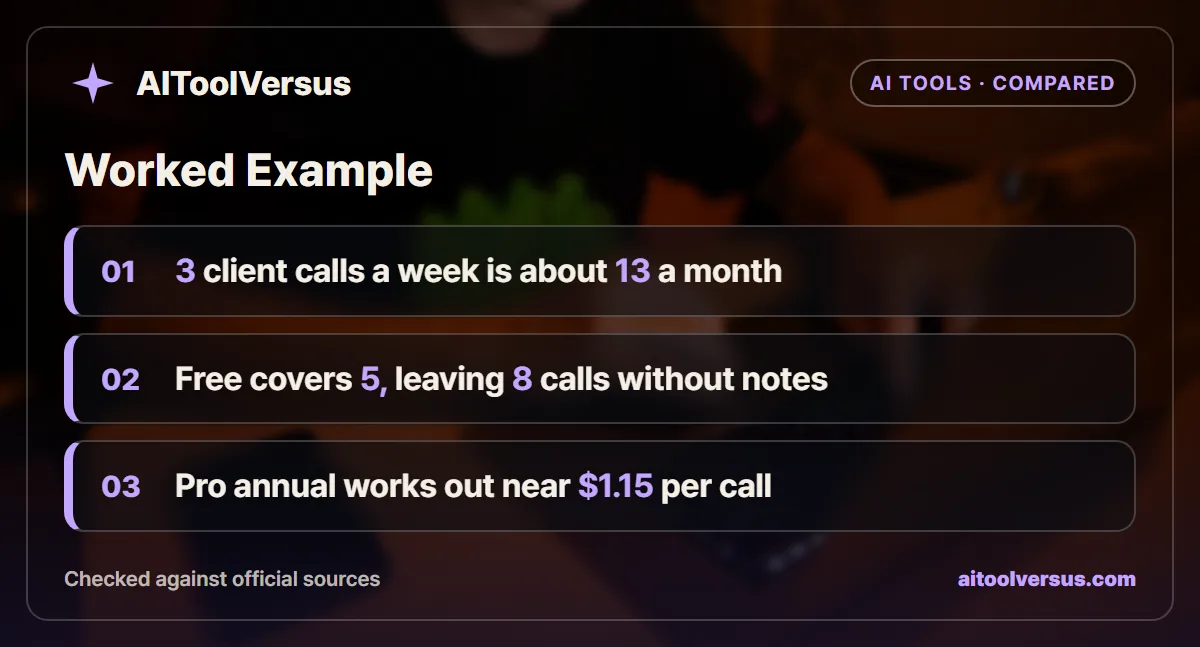
Take a consultant with 3 client calls a week, each about 45 minutes, plus one 90-minute workshop a month. Three calls a week over 52 weeks is 156 calls a year, or 13 a month.
| Step | Calculation | Result |
|---|---|---|
| Client calls per month | 3 x 52 / 12 | 13 calls |
| Covered by Free | 5 transcripts | 8 calls without notes |
| Workshop on Free | 90 minutes against a 1-hour cap | Over the limit |
| Pro on annual billing | $180 / 12 | $15 a month |
| Cost per meeting on Pro | $15 / 14 meetings | About $1.07 |
| Cost per client call only | $15 / 13 calls | About $1.15 |
Free runs out in the second week, and it cannot take the workshop at all. Pro covers every meeting for roughly a dollar each, a small cost next to writing notes by hand. The example shows that length limits can force the upgrade even in a quiet month.
Pricing a Five-Person Team for a Year
Now scale that to a small agency with 5 people who all take client calls. The arithmetic below uses list prices and assumes no discounts.
| Plan for 5 users | Calculation | Yearly cost |
|---|---|---|
| Pro, monthly billing | 5 x $19.75 x 12 | $1,185 |
| Pro, annual billing | 5 x $15 x 12 | $900 |
| Enterprise, annual billing | 5 x $22.50 x 12 | $1,350 |
| Enterprise+, annual billing | 5 x $29.75 x 12 | $1,785 |
Annual Pro saves $285 a year against monthly billing for this team. Moving to Enterprise for playback adds $450 a year over annual Pro. Enterprise+ only makes sense if you need single sign-on, SCIM or HIPAA, since its 5-license minimum fits exactly this team size.
Consent Comes With Every Plan
An assistant that joins calls raises the same question on Free and Pro. Some places require every participant to agree before a meeting is recorded or transcribed.
Read AI’s pricing page does not cover consent rules, so plan for them yourself. Our guide on whether you need consent before an AI notetaker joins explains the main legal patterns and how to announce the assistant.
Summaries also miss things. Read the report against your own memory of the decisions, as covered in why AI meeting summaries miss decisions.
Which Read AI Plan Fits Your Meeting Load
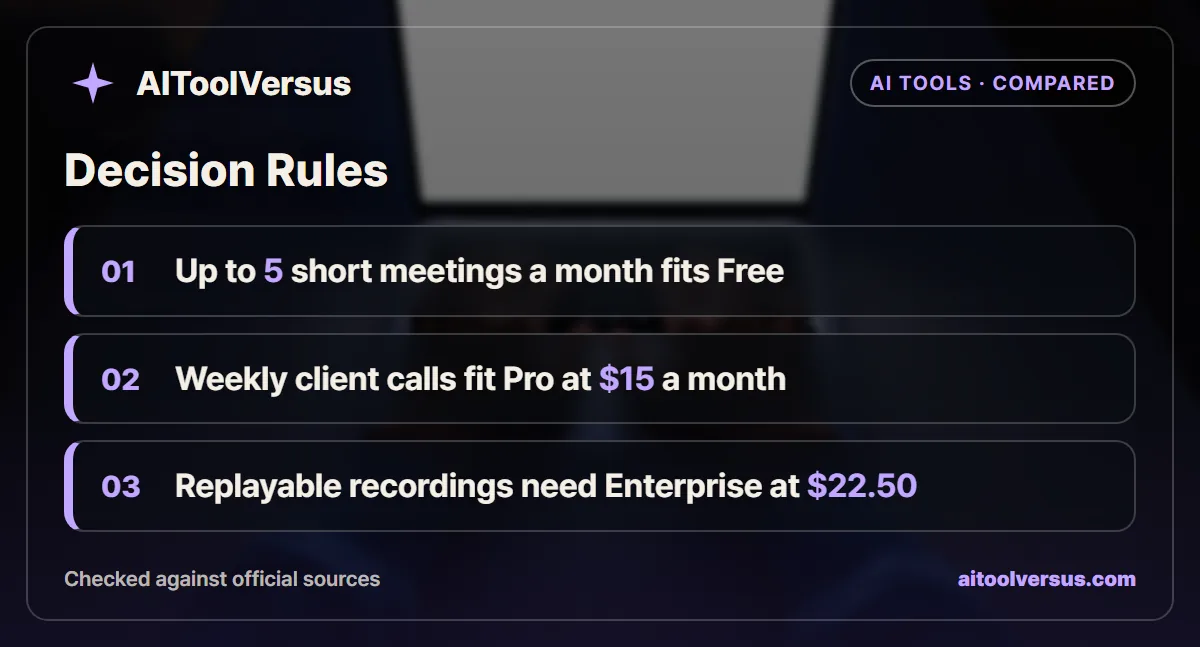
If you have up to 5 meetings a month, all under an hour: Free fits. You keep summaries, search and the meeting coach without paying.
If you take weekly client or team calls: Pro fits. At $15 a month billed annually, it removes the meeting count and covers calls up to 4 hours.
If you need to upload phone or in-person recordings: Pro fits for up to 100 minutes a month. Heavier upload volume points to Enterprise at 200 minutes.
If you must replay audio or video: Enterprise fits. Playback starts there, at $22.50 per user a month on annual billing.
If your company requires single sign-on or HIPAA: Enterprise+ fits. It needs at least 5 licenses at $29.75 each a month billed annually.
Test the Free Plan on Your Longest Meeting
Use your 5 free transcripts on the meetings that matter most, including your longest regular call. If that call runs past an hour, you have your answer before the month ends.
Then count a normal month of calendar invites. More than 5 recorded calls means Pro, and the annual plan saves 25% if the habit lasts a year. For a wider look at the category, see our comparison of the best AI meeting assistants.
Confirm current pricing on the official site before subscribing. The Read AI page shows two different language counts, 20+ on the Free card and 16+ in the table, so check that your language is listed.
FAQ
How many meetings does Read AI Free cover?
The Read AI pricing page lists 5 meeting transcripts, 5 live notes and 5 meeting reports a month on the Free plan, with a maximum meeting length of 1 hour. Pro removes the monthly count and raises the length cap to 4 hours, as of November 2026.
How much does Read AI Pro cost?
Pro costs $19.75 per user a month on monthly billing, or $15 per user a month billed annually, which is $180 a year. The page shows annual pricing as 25% below monthly. Confirm current pricing on the official site before you subscribe.
Can you play back Read AI meeting recordings on Pro?
Not on Free or Pro. The pricing table marks full audio and video playback with a dash on both, and with a check on Enterprise at $22.50 per user a month billed annually and on Enterprise+. Free and Pro still produce transcripts and summaries.
Can you upload a recording to Read AI for a transcript?
Free does not include uploads. Pro lists 100 file upload credits a month, which the comparison table describes as 100 minutes of audio or video uploads. Enterprise lists 200 minutes and Enterprise+ lists 300 minutes a month.
Is Read AI Free better than Otter Basic?
Read AI Free counts meetings, while Otter Basic counts minutes. Otter Basic lists 300 transcription minutes a month with a 30-minute cap per conversation, so Read AI suits fewer, longer calls and Otter suits many short ones.
Sources
- Read AI plans and pricing — checked 2026-11-05
- Otter.ai pricing — checked 2026-11-05
Some links may be affiliate links. We may earn a commission at no extra cost to you.
How this article was made: it was drafted with AI assistance from the official sources listed above, and its figures were checked against those pages on the dates shown. It is not based on personal hands-on testing.
Comments
Post a Comment