Free No Longer Means Weak
For most people, a general chat assistant’s free tier is the best free AI tool to start with. Add a free image generator if you make social posts, and an in-editor coding helper if you write code. Pay only when a free cap blocks work you do every week.
Not long ago, “free AI tool” meant a weak demo with a hard sell attached. That has changed. In 2026, a careful free stack can handle a real day of writing, design, and research.
The catch is that “free” hides a lot of fine print. One plan caps your messages, another adds a watermark on exports, a third quietly trains on your data.
This guide sorts the best free AI tools by category, then shows where each free tier stops. You will also see when a paid upgrade is worth it and when it is not.
The aim is a shortlist you can trust, matched to the work you actually do each week.
Match the Category to the Job
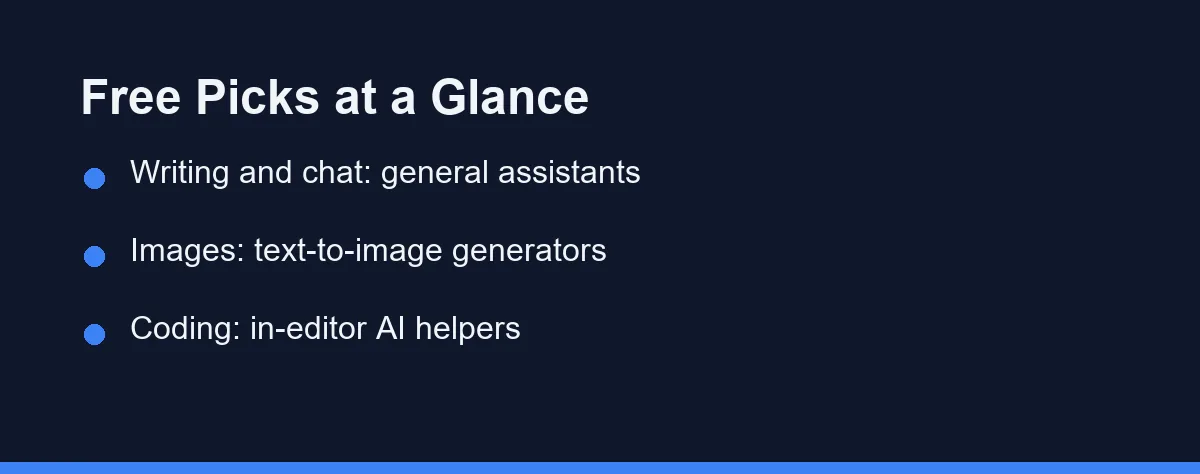
The best free AI tool depends on the job in front of you. There is no single winner for every task.
For everyday questions and writing, a general chat assistant with a free tier is the strongest starting point. These cover the widest range of needs.
For visuals, a free text-to-image generator handles social posts and quick mockups. For code, an in-editor AI helper speeds up small edits without leaving your workflow.
The comparison table further down maps each category to its best use case so you can choose quickly.
What Counts as a “Free” AI Tool
Not every free plan means the same thing. The word “free” hides several different models, and knowing them saves frustration.
A true free tier gives ongoing access with monthly limits on messages, images, or minutes. You can use it forever, just not without caps. Otter’s free Basic plan, for example, allows 300 monthly transcription minutes and caps each conversation at 30 minutes.
A free trial gives full features for a short window, then asks for payment. This suits testing rather than long-term use.
A freemium tool mixes both. Core features stay free while advanced options sit behind a paid upgrade. Always confirm which model applies on the official site before you rely on it.
The Best Free AI Tools by Category
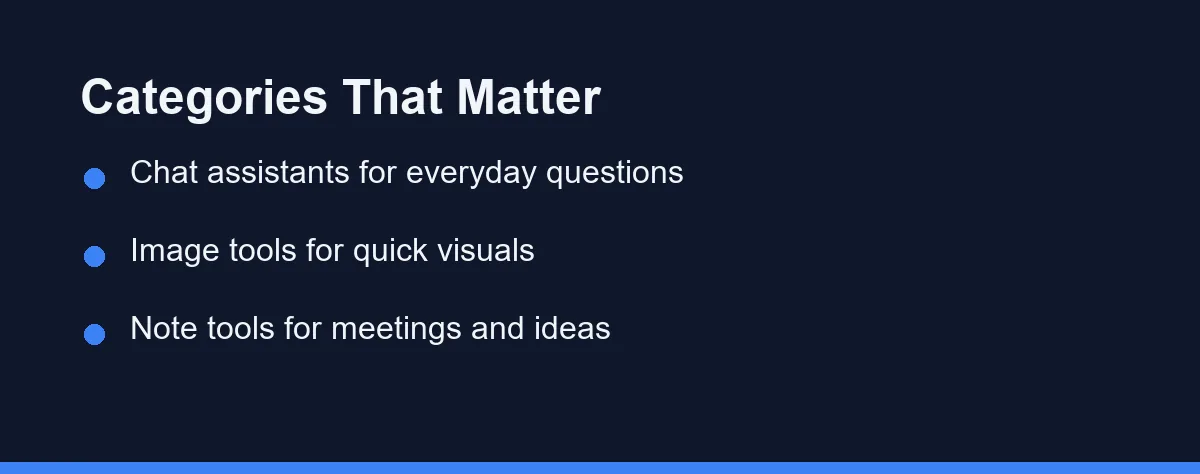
It helps to think in categories rather than chasing one universal app. Each category solves a different problem.
General chat assistants handle questions, drafting, summaries, and brainstorming. They are the most flexible starting point for new users.
Writing helpers focus on tone, grammar, and rewriting. They shine when polishing existing text rather than generating from scratch.
Image generators turn text prompts into pictures. Free tiers are great for thumbnails, social graphics, and rough concept art.
Coding assistants suggest code, explain errors, and speed up edits. Many integrate directly into popular editors at no cost.
Note and meeting tools transcribe audio and summarize discussions. They turn long calls into short, searchable notes.
Free AI Tools Comparison Table
The table below compares the main categories at a glance. It focuses on what each one is best at and where the free tier usually limits you.
| Category | Best For | Typical Free Limit | Watch Out For |
|---|---|---|---|
| General chat assistant | Writing, Q and A, brainstorming | Daily or monthly message caps | Slower model on free tier |
| Writing helper | Grammar, rewriting, tone | Limited rewrites per month | Premium suggestions locked |
| Image generator | Social posts, concept art | Credits or images per day | Watermarks and slow queues |
| Coding assistant | Autocomplete, bug fixes | Reduced requests per cycle | Smaller context on free plan |
| Note and meeting tool | Transcripts, summaries | Limited recording minutes | Storage and export limits |
| Research and search | Sourced answers | Capped searches per day | Citations need verification |
| Design and slides | Social graphics, presentations | Limited templates or exports | Watermarks on some outputs |
| Voice and audio | Transcription, text-to-speech | Monthly minute or character caps | Robotic voices on free tiers |
Use this table as a filter. Pick the row that matches your most frequent task, then explore tools in that category.
How to Choose the Right Free AI Tool
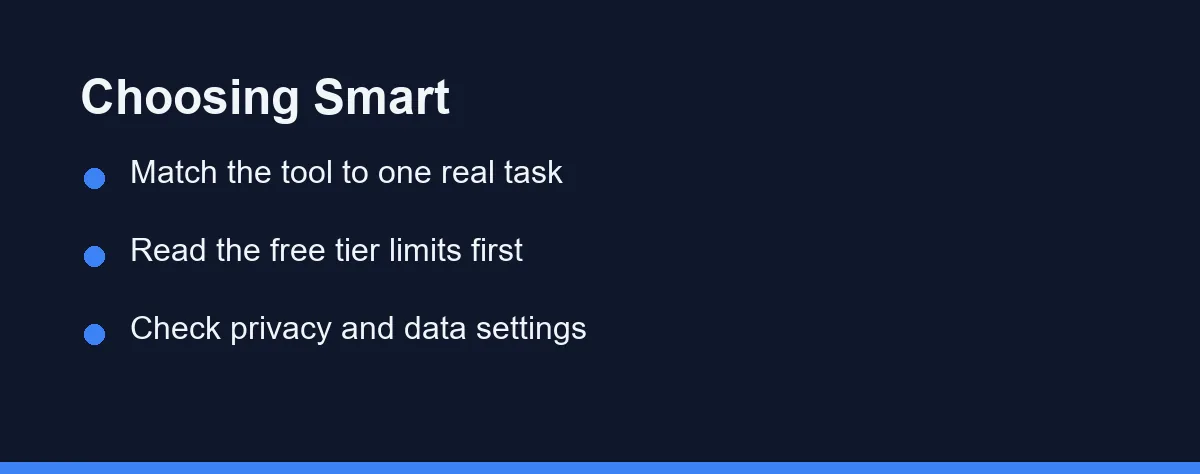
Choosing well comes down to honesty about your needs. Start with the single task you do most often.
If you mostly write emails and documents, prioritize a general assistant or writing helper. Image generation is a bonus, not a need.
Next, read the free tier limits carefully. A generous free plan with slower output may beat a stingy plan with a faster model, depending on your volume.
Finally, check the privacy settings. Many free tools train on your inputs unless you opt out, so review the data controls before sharing anything sensitive.
For team-focused choices, our guide to the best AI meeting assistants compares note and transcription tools in more depth.
Free vs Paid: When to Upgrade
Free tiers cover a lot, but they are not unlimited. Knowing when to pay protects your time.
Upgrade when limits interrupt your daily flow. If you constantly hit message caps or image credits, the lost time outweighs the savings.
Upgrade for sensitive or professional work. Paid plans often add stronger privacy guarantees, priority access, and higher quality output.
Stay free when usage is light or occasional. A casual user rarely needs more than a well-chosen free plan provides. Always confirm current pricing on the official product pages, since plans change often.
The table below shows approximate upgrade pricing for popular tools with strong free tiers. These are rough figures at the time of writing, so confirm current pricing on each official site.
| Tool | Free tier | Individual paid | Team / business |
|---|---|---|---|
| ChatGPT | Yes, capable | Plus around $20/mo | Team and Enterprise per seat |
| Google Gemini | Yes, in Google apps | Advanced around $20/mo | Workspace business plans |
| Canva | Yes, generous | Pro around $13-15/mo | Teams per seat |
| Grammarly | Yes, basic checks | Premium roughly $12-30/mo | Business per seat |
| Perplexity | Yes, with limits | Pro around $20/mo | Enterprise plans |
Tips for Getting the Most From Free AI Tools
A few habits stretch free tiers further. They also improve the quality of what you get back.
Write clear, specific prompts. Name the format, length, and tone you want instead of leaving the tool to guess.
Batch your work. If you have a daily message limit, group related questions into fewer, richer prompts.
Combine tools by strength. Use one assistant for writing and another for images rather than forcing a single app to do everything.
Keep a backup option ready. Free services sometimes face queues or outages, so a second free tool keeps you moving.
Simple Errors That Cause Most Disappointment
A few simple errors cause most disappointment with free AI tools. Avoiding them improves results immediately.
Do not paste confidential data into a free tool without checking its privacy policy. Assume inputs may be reviewed unless stated otherwise.
Do not judge a whole category by one weak free tier. Limits vary widely, so try two or three before deciding.
Do not ignore the official site. Features, limits, and pricing shift frequently, and third-party summaries go stale fast.
For a focused head-to-head on two popular options, see Notion AI vs ChatGPT for writing and productivity workflows.
Privacy on Free AI Plans
Free tools often trade a little privacy for the zero price. Knowing the trade-off keeps you safe.
Many free plans use your inputs to help train future models unless you opt out. That is fine for a blog outline, but risky for client data or personal details.
Before you paste anything sensitive, open the settings and look for a data or training toggle. Turn off model training where the option exists.
As a rule, treat a free AI tool like a public notebook. Keep confidential work in tools with clear privacy guarantees, and confirm each policy on the official site.
How to Build Your Free AI Stack
You do not need every category at once. Add tools in the order your work demands them.
Start with a general chat assistant, since it covers the widest range of daily tasks. That single choice handles writing, questions, and quick summaries.
Add a second tool only when a real gap appears. A designer might add Canva, a researcher might add Perplexity, a coder might add an in-editor helper.
Keep the stack small enough to actually learn. Three tools you use well beat ten you barely open, and every one of them can stay free.
Which Free Tool Fits Each Task
Best free tool for everyday writing: A general chat assistant like ChatGPT or Gemini. The free tier drafts emails, outlines, and summaries with ease. It is the most flexible single choice for most people.
Best free tool for design and social posts: Canva’s free plan is hard to beat. It pairs templates with AI features like background removal. You can produce clean graphics without any design training.
Best free tool for grammar and editing: Grammarly’s free browser tool. It catches clarity and grammar issues as you type across most sites. Keep it as the final pass before you send or publish.
Best free tool for research: Perplexity’s free tier blends search with cited answers. That makes it faster than a plain search for sourced facts. Always verify the citations against the original source.
Best free tool for coding: An in-editor assistant with a free plan speeds up small edits. It suggests code and explains errors without leaving your editor. Confirm the current free limits on the official site.
A Useful Toolkit Without Paying
Here is the honest takeaway. You can assemble a genuinely useful AI toolkit in 2026 without paying a cent, as long as you choose by task instead of hype.
Pick one category that matches your most common need, then try two options inside it. Read the free tier limits, check the privacy settings, and keep the one that fits.
Add a second free tool only when a real gap appears, not before. A lean stack you actually understand beats a crowded one you never learn.
Finally, revisit the setup every few months. Free tiers and features shift constantly, so a quick seasonal review keeps your no-cost toolkit sharp.
Two categories deserve a closer look before you rely on a free tier for them. AI translation versus a human translator marks the point where the stakes outgrow a machine draft, and an AI voice generator versus a voice changer clears up two tools people routinely confuse when shopping.
FAQ
Are free AI tools actually good enough for daily work?
Yes. Many top AI tools offer free tiers that cover writing, image generation, coding help, and note-taking, though they add usage limits compared to paid plans.
What is the catch with free AI tools?
Free tiers usually cap how many messages, images, or minutes you get each month and may use slower models. Check each official site for current limits.
Do free AI tools use my data for training?
Often yes. Free plans frequently use your inputs to improve models unless you opt out, so avoid sensitive data and review each tool's privacy settings.
What is a good free AI tool stack for most people?
A useful free stack often includes a chat assistant like ChatGPT or Gemini, a design tool like Canva, and a grammar helper like Grammarly. Add a coding assistant or a notetaker if your work needs one. Match each pick to a real task, not to hype.
What are the common limits on free AI plans?
Watch for watermarks, low resolution, tight message or minute caps, and slower models. Some free plans also limit exports or storage. Read the free tier details on the official site before you rely on one tool.
Sources
- Otter.ai: Pricing — checked 2026-09-27
Some links may be affiliate links. We may earn a commission at no extra cost to you.
This article was written with AI assistance. It is researched and fact-checked, not based on personal hands-on testing unless explicitly stated.
Comments
Post a Comment