Opposite Directions on the Same Day
Notion AI or ChatGPT is one of the most common productivity questions of 2026. Both are capable assistants, yet they attack your workday from opposite directions. That difference, not raw power, is what should decide your pick.
Notion AI lives inside your workspace, an arm’s reach from your notes, tasks, and project boards. ChatGPT is an open chat tool that answers almost anything you type, wherever you type it. One keeps help close to your content; the other goes wide.
This guide explains how each tool works and compares them feature by feature. It adds direct picks by scenario and a pricing overview. By the end, you will know which one matches your daily habits.
Inside Your Workspace or Wide Open
Pick Notion AI if most of your work already happens inside Notion documents, wikis, and project boards.
Pick ChatGPT if you want a flexible assistant for brainstorming, drafting, research, and tasks that span many apps.
Many people use both. They brainstorm in ChatGPT, then refine the result in Notion AI next to their notes. The comparison table below shows exactly where each one shines.
What Is Notion AI?
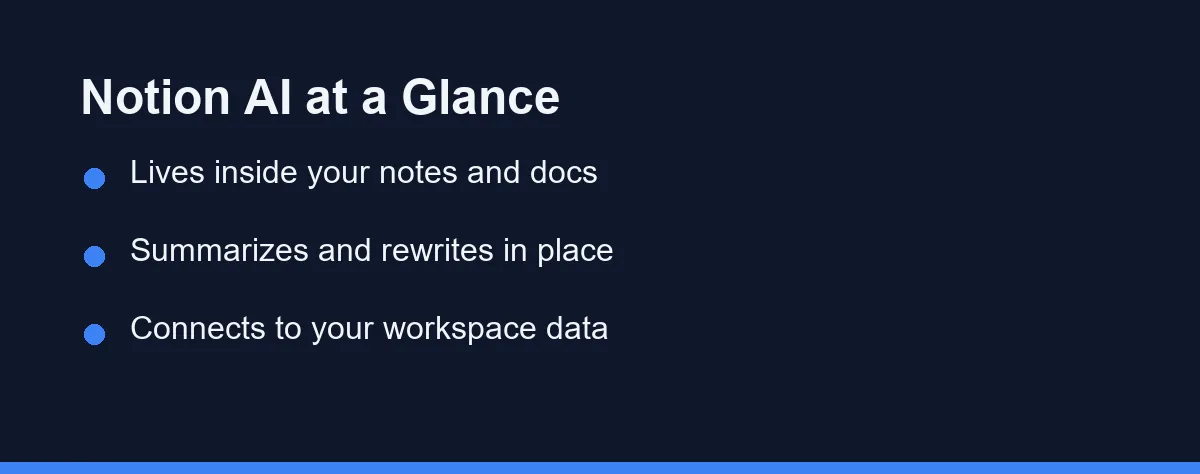
Notion AI is an assistant built directly into the Notion workspace app. It appears inside your pages, so you can use it without leaving your document.
You can ask it to summarize a long note, rewrite a paragraph, or draft a section from a short prompt. Because it sits next to your content, it pulls context from the page you are working on.
It also helps with workspace tasks like creating action items, generating tables, and turning messy notes into clean structure. For teams, that means meeting notes and project docs stay organized in one place.
The main appeal is location. Your ideas, tasks, and AI help all live in the same window.
What Is ChatGPT?

ChatGPT is a general-purpose conversational assistant from OpenAI. You type a request, and it responds in natural language across a huge range of topics.
It is strong at open-ended work such as brainstorming, drafting emails, explaining concepts, and outlining plans. You can also upload files, use custom instructions, and build tailored assistants for repeat tasks.
Unlike a workspace tool, ChatGPT is not tied to one document or project structure. You bring the context, and it adapts to whatever you describe.
That flexibility makes it a good fit when your work crosses many apps or needs creative, free-form thinking.
Context Source and Form Factor
The table below summarizes the practical differences for everyday productivity.
| Feature | Notion AI | ChatGPT |
|---|---|---|
| Form factor | Built into Notion workspace | Standalone chat app and web |
| Best at | Summarizing and editing your docs | Open-ended drafting and ideas |
| Context source | Your Notion pages and notes | What you type or upload |
| Learning curve | Easy if you already use Notion | Easy for anyone who can chat |
| Workspace tasks | Tables, action items, wikis | General writing and reasoning |
| File handling | Works within Notion content | Upload files and documents |
| Brainstorming range | Focused on your content | Very broad and open-ended |
| Custom assistants | Limited | Custom GPTs and instructions |
| Team collaboration | Strong within Notion | Via shared workspace features |
| Best workflow fit | Notes, projects, team docs | Cross-app, flexible tasks |
How They Handle Common Productivity Tasks
For summarizing existing notes, Notion AI has a natural edge. It reads the page you are on and condenses it without copy-pasting.
For open brainstorming, ChatGPT often feels more flexible. You can explore many directions in one conversation and refine ideas quickly.
Writing sits in the middle. ChatGPT is great for a first draft from scratch, while Notion AI shines when you polish text that already lives in a doc.
Planning and organization lean toward Notion AI. It can turn a rough list into a structured table or task board inside your workspace.
What Each Tool Trades Away
Every tool involves trade-offs. Here is a balanced view for productivity work.
Notion AI strengths
- Works right inside your notes, docs, and projects.
- Keeps context, structure, and AI help in one place.
- Helps teams organize wikis, tasks, and meeting notes.
Notion AI trade-offs
- Most useful only if you already work in Notion.
- Less suited to free-form tasks outside your workspace.
ChatGPT strengths
- Flexible for almost any writing or thinking task.
- Strong at brainstorming, drafting, and explaining.
- Supports file uploads, custom instructions, and tailored assistants.
ChatGPT trade-offs
- It does not live inside your documents by default.
- You must bring or paste context for it to use.
Workspace Add On Versus Chat Subscription
Both tools offer free options with limits, plus paid plans that unlock more usage and features. Pricing can change often, so always confirm the current numbers on the official pages.
Notion AI is included in the Business and Enterprise plans. Free and Plus users get a limited number of complimentary AI responses to try it. Custom Agents on the higher plans run on Notion credits, priced at $10 per 1,000 credits as of September 2026. Review the latest details on the Notion website before you commit.
ChatGPT has a free tier alongside paid subscriptions with higher limits and extra capabilities. Check the OpenAI ChatGPT page for current plan details.
As a rule, match the plan to how often you use AI. Heavy daily users get more value from paid tiers, while occasional users can often start free.
The table below shows the general shape of each model. Values are approximate and reflect broad positioning at the time of writing. Confirm current pricing on the official sites before you subscribe.
| Tool | Free Tier | Paid Model (approx.) | What Paying Unlocks |
|---|---|---|---|
| Notion AI | Limited AI usage | Business or Enterprise seat | Full AI across your workspace |
| ChatGPT | Yes, capable | Monthly subscription | Faster, more advanced models |
Who Should Stay Inside Notion
Best for working inside your notes: Notion AI. It summarizes, rewrites, and structures content right on the page you are editing. Choose it when your documents, tasks, and wikis already live in Notion.
Best for open brainstorming: ChatGPT. It explores many directions in one conversation and adapts to each follow-up. Reach for it when you want to think out loud and shape ideas fast.
Best for organizing messy notes: Notion AI. It turns a rough list into a clean table or task board inside your workspace. Pick it when structure and project tidiness are the real problem.
Best for cross-app and flexible tasks: ChatGPT. It handles work that spans many tools, plus file uploads and custom assistants. It suits people whose tasks do not fit inside one document.
Best overall setup: use both together. Brainstorm and draft in ChatGPT, then refine and organize the result in Notion AI next to your tasks. This pairing covers wide-open thinking and tidy, in-context work at once.
Tips to Get the Best Results
A few habits help with either tool. Clear input usually leads to better output.
Be specific. Instead of “make this better,” name the tone, length, and goal you want.
Give context. With ChatGPT, paste the relevant details. With Notion AI, work on the page that already holds them.
Edit in steps. Ask for one change, review it, then continue. This keeps results predictable and easy to control.
Save your best prompts. Reusing a prompt that worked well saves time on repeat tasks.
Which Should You Choose?
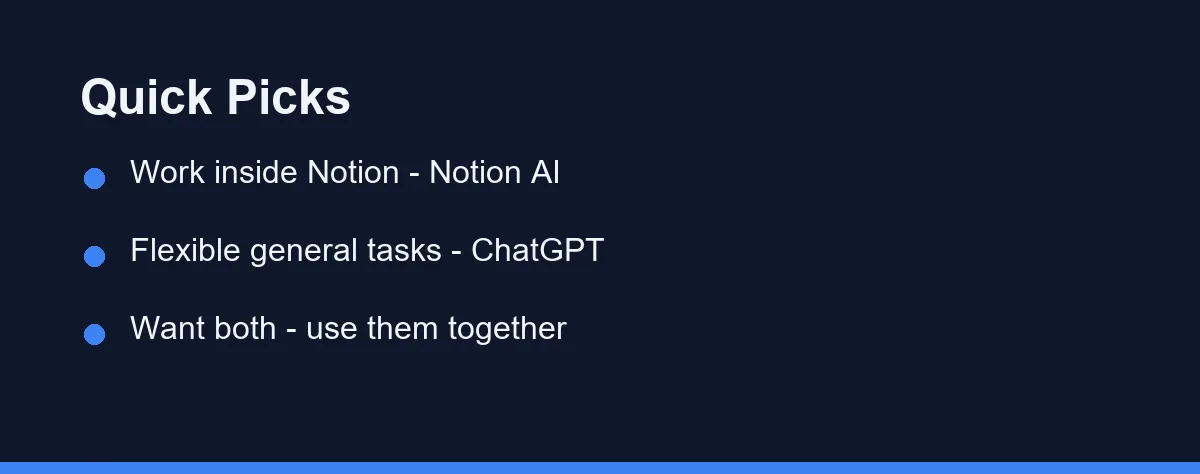
If your notes, projects, and team docs already live in Notion, Notion AI is the comfortable choice. It keeps help close to your content.
If you want a flexible assistant for many kinds of tasks across different apps, ChatGPT is more versatile. It adapts to whatever you bring.
If you also create content beyond text, explore our guide to the best AI writing tools. And if video is part of your workflow, see the best AI video generators for related options.
Using Both in One Workflow
You do not have to pick only one tool. A common setup pairs them by strength.
You start in ChatGPT to brainstorm ideas, draft a rough version, or explore options quickly. The open chat format keeps early thinking fast and flexible.
Then you move the result into Notion, where Notion AI helps you refine, summarize, and organize it next to your tasks. The content now lives where your projects already are.
This split plays to each tool’s design. ChatGPT reaches wide for ideas, while Notion AI keeps everything tidy in your workspace. For many people, that combination covers both creative work and daily organization without forcing one compromise.
Let Your Workflow Make the Call
Notion AI and ChatGPT solve productivity from two directions. Notion AI brings the assistant into your workspace, while ChatGPT brings a flexible assistant to any task you describe. Neither is simply better; they answer different questions.
For most people, the smartest move is a one-week trial of each, then keeping the one that fits your habits. If your work already lives in Notion, that choice often makes itself. If your tasks jump between apps, the open chat tool tends to win.
They also work well as a pair, with ChatGPT for ideas and Notion AI for organized, in-context refinement. You do not have to crown a single winner. Let your daily workflow, not the debate, make the call.
FAQ
Is Notion AI better than ChatGPT for productivity?
Notion AI works best for people who keep notes, docs, and projects inside Notion, since it writes and summarizes right where your content already lives.
Can I use Notion AI and ChatGPT together?
Yes. Many people draft and brainstorm in ChatGPT, then paste the result into Notion AI to refine it next to their notes and tasks.
Do Notion AI and ChatGPT have free versions?
Both have free options with limits, plus paid tiers. Always confirm current plans and prices on the official Notion and OpenAI sites before you subscribe.
Which is better for summarizing versus brainstorming?
For summarizing and editing notes that already live in Notion, Notion AI has the edge because it reads the page directly. For open brainstorming across topics, ChatGPT is usually more flexible. Match the tool to the task rather than picking one for everything.
Is Notion AI or ChatGPT better for team collaboration?
Notion AI is designed for teams, since it keeps AI help beside shared notes, wikis, and project boards. ChatGPT supports teams too, but its strength is individual, flexible tasks. Choose based on where your team already collaborates.
Sources
- Notion Help: Notion AI FAQs — checked 2026-09-27
- Notion Help: Notion credits and pricing for Custom Agents — checked 2026-09-27
Some links may be affiliate links. We may earn a commission at no extra cost to you.
This article was written with AI assistance. It is researched and fact-checked, not based on personal hands-on testing unless explicitly stated.
Comments
Post a Comment