Three Thousand Frames And One Afternoon
Automate culling, noise repair, background removal, and keywording, and keep color, retouching, and story selection manual. If you shoot weddings or events, pick a culling tool first, because volume is the bottleneck. Product photographers get the most from automated background removal, while photojournalists should avoid any tool that alters content.
A single wedding can produce three thousand frames. A product shoot produces fewer, but each one needs the same background cleaned the same way, forty times over.
Neither task requires taste. Both consume the hours that a photographer would rather spend shooting or talking to clients.
That gap is where AI belongs in a photography workflow. Not in deciding which frame tells the story, but in clearing away the mechanical work that surrounds that decision.
The useful question is not whether to use these tools. It is which parts of the job survive automation without damaging the work you deliver.
The Fast Verdict On A Photo Workflow
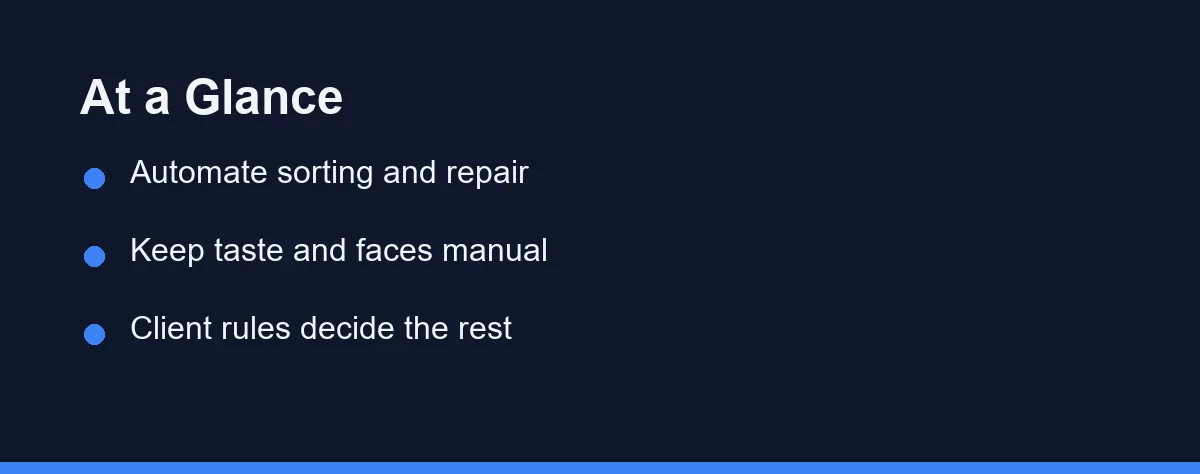
Automate the sorting, the repair, and the labelling. Culling duplicates, reducing noise, upscaling old files, removing backgrounds, and keywording an archive are all mechanical jobs with checkable output.
Keep the taste manual. Final color, skin retouching, crop decisions, and anything a client would call a judgment call still belong to you.
Treat generative editing as a client and context question rather than a technical one. The tools can add or remove objects convincingly, and whether you may is decided by the brief, not the software.
Where The Hours Actually Go
Most photographers overestimate how much of their week is spent editing and underestimate the surrounding work. Sorting, exporting, naming, backing up, and answering emails fill more of the calendar than the sliders do.
That matters when choosing tools. A plugin that speeds up color grading by ten percent changes little. Software that removes an entire afternoon of culling changes a whole delivery schedule.
Start by writing down one recent project hour by hour. The largest block is usually repetitive, and repetitive work is exactly what current tools handle well.
The second largest block is often communication. That work resists automation for good reasons, since clients notice a generic reply immediately.
The Four Jobs Worth Handing Over
Culling. Tools such as Aftershoot and Narrative Select scan a shoot for blinks, missed focus, and near-duplicate frames, then present a ranked shortlist. The technical checks are consistent, and you keep the final say.
Noise and resolution repair. Adobe’s Denoise feature in Lightroom and dedicated software such as Topaz Photo AI reconstruct detail in high-ISO or older files. This rescues images that were previously unusable rather than merely improving good ones.
Background removal and object cleanup. Product and e-commerce work involves the same isolation task repeated across a catalogue. Automated masking handles the first pass, and you fix the edges around hair and transparent objects.
Keywording and archive search. Automatic subject tagging turns a decade of unsearchable folders into something you can query. The labels are generic, but generic labels beat no labels when a client asks for a specific image from an old shoot.
The Work That Should Stay In Your Hands
Faces are the clearest line. Automated skin smoothing tends toward a uniform look, and clients recognize when they have been rendered rather than photographed. Manual retouching remains slower and more defensible.
Color is the second. A grade is a signature, and profiles trained on your history approximate it well on familiar lighting and drift on unfamiliar lighting. Reviewing every image is not optional.
Story selection is the third. Software ranks sharpness and open eyes, and it cannot see the moment when a father looks away to compose himself. That frame is often the one the family prints.
Client communication is the fourth. Photography sells on trust, and a form letter written by a chatbot reads exactly like one. Our guide to AI tools for freelancers covers where automated writing helps a solo business and where it costs you.
The Tools Photographers Actually Compare
The table groups the tools by the job they replace rather than by brand, since most photographers end up running two or three alongside their main editor. Confirm current pricing on the official site, as licensing models in this category change often. Details here reflect what the makers publish at the time of writing.
| Tool | Job it replaces | Where it fits the workflow | Main limitation |
|---|---|---|---|
| Aftershoot | Culling large shoots | Before import, on wedding and event volume | Judges technical quality, not expression |
| Narrative Select | Culling and first review | Between capture and edit, with close-up face checks | Focused on selection only |
| Imagen AI | First-pass editing in your style | After culling, before manual refinement | Style match depends on a consistent back catalogue |
| Adobe Lightroom (Denoise, AI masks) | Noise repair and selective masking | Inside an existing Adobe workflow | Processing is demanding on older machines |
| Topaz Photo AI | Noise, sharpening, and upscaling | Rescue work on old or high-ISO files | Aggressive settings create an artificial look |
| Adobe Photoshop (Generative Fill) | Object removal and extension | Final retouching, commercial work | Client and contest rules often prohibit it |
| Skylum Luminar Neo | Guided edits and sky replacement | Landscape and lifestyle work | Heavier stylistic fingerprint than manual grading |
Two patterns matter more than the individual rows. Culling tools sit before your editor and save the most raw hours. Repair tools sit inside it and save specific images rather than whole afternoons.
Who Should Automate What
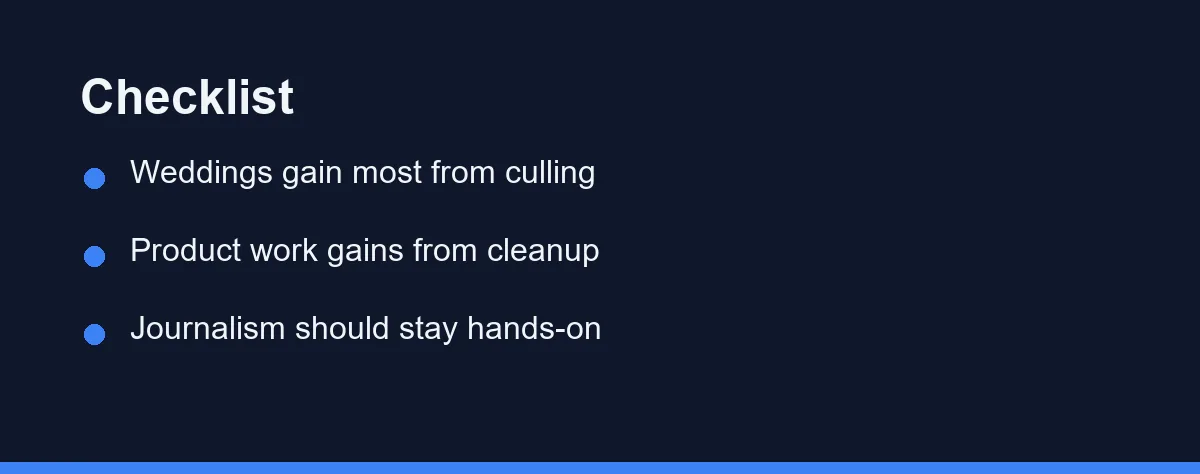
Wedding and event photographers: Automate culling first. Volume is the defining problem, and cutting three thousand frames to four hundred is where the day disappears.
Product and e-commerce photographers: Automate background removal and batch cleanup. The task repeats identically across a catalogue, which is the ideal case for a machine.
Portrait photographers: Automate noise repair and keywording, and keep skin work manual. Clients are paying for the way you see them, and over-processed faces are the fastest way to lose repeat bookings.
Photojournalists and documentary shooters: Automate nothing that alters content. Keywording and culling are fine, while generative fill and object removal can end a career under most editorial standards.
Real estate photographers: Automate perspective correction, sky replacement where local rules allow it, and batch export. Confirm disclosure requirements with your client, since property listings carry legal expectations.
Hobbyists and part-time shooters: Automate the parts you dislike. There is no client to satisfy, so the calculation is simply whether the tool keeps photography enjoyable.
A Realistic First Week
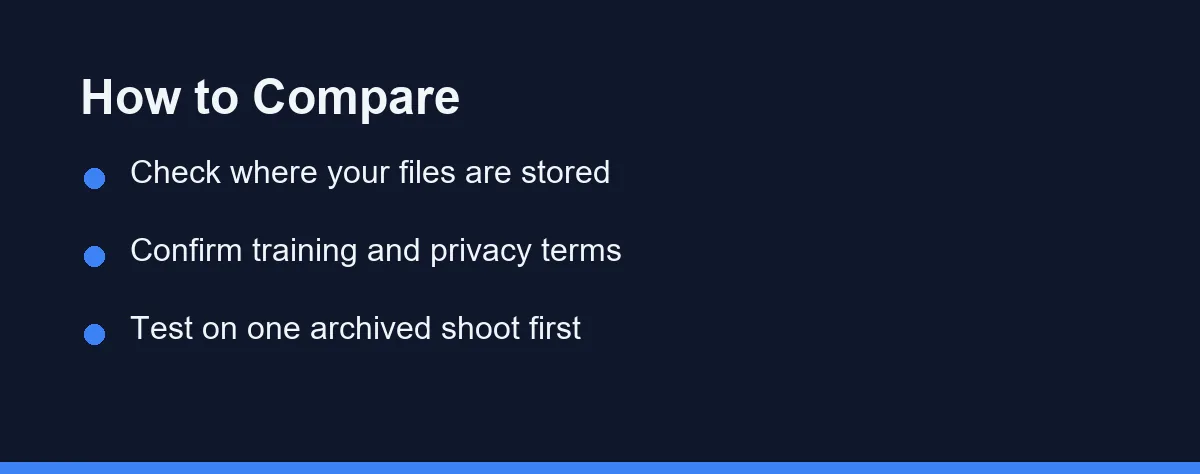
Test on an archived shoot rather than a live client job. You already know how that gallery should look, which turns the trial into a comparison instead of a gamble.
Run the culling tool first and keep your own selection alongside it. Count how many of your keepers the software also flagged, and more importantly, count the ones it missed.
Then check the misses individually. If they are technically imperfect frames you chose for expression, the tool is behaving correctly and you have learned exactly where its judgment ends.
Only after that should you try automated editing. Apply it to twenty images, correct them by hand, and note how long the correcting took against editing from scratch.
What Changes On A Delivery Deadline
Speed matters most when a client is waiting, and that is also when automated output gets the least scrutiny. Build the review step into the deadline rather than treating it as optional.
A practical rule is to review at full screen rather than in a grid. Artefacts from noise reduction and generative fill hide well in thumbnails and appear immediately at print size.
Keep the untouched originals for every delivered gallery. If a client questions an edit months later, the original file settles the conversation quickly.
Version your exports too. A folder structure that separates automated first passes from final selects prevents the wrong batch from reaching a client at two in the morning.
Pricing: What To Expect
Most tools in this category use a subscription, and a photography workflow tends to accumulate several. Editing software, a culling tool, and a repair tool together can rival the cost of a lens over a couple of years. For a sense of scale, Topaz Labs lists its Topaz Photo Personal plan at $39 a month as of September 2026.
Some vendors sell perpetual licenses with paid major upgrades, which suits photographers who shoot seasonally. Others charge per image or per shoot, which suits low volume better than a monthly plan.
Watch for credit systems on generative features, since they are billed separately from the base subscription in several products. Confirm current pricing on the official site before building a workflow around any of them.
The honest test is time saved against money spent. A culling tool that removes four hours from every wedding pays for itself quickly. A stylistic plugin that saves ten minutes does not.
Questions To Settle Before You Upload A Client Gallery
Ask where the files go. Cloud-based culling and editing services upload full-resolution images to a server, and client contracts sometimes restrict that.
Ask whether your images train the vendor’s models, and whether you can opt out. Policies differ sharply between companies, and the setting is often buried rather than advertised. Our Canva AI vs Adobe Firefly comparison covers how two major vendors describe their training and licensing terms.
Ask what happens to your archive if you stop paying. Catalogues, tags, and style profiles are worth more after three years than they are on day one.
Ask what you will tell a client who asks. A clear answer about which tools touched their images is a professional asset, and improvising one under pressure is not.
Where This Leaves A Working Photographer
The tools have moved past novelty in exactly two places: sorting large volumes of frames, and repairing files that were previously beyond saving. Both are worth adopting this year.
Everything closer to the final look remains a judgment problem, and judgment is what clients are actually paying for. Automating it saves time in the short term and erodes the reason someone hired you.
Pick one repetitive task from your last project and test a tool on an archived shoot rather than a live one. If it survives that comparison, keep it, and leave the rest of the workflow alone. For editing software specifically, our best AI photo editors roundup compares the main options in more detail.
FAQ
What should photographers automate first with AI?
Culling is the safest place to start. Software that groups near-identical frames and flags closed eyes or missed focus removes hours of mechanical sorting without touching the look of the final images. You still choose the keepers, so the risk of an automated mistake reaching the client stays low.
Are AI culling tools accurate enough to trust?
AI culling tools rank and filter frames rather than deciding for you. They are reliable at technical checks such as focus, blinks, and duplicates, and unreliable at judging expression or story. Most photographers use them to cut a shoot down to a shortlist, then make the final selection by eye.
Can AI editing match my personal editing style?
Editing profiles trained on your own past edits can match your style closely on similar shoots, and drift on unfamiliar lighting. They work best as a first pass that gets a gallery to eighty percent, with your own corrections on top. Treat the output as a starting point, not a finished delivery.
Is it acceptable to use generative fill on client photos?
Rules vary by client, contest, and publication, and they are changing quickly. Documentary, journalism, and most photo contests prohibit generative additions or removals, while commercial and portrait work is usually more permissive. Ask before delivering images containing generated content, and keep the original files.
Do AI keywording tools help with a photo archive?
Yes, and it is one of the quieter wins. Automatic keywording and subject tagging make a large archive searchable, which saves real time when a client asks for an image from three years ago. Review the tags on important work, since AI labels are generic and sometimes wrong.
Sources
- Topaz Labs: Pricing — checked 2026-09-27
Some links may be affiliate links. We may earn a commission at no extra cost to you.
This article was written with AI assistance. It is researched and fact-checked, not based on personal hands-on testing unless explicitly stated.
Comments
Post a Comment