Two Tools, Two Different Halves of the Problem
The short answer: pick Adobe Podcast when a recording is damaged and only the voice needs rescuing. Pick Descript when the audio is fine but a 60 minute recording has to become 25 minutes of finished episode. They overlap in one feature and diverge everywhere else.
That distinction gets lost because both get described as AI audio cleanup. The phrase covers two jobs that have almost nothing in common.
One job is repair. A voice was captured in a bad room, on a bad microphone, or too far from the source, and something has to reconstruct it.
The other job is editing. The audio is acceptable, but there are 40 filler words, three false starts, and a 2 minute tangent that needs to go. This guide separates those jobs, then puts the two tools against each.
What Cleaning Up Actually Means
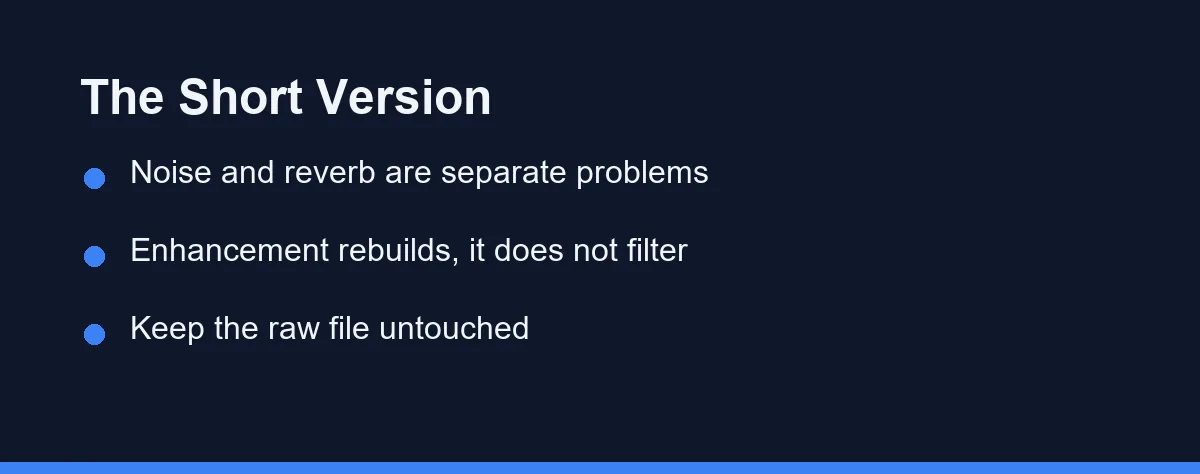
Most people describe a bad recording with one word: noisy. In practice at least four separate faults hide behind that word, and each responds to different processing.
Broadband noise is the steady hiss or hum from air conditioning, a laptop fan, or a cheap preamp. It sits underneath everything and is the easiest fault to reduce, because it barely changes over time.
Reverb is the room bouncing your voice back at the microphone. It is far harder to remove than noise, since the reflections are made of your own voice arriving late.
Level problems are the third fault, where one speaker sits far quieter than another or the volume drifts as someone leans in and out. The fourth is content: the ums, the repeated sentence, the dead air. That last one is an editing problem, and no enhancement model will fix it.
Where Each Tool Puts Its Effort
Adobe Podcast built its reputation on one feature. Its speech enhancement takes a rough recording and returns something closer to a studio capture, and the improvement on reverb-heavy audio is the part people notice first.
The model does not filter the original signal in the way a noise gate does. It analyses the speech and regenerates it, which is why the output can sound cleaner than any traditional plugin chain would manage. It is also why the output can sound synthetic when the source is very poor.
Descript approaches the same recording as a document. It transcribes the audio, shows you the text, and deletes the corresponding audio when you delete a word.
That single design choice changes the whole workflow. Removing every “um” becomes a filter and a click rather than fifty manual cuts, and reordering a rambling answer becomes a matter of moving paragraphs. Its Studio Sound feature covers the repair side, so there is genuine overlap, but the centre of gravity is the edit.
Side by Side on the Jobs That Matter
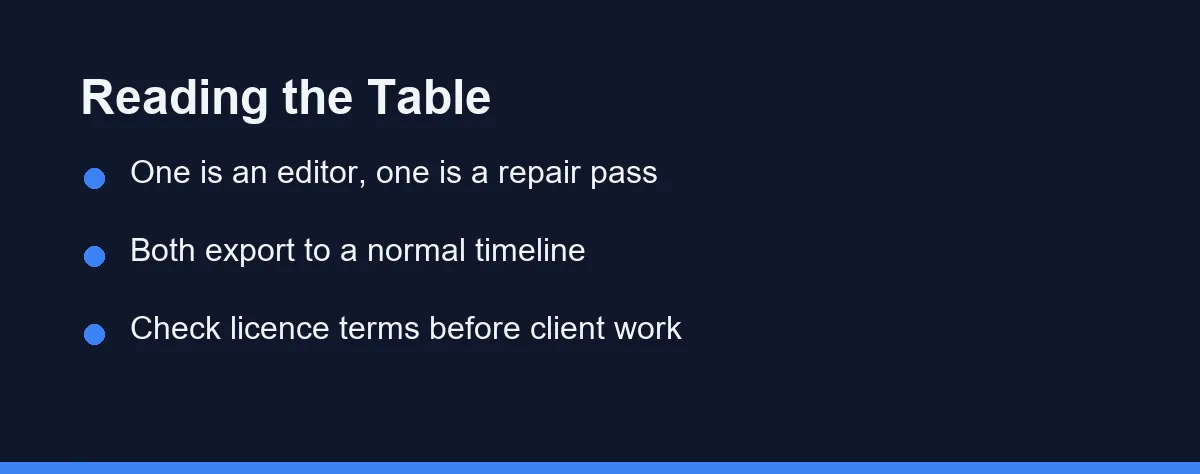
The table compares the two on the tasks that actually take time in a podcast or video workflow. Feature sets in this category change often, so confirm current details on each vendor’s own site before committing.
| Job | Descript | Adobe Podcast | Which usually wins |
|---|---|---|---|
| Removing hiss and room hum | Studio Sound handles it in one pass | Speech enhancement handles it in one pass | Roughly even on mild noise |
| Fixing a badly echoing room | Improves it, sometimes partially | Its strongest single result | Adobe Podcast |
| Cutting filler words and pauses | Automatic detection plus text editing | Not the tool’s purpose | Descript |
| Rewriting the running order | Move text blocks, audio follows | Manual work elsewhere | Descript |
| Multi-speaker level balancing | Built into the editing timeline | Applied as part of enhancement | Descript for control |
| Producing a video version | Screen recording and video timeline included | Audio focused | Descript |
| Speed on a single damaged file | Slower, project-based | Upload, process, download | Adobe Podcast |
| Cost at the free tier | Limited transcription hours | Generous for occasional repair | Adobe Podcast |
Read the table as two clusters rather than a scoreboard. Everything about reconstructing a broken file points one way, and everything about shaping a finished episode points the other.
The practical consequence is that plenty of creators use both. A rescue pass on the raw file, then the edit in a full editor, is a normal chain rather than an admission of failure.
The Enhance Slider Is Real, and It Has a Cost
Speech enhancement is genuinely impressive on a phone recording made in a kitchen. It is also the feature most likely to be overused, and the damage is subtle enough that people publish before they hear it.
Regeneration means the model discards what it treats as noise and rebuilds the rest. Push it hard and it strips things you wanted, including breath, sibilance, and the natural decay at the end of a word.
Two speakers processed at maximum can start to sound like the same person. The model normalises tone toward a generic clean voice, which erases the character that made the interview worth listening to.
The safe habit is to process at a moderate setting and compare against the original. If the tool offers a blend or strength control, sit at partial strength rather than the top, since a slightly noisy human voice beats a spotless artificial one.
Mistakes That Undo a Good Recording
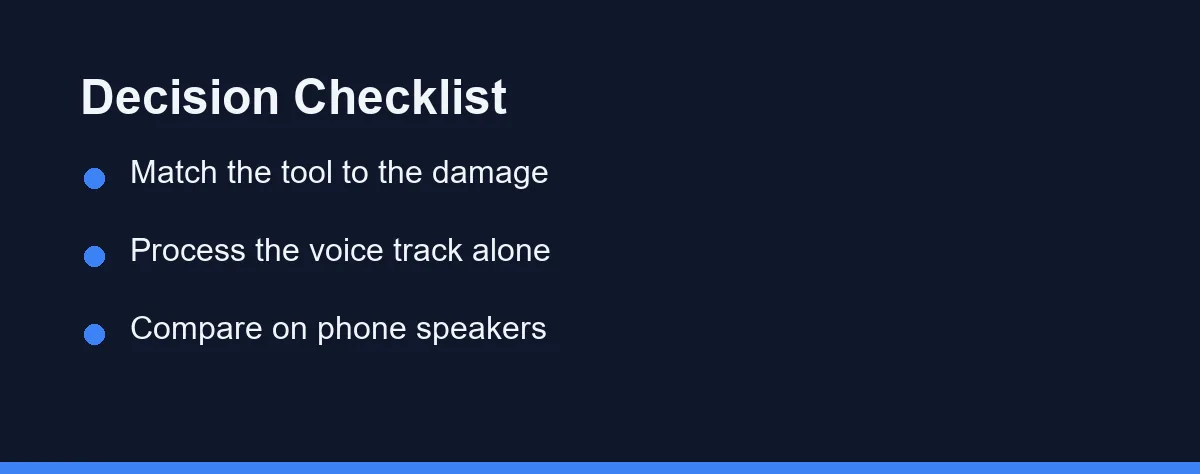
Running enhancement on a mixed track is the most common error. Once music and ambience are baked in, the model treats them as noise and thins them out, so process the voice stem first and mix afterwards.
Editing before archiving is the second. Keep the untouched original somewhere safe, because no processing pass is reversible and a re-record with a guest is rarely possible.
Judging the result on studio headphones flatters it. Most listeners use phone speakers or cheap earbuds, and processing artefacts that disappear on good headphones can be obvious there.
Cutting to the point of misrepresentation is the mistake with real consequences. Trimming filler is ordinary editing, while stitching half sentences into a claim the speaker never made is a different thing, and text-based editing makes that alarmingly easy to do by accident.
Ignoring licence terms is the last one. Commercial use, client work, and redistribution are governed by the plan you are on, so read the current terms before invoicing anyone for processed audio.
Which Cleanup Route Fits Your Recording
The interviewer with one badly recorded guest call: Run the guest track through Adobe Podcast, leave your own track alone if it was clean, then edit anywhere. Processing only the damaged side keeps the two voices from converging on the same texture.
The weekly podcaster with a decent microphone: Descript earns its place through the edit rather than the repair. Filler word removal and text-based cuts save more time each week than any enhancement pass will.
The course creator recording screen walkthroughs: Descript covers screen capture, transcript, and video edit in one project. That matters more than audio repair when the source is already a quiet home office.
The journalist working from field recordings: Adobe Podcast for salvage, a transcription tool for the record, and manual edits for anything you will quote. Our comparison of AI versus human transcription services covers the accuracy trade-off when the words themselves are evidence.
The occasional user with one file to fix: Use the free tier of Adobe Podcast at podcast.adobe.com and stop there. A subscription for a once-a-quarter repair is money spent on a habit you do not have.
The team producing client work: Check the licence terms on both, then standardise on one so the sound stays consistent across episodes. Mixed processing across a series is audible even when each file sounds fine alone.
What to Expect on Cost
Both vendors meter differently, and both change plans as models get updated. Confirm the current tiers on the Descript pricing page and on Adobe’s own site before you budget, since figures quoted second-hand go stale fast.
The structures are easier to reason about than the numbers. Descript charges around transcription hours and feature tiers, so cost scales with how much you record, while Adobe Podcast has offered its enhancement generously and gates the wider studio features.
Budget for the workflow rather than the file. A tool that saves 2 hours a week on editing is a different purchase from one that rescues four recordings a year, and the second rarely justifies a monthly plan.
Watch the export terms as much as the price. Watermarks, resolution caps, and commercial-use limits on lower tiers decide whether the cheap plan is actually usable, and those details sit in the fine print rather than the pricing table.
Fix the Room Before You Fix the File
Neither tool replaces a decent recording. Around 20 minutes spent moving away from a hard wall, adding soft furnishings, and getting the microphone closer beats every enhancement pass available.
When the recording is already made, the decision is simple. Damaged audio goes to the repair tool, and a long unstructured recording goes to the editor built around text.
Keep the raw file, process the voice alone, and listen on the speakers your audience actually uses. If you are still assembling a toolkit, our roundup of AI tools for podcasters covers the rest of the chain around these two.
FAQ
Can I run speech enhancement on a track that already has background music?
No. Speech enhancement rebuilds the voice and pushes almost everything else down, so music beds, room ambience, and audience sound get thinned or removed. Clean the voice track on its own, then add music afterwards in your editor.
Will these tools remove background noise from a recording made on a phone?
It usually can, though the result depends on how loud the speech sits above the noise. A steady hum or fan is easier to remove than a barking dog or a passing siren, because steady noise is easier for the model to separate from speech.
Does enhancement ever make a recording sound worse?
Yes, and that is the main reason to be careful with the slider. Heavy processing can hollow out consonants, add a slight underwater quality, and flatten the difference between two speakers. Blend the processed and original tracks if the tool allows it.
Is it acceptable to edit out filler words from an interview?
Only if the edit is invisible to the listener. Removing filler words and long pauses is normal editing practice. Cutting sentences so a speaker appears to say something they did not say crosses into misrepresentation, and it matters most with interviews and quotes.
Should I keep the raw file after processing?
Keep the untouched original file. Enhancement is destructive in the sense that you cannot recover detail the model discarded, so archive the raw recording before any processing and work on a copy. Storage is cheaper than a re-record.
Sources
- Descript pricing — checked 2026-09-27
- Adobe Podcast: Enhance Speech — checked 2026-09-27
Some links may be affiliate links. We may earn a commission at no extra cost to you.
This article was written with AI assistance. It is researched and fact-checked, not based on personal hands-on testing unless explicitly stated.
Comments
Post a Comment