Free Works for a Few Calls, Pro Works for a Full Calendar
If you record two or three short calls a week and can delete old ones, Fireflies Free is enough. It transcribes without limit, but it stores only 400 minutes in total, and that cap never resets. Pro raises storage to 8,000 minutes per seat for $10 a month on annual billing or $18 month to month, as checked in November 2026.
The deciding number is how many minutes you record each week, not how many meetings you have. A busy week of hour-long calls fills Free before Friday. Confirm current pricing on the official site before you subscribe.
What Fireflies Gives You on Every Plan
Fireflies is an AI notetaker that joins video calls, records them and writes a transcript and summary. It works with Zoom, Google Meet and Microsoft Teams through a bot, a Chrome extension or the mobile app.
The Free plan is more generous than most on transcription. The Fireflies Free plan help article lists transcription in more than 100 languages, sharing with guests, and playback at 1x to 3x speed.
What Free rations is what you keep. Every recording, upload and dialer call takes space, and the space is small.
Free, Pro and Business Side by Side
The prices below come from the Fireflies pricing blog post, published in July 2026 and checked on November 11, 2026. Storage figures also match the Fireflies help center.
| Feature | Free | Pro | Business |
|---|---|---|---|
| Monthly billing per seat | $0 | $18 | $29 |
| Annual billing per seat | $0 | $10 a month | $19 a month |
| Meeting storage | 400 minutes in total | 8,000 minutes per seat | Unlimited |
| Storage resets monthly | No | No | Not needed |
| Video recording | No | Yes | Yes |
| Download transcripts | No | Yes | Yes |
| Recording limit per meeting | 2 hours | 2 hours | 3 hours |
| Enterprise option | No | No | $39 per seat a month, annual only |
Annual Pro saves 44% against monthly billing. Over 12 months that is $120 against $216, a $96 difference per seat.
The Storage Cap Is the Real Limit
Most free notetakers cap transcription. Fireflies does the opposite and caps storage instead.
The Fireflies storage help article says storage is the total minutes of meetings you can keep, not a monthly figure. The pricing post adds that deleting older meetings frees space for new ones.
That changes how Free feels over time. Your first month looks unlimited, and then the account stops showing new meetings once the 400 minutes are used. You manage it by deleting, not by waiting for a reset.
How Many Weeks the Free Storage Lasts
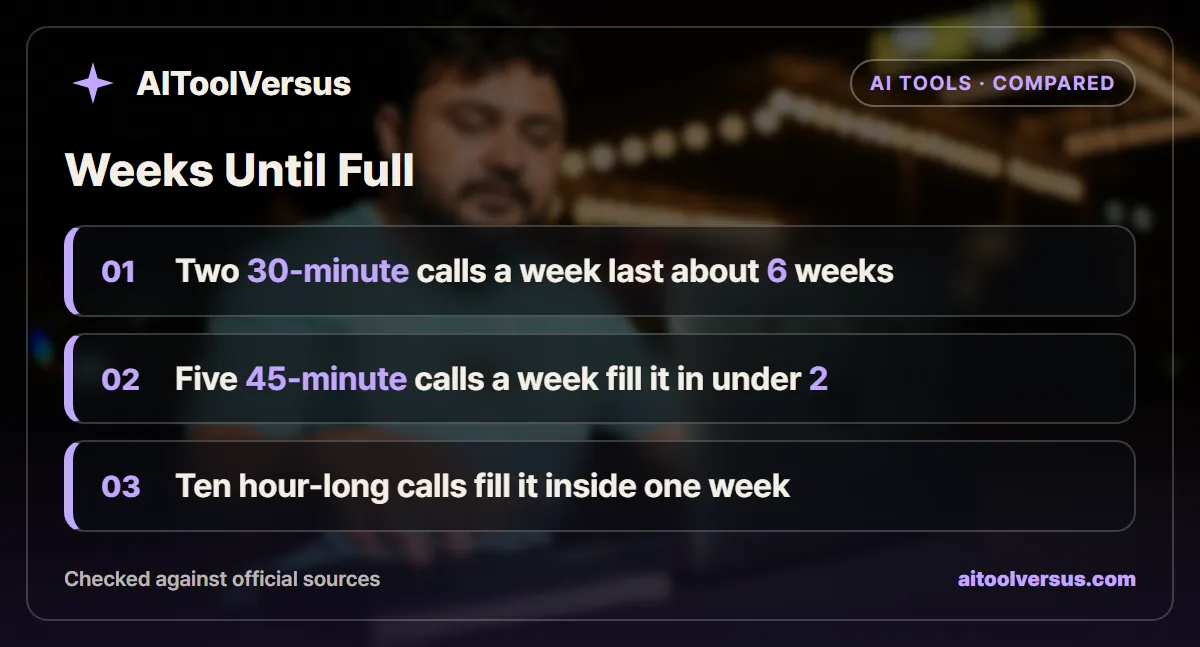
Weekly recording volume tells you when Free runs out. The examples below assume every recording is kept and nothing is deleted.
| Recording habit | Minutes a week | Weeks until 400 minutes are full |
|---|---|---|
| Two 30-minute calls | 60 | About 6.7 weeks |
| One 30-minute and one 60-minute call | 90 | About 4.4 weeks |
| Five 45-minute calls | 225 | About 1.8 weeks |
| Ten 60-minute calls | 600 | Inside the first week |
The first habit is where Free fits. You can keep about six weeks of history, then delete the oldest call each week.
The third habit is where Free breaks. A sales rep or consultant with five calls a week would be deleting every few days just to see new transcripts.
A Weekly Cleanup Routine That Keeps Free Usable
Free works best when you treat storage as a rolling window. Pick a fixed day, such as Friday afternoon, and clear out anything older than your window.
Before deleting, copy what you need. Free cannot download, so paste the summary and action items into your notes app or project tracker by hand.
Keep the calls that carry decisions and delete the routine ones. A weekly stand-up rarely needs a transcript a month later, while a pricing call with a client might. Our piece on why AI meeting summaries miss decisions explains what to check before you rely on a summary alone.
Watch out for uploads in this routine. A single 150-minute upload takes more than a third of the pool, so delete those first once the summary is saved.
If the cleanup takes more than 10 minutes a week, the time is worth more than $10 a month. That is usually the moment Pro starts paying for itself.
Pro Storage Is Bigger but Still a Total
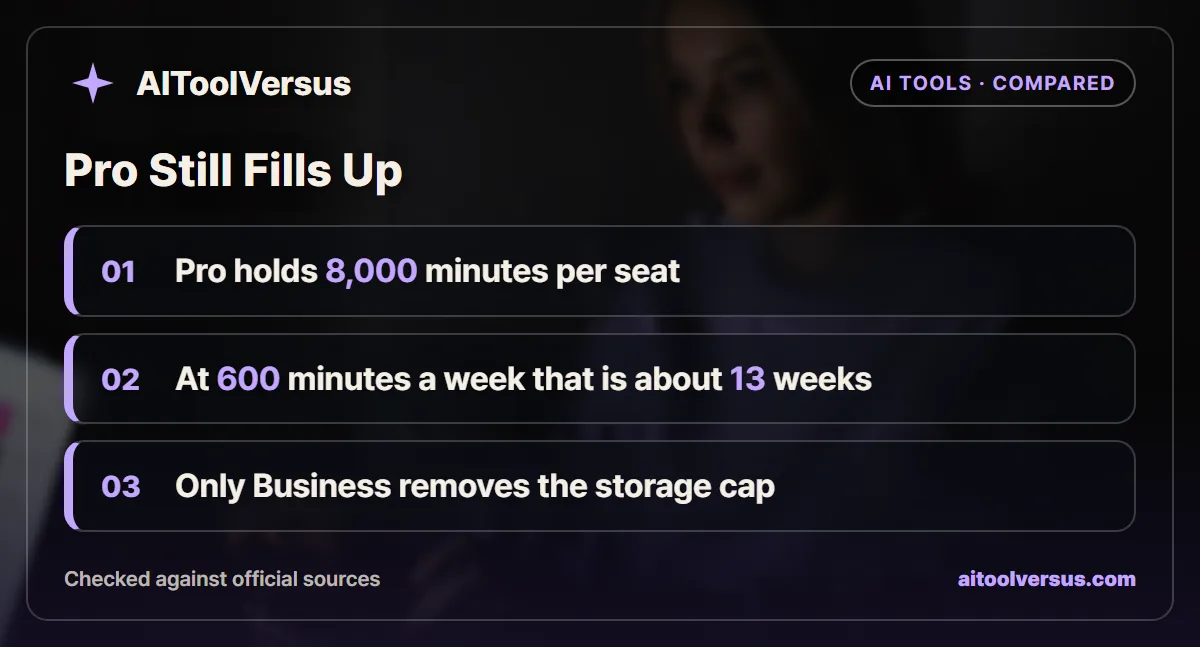
Pro is often described as the unlimited tier, but its storage is also a cap. The help center lists 8,000 minutes per seat, and it is a total like Free.
At 600 minutes a week, 8,000 minutes lasts about 13.3 weeks. At 225 minutes a week it lasts about 35.6 weeks, a little under 9 months.
So Pro buys time, not freedom from housekeeping. Heavy users either export and delete each quarter, or move to Business, which has unlimited storage.
Per Seat or Per Team for Free Storage
Fireflies pages describe the Free storage pool in two ways. The pricing blog post says 400 minutes per team, while the Free plan help article says 400 minutes per seat, pooled across the team.
Plan for the smaller reading. If three teammates join a Free workspace, assume they share one 400-minute pool until Fireflies confirms otherwise in your account settings.
Pro does not have this ambiguity. Storage is 8,000 minutes per seat, pooled, so 3 Pro seats share 24,000 minutes.
What Pro Adds Beyond Storage
Storage is the headline, but three other changes matter for client work.
Downloads come first. The pricing post says Free users cannot export transcripts or summaries, so a Free account cannot hand a client a file.
Video recording is second. Free keeps audio and text, while Pro adds video. That matters for demos and screen shares where the transcript alone loses context.
The third is what Pro does not change. The pricing post lists a 2-hour recording limit per meeting on both Free and Pro, and meetings that run over stop recording automatically. Business raises the limit to 3 hours and Enterprise to 4 hours.
Uploads and AI Credits on Free
Free also lets you upload recorded files. The help article sets each file at up to 100MB and 150 minutes, and each upload uses 1 transcription credit.
Uploads count against the same 400-minute storage pool. Transcribing an old 2-hour webinar on Free uses 120 minutes, almost a third of your total space.
Free accounts also get 20 AI credits a month for AskFred questions and AI Skills, per the help article. The pricing post lists AI summaries as unlimited on every plan, so the credits matter mostly if you query old meetings often.
The Yearly Cost for a Small Team
Seat pricing adds up quickly once a team joins. Take a team of 4 on annual billing, using the November 2026 list prices.
| Plan | Price per seat a year | Team of 4 a year | Storage for the team |
|---|---|---|---|
| Free | $0 | $0 | 400 minutes, possibly shared |
| Pro annual | $120 | $480 | 32,000 minutes pooled |
| Pro monthly | $216 | $864 | 32,000 minutes pooled |
| Business annual | $228 | $912 | Unlimited |
The gap between Pro and Business on annual billing is $432 a year for this team. That buys unlimited storage, a 3-hour recording limit, and the analytics and private channels that the Fireflies pricing page lists for Business.
If the team records under 600 minutes a week in total, Pro storage lasts well over a year. In that case Business is paying for features, not space.
How Fireflies Free Compares With Otter Basic
Otter takes the opposite approach. Its free Basic plan caps transcription at 300 minutes a month and 30 minutes per conversation, but that allowance resets every month.
Fireflies Free keeps no monthly cap on transcription and has a 2-hour meeting limit. It is better for long calls and worse for building an archive.
Our Otter Free vs Pro breakdown covers the monthly-cap model in detail. The Otter vs Fireflies comparison runs both through a month of client calls.
Which Fireflies Plan Fits Your Calendar
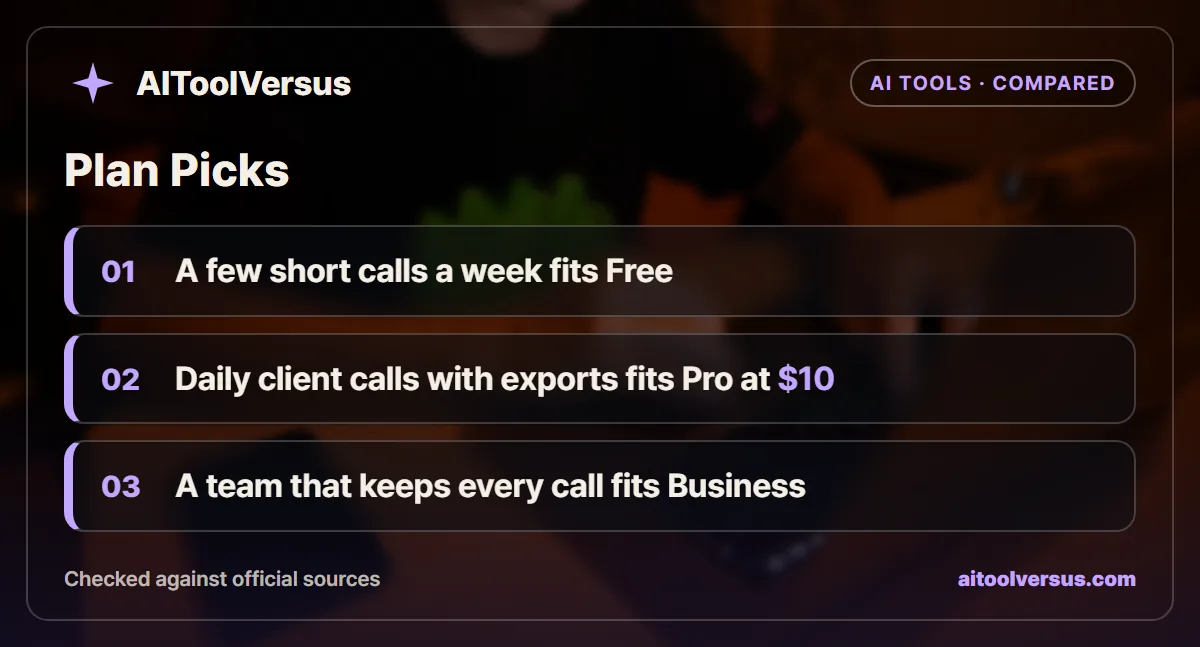
If you record two or three short calls a week: Free fits. Delete the oldest transcript each week and the 400 minutes become a rolling archive.
If you need to send transcripts to clients: Pro fits, because Free cannot download. Annual billing at $10 a seat a month is the cheaper path.
If your meetings regularly run past 2 hours: Business fits. Free and Pro both stop recording at 2 hours, while Business allows 3.
If you record five or more calls a week and keep them all: Pro fits for about 9 months at 225 minutes a week. After that, plan an export or move to Business.
If your team must keep every call indefinitely: Business fits at $19 a seat a month on annual billing. It is the first tier with unlimited storage.
If you want unlimited transcription but rarely revisit calls: Free fits. Delete freely and treat Fireflies as a live notetaker, not a library.
Count Your Minutes Before You Upgrade
Add up one normal week of recorded meeting minutes. If the total sits under 100, Free will hold about a month of history.
If it sits above 200, Free will feel full within two weeks, and Pro is the realistic floor. For a wider view of the category, see our guide to the best AI meeting assistants and what AI transcription costs per hour. Confirm current pricing on the official site before you subscribe.
Tactiq rations a third way, by counting meetings rather than minutes or storage. Our guide to Tactiq Free vs Pro shows why its 5 monthly AI credits run out long before its 10 transcripts.
FAQ
Is Fireflies.ai really free?
Yes. Fireflies has a Free plan with unlimited transcription and AI summaries. The catch is storage, which is capped at 400 minutes in total and does not reset each month.
What happens when Fireflies storage is full?
Once storage is full, new meetings cannot be viewed until you delete older ones. Fireflies says the cap is a total, not a monthly allowance, so waiting for a new month does not free up space.
How much does Fireflies Pro cost?
Fireflies lists Pro at $18 per seat a month on monthly billing, or $10 per seat a month on annual billing, as checked in November 2026. Confirm current pricing on the official site before you subscribe.
Does Fireflies Pro storage reset every month?
No. The Fireflies help center says Pro storage is also a total of 8,000 minutes per seat, not a monthly allowance. Only Business and Enterprise have unlimited storage.
Can you download transcripts on the Fireflies Free plan?
Not on Free. Fireflies says the Free plan cannot export transcripts or summaries, and that downloads start on Pro. Free users can still share a transcript link with teammates and guests.
Sources
- Fireflies Blog: Fireflies Pricing, Which Plan Is Right for You — checked 2026-11-11
- Fireflies Guide: Learn About Storage and Rate Limits — checked 2026-11-11
- Fireflies Guide: What Is Included in the Fireflies Free Plan — checked 2026-11-11
- Fireflies Pricing — checked 2026-11-11
- Otter.ai Pricing — checked 2026-11-11
Some links may be affiliate links. We may earn a commission at no extra cost to you.
How this article was made: it was drafted with AI assistance from the official sources listed above, and its figures were checked against those pages on the dates shown. It is not based on personal hands-on testing.
Comments
Post a Comment