Free Handles One Project at a Time, Pro Handles an Archive
If each project you study fits in 50 sources, NotebookLM Free is enough. That is the per-notebook cap without a paid AI plan, as of November 2026. Google AI Pro lifts it to 300 sources and raises the notebook count from 100 to 500.
Pro is listed at $19.99 a month in the US, bundled with 5 TB of Google storage. The source cap is the number that decides it, because a research set split across notebooks can no longer be questioned as one. Confirm current pricing on the official site before you subscribe.
What Changed in the Name and What Did Not
Google’s help center now calls the product Gemini Notebook. Most people still search for NotebookLM, and the plan pages treat the two as the same tool.
The tool works the same way under either name. You upload sources, and the assistant answers questions grounded in those files, with citations back to the passages it used.
That grounding is why the source cap matters more here than in a general chatbot. An answer can only cite what sits inside the current notebook.
The Source and Notebook Limits on Each Plan
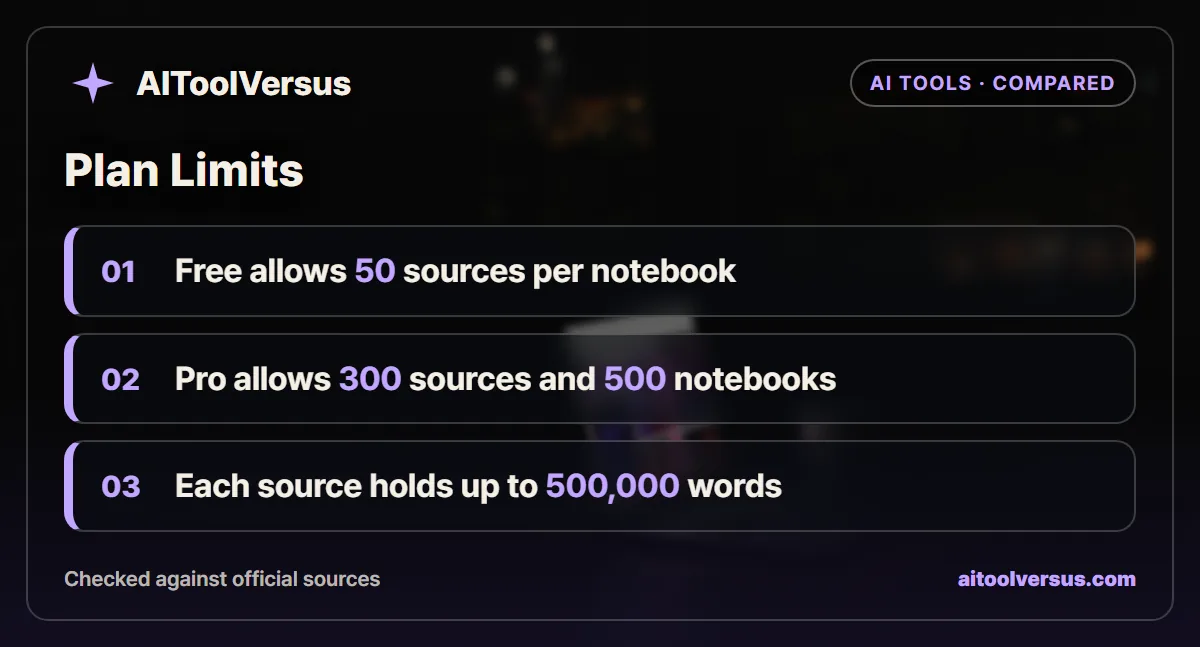
The Gemini Notebook plans page lists three limits per plan. They are marked as subject to change.
| Limit | No AI plan | Google AI Plus | Google AI Pro | Ultra 20 TB plan | Ultra 30 TB plan |
|---|---|---|---|---|---|
| Notebooks per user | 100 | 200 | 500 | 500 | 500 |
| Sources per notebook, excluding notes | 50 | 100 | 300 | 500 | 600 |
| Notes saved as sources | 500 | 500 | 500 | 600 | 600 |
| Google storage in the bundle | Standard free account storage | 400 GB | 5 TB | 20 TB | 30 TB |
| US monthly price | $0 | Not shown on the plans page | $19.99 | Billed monthly only | Billed monthly only |
The same page adds that daily quotas reset after 24 hours and monthly quotas after 30 days. It does not publish per-day counts for chats or generated overviews, so this guide does not quote any.
How Big a Single Source Can Be
The cap on source count is only half the picture. The help page on adding sources sets a size limit for each one.
Each source can hold up to 500,000 words, or up to 200MB for an uploaded file. That size limit is the same on every plan.
A few formats carry their own limits. Google Slides sources stop at 100 slides, and Google Sheets files are limited to 100k tokens.
Supported types include PDF, Word, Markdown, CSV, PowerPoint and ePub files, plus audio, images, web URLs and public YouTube videos.
Why Merging Files Is a Workaround With a Cost
Because one source can hold 500,000 words, you can combine many short files into one long PDF. Twenty interview transcripts of 6,000 words each make a 120,000-word file that counts as one source.
That trick keeps you under 50 sources on the free tier. It also has two costs worth weighing.
Citations become harder to trace. A citation that points into a 300-page merged PDF tells you less than one pointing to a named transcript.
Updating also gets clumsy. When one interview changes, you rebuild and reupload the whole merged file instead of swapping a single source.
Three Research Loads Measured Against 50 Sources
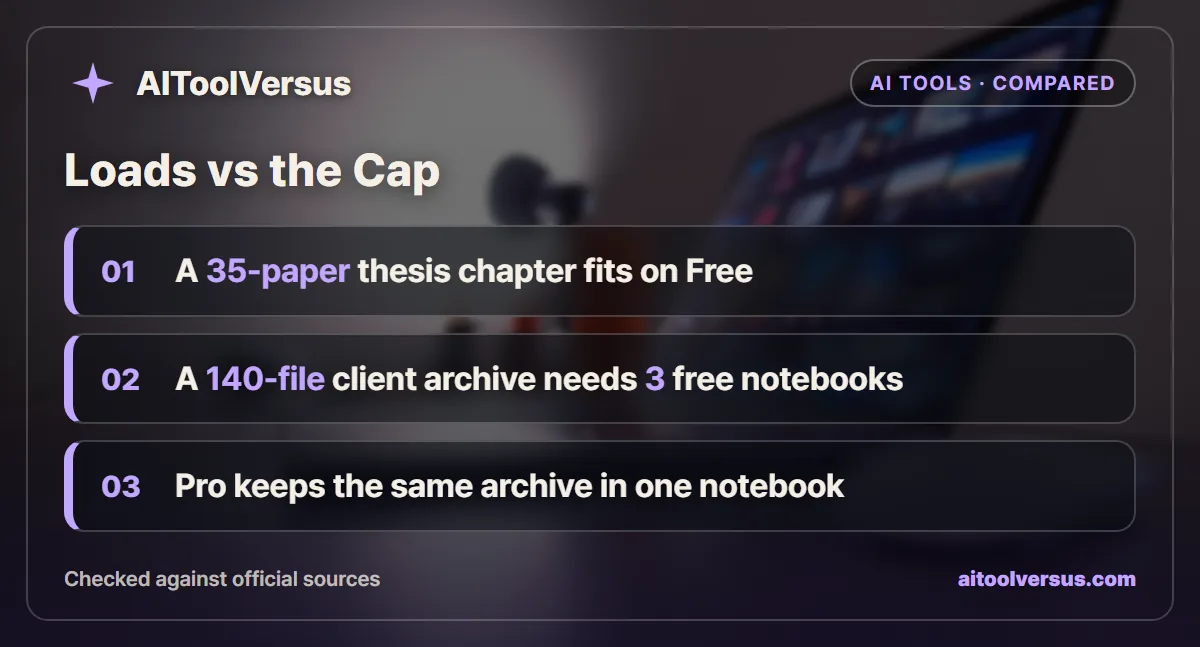
These are illustrations with assumed numbers, not tests. Each one counts files against the plan limits in the table above.
A thesis chapter. A graduate student gathers 35 journal articles and 4 of their own draft notes for a literature review. Notes count against the separate 500-note limit, so the chapter uses 35 of 50 sources and fits on Free.
A client archive. A consultant has 140 files from one client: 90 meeting transcripts, 30 reports and 20 slide decks. On Free that becomes three notebooks of 50, 50 and 40 sources.
A course pack. A teacher loads 12 lecture decks, 25 readings and 18 YouTube lectures for one semester. That is 55 sources, just over the free cap.
| Research load | Sources | Free notebooks needed | Plus notebooks needed | Pro notebooks needed |
|---|---|---|---|---|
| Thesis chapter | 35 | 1 | 1 | 1 |
| Semester course pack | 55 | 2 | 1 | 1 |
| Client archive | 140 | 3 | 2 | 1 |
| Two-year research project | 260 | 6 | 3 | 1 |
| Department knowledge base | 420 | 9 | 5 | 2 |
The client archive shows the real cost of splitting. A question like “when did the client first raise the budget issue” has to be asked three times, and none of the notebooks can compare across all 140 files.
What Pro Costs per Extra Source
The math is simple once you know the gap. Pro adds 250 sources per notebook over the free tier for $19.99 a month.
For the consultant above, that buys one searchable notebook instead of three partial ones. Over a year the plan costs about $240, which is under $2 per file in the 140-file archive.
The comparison changes if you already pay for Google storage. Pro bundles 5 TB, so someone paying for a large storage plan may get the notebook upgrade with little added cost.
Students should check one more line. The Google One plans page lists Google AI Pro free for 1 year for eligible students, with verification through SheerID, and it excludes school-issued accounts.
Where Pro Does Not Help
A bigger cap does not make answers better on its own. A notebook with 300 loosely related sources can return citations from the wrong project when a question is vague.
Grounded answers can still misread a source. Our guide on using AI for research without fake sources covers how to check each citation against the original passage.
Long sources raise a separate problem. Summaries of very long files tend to lean on the opening and closing sections, as our piece on why AI summaries miss the middle of long documents explains.
Sharing is the last trap. Google says sharing a notebook does not change the source limit for any collaborator, so inviting a Pro colleague will not lift a free notebook past 50.
Which NotebookLM Plan Fits Your Research
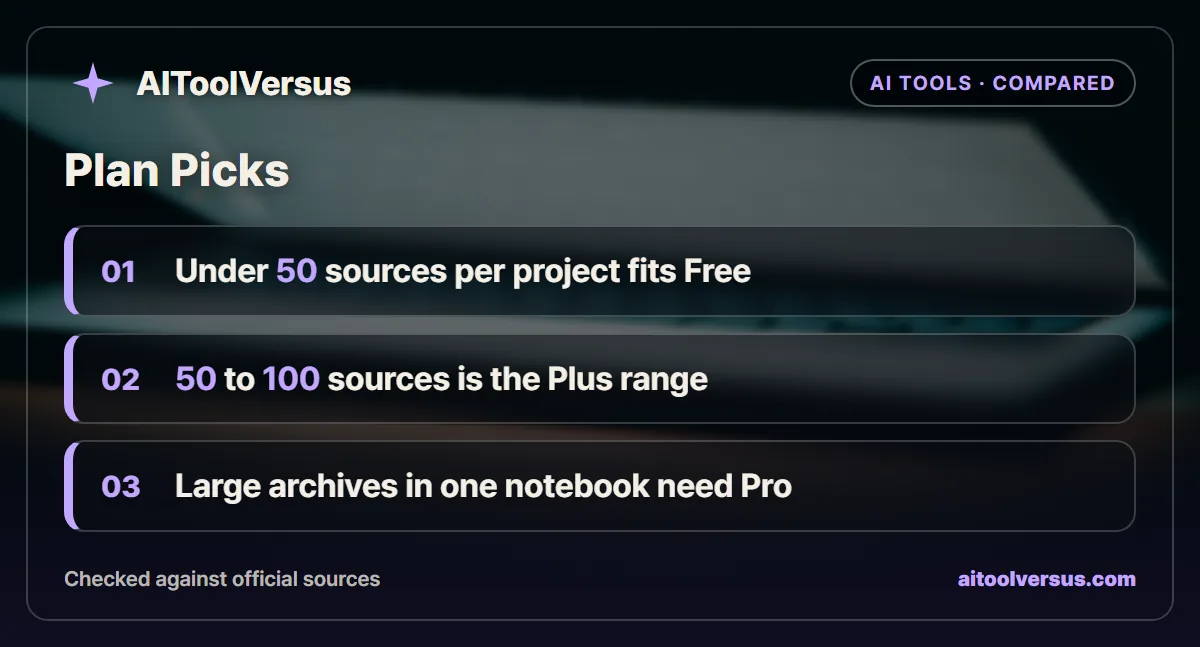
Count the sources in your largest single project first. Notes do not count against the source cap, so leave them out.
Under 50 sources per project: Stay on Free. You get 100 notebooks, which covers years of separate study topics.
Between 50 and 100 sources: Google AI Plus doubles the cap to 100. Its US price did not appear on the plans page when checked, so compare it on your own Google One account.
More than 100 sources in one place: Google AI Pro at $19.99 a month allows 300 per notebook. It is the tier that keeps a client archive or multi-year project searchable as one set.
Above 300 sources: The Ultra tiers go to 500 or 600. At that scale, consider whether a team workspace or an enterprise plan fits better than one personal account.
Students: Check the free student offer before paying for anything, since it covers a full year of Pro.
Checking Your Own Count Before You Upgrade
You can test the decision in a few minutes before spending anything. Do it on the project you work on most.
- Step 1: List the files in your largest project and count them, leaving out your own notes.
- Step 2: Remove duplicates and old drafts you would never cite.
- Step 3: If the count is under 50, stay on Free and organize one notebook per project.
- Step 4: If it is 50 to 70, try merging related short files into a few combined sources.
- Step 5: If it is well over 50 and you need answers across all of it, Pro is the cleaner fix.
If step 4 leaves you with merged files you no longer trust in citations, that is the signal to upgrade instead.
Related Tools for Larger Literature Sets
NotebookLM answers from the files you give it. It does not search the academic literature for you.
If your bottleneck is finding papers rather than reading them, a research assistant built on scholarly search may suit better. Our comparison of Elicit Basic and Pro for literature reviews covers that side.
What These Figures Cover
The limits come from the Gemini Notebook help pages, and the prices and storage from the Google One AI plans page, all read on November 13, 2026. Google labels the usage limits as subject to change.
The worked examples use assumed file counts to show how the caps apply. Confirm current pricing on the official site and check the limits on your own account before you commit to a plan.
FAQ
Is NotebookLM free to use?
Yes. NotebookLM, which Google's help center now calls Gemini Notebook, works without a paid AI plan. The free tier allows 100 notebooks per user and 50 sources per notebook, as of November 2026.
How many sources can you add to a NotebookLM notebook?
Without an AI plan you can add 50 sources per notebook. Google AI Plus raises that to 100, Google AI Pro to 300, and the two Ultra tiers to 500 and 600. Notes count separately, with up to 500 per notebook on most plans.
How big can a single NotebookLM source be?
Each source can hold up to 500,000 words, or up to 200MB for an uploaded file. Google Slides sources are capped at 100 slides and Google Sheets files at 100k tokens, per the Gemini Notebook help pages.
How much does NotebookLM Pro cost?
The Google One plans page shows Google AI Pro at $19.99 a month in the US, bundled with 5 TB of storage, as of November 2026. Confirm current pricing on the official site, since bundles and regional prices change.
Does sharing a notebook with a Pro user raise its source limit?
No. Google says sharing a notebook does not change the source limit for any collaborator. The notebook keeps the limit of the plan it was created under, so an invited Pro user cannot add a 51st source to a free owner's notebook.
Sources
- Gemini Notebook Help: Learn about Gemini Notebook plans — checked 2026-11-13
- Gemini Notebook Help: Add or discover new sources for your notebook — checked 2026-11-13
- Google One: Google AI plans — checked 2026-11-13
Some links may be affiliate links. We may earn a commission at no extra cost to you.
How this article was made: it was drafted with AI assistance from the official sources listed above, and its figures were checked against those pages on the dates shown. It is not based on personal hands-on testing.
Comments
Post a Comment