
The Hours That Are Not Coaching
Pick one tool for your biggest time drain, whether that is a writing assistant, a transcription tool, or a scheduling helper. Coaches who publish often gain most from a writing assistant, while coaches buried in session notes gain most from transcription. Keep the coaching judgment human, and read the data terms before any client detail goes in.
A coaching practice bills for conversations and runs on everything around them. Newsletters, client emails, session notes, booking messages, and social posts fill the gaps between sessions until the gaps are gone.
None of that work is why anyone became a coach. It is also the part most easily handed to software.
The complication is trust. Coaching sells judgment and attention, and generic automated output undercuts both the moment a client notices it.
So the useful question is narrower than which tool is best. It is which parts of the practice can be automated safely, which cannot, and where a single tool would give back the most hours. Confirm current pricing and terms on each provider’s official site, since both change often.
Start Where The Time Actually Goes
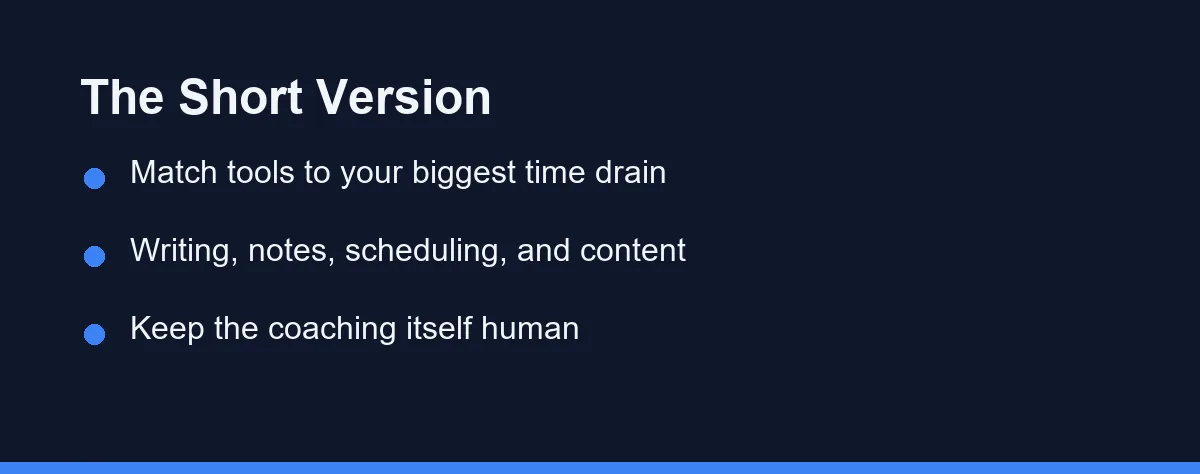
Pick the tool that attacks your largest time drain, then stop. Most coaches eventually run a writing assistant, a transcription tool, a scheduling helper, and something for social content, but not on day one.
Evenings spent writing emails and posts point to a writing assistant such as ChatGPT, Claude, or Grammarly. Session notes piling up point to a transcription tool such as Otter.ai or Fathom.
Keep the coaching itself human throughout. Draft, summarize, and organize with AI, and review anything a client will see before it leaves your hands.
Resist stacking subscriptions before your workflow is clear. One well-learned tool beats five half-used ones. Our best AI tools for freelancers guide takes a parallel approach for solo professionals.
Client Confidentiality Comes Before Convenience
Coaching notes contain things clients would not say anywhere else. That makes the data question more serious here than in most small businesses.
Read the data terms for the specific plan you use, not the vendor’s general policy page. Some providers use free-tier inputs to improve their models while excluding paid business tiers, and the difference matters when the input is a client’s personal situation.
Recording a session adds a consent step you cannot skip. Tell the client before the recorder starts, explain what the tool does with the audio, and accept a refusal without friction. Otter.ai and Fathom both surface their presence in a call, which helps but does not replace saying it aloud.
Draw a line around professional judgment too. AI can draft the follow-up email and summarize what was discussed. Presenting AI-generated advice as your own coaching judgment crosses into territory no efficiency gain justifies.
Then decide what never gets typed into a tool at all. Many coaches keep names, diagnoses, and employer details out of every prompt regardless of the plan they pay for.
Three Bottlenecks, Three First Tools
Coaches lose time in different places, and the right first tool follows the bottleneck rather than the trend.
The Content-Heavy Coach
Publishing newsletters, blog posts, or frequent social content makes a writing assistant the highest-impact first purchase. ChatGPT and Claude draft outlines and suggest angles, while Grammarly cleans tone and consistency on what you have already written.
Momentum is the real gain. Editing and personalizing a draft is faster and less draining than facing a blank page, and consistency becomes achievable rather than aspirational.
Generic output is the risk. Rewrite in your own voice every time, since clients follow you for your perspective rather than a competent average of the internet. Our best AI tools for bloggers guide digs into content workflows.
The Session-Focused Coach
When most of your time goes into delivering and documenting sessions, a transcription or meeting tool helps most. Otter.ai transcribes live, and Fathom records and returns a structured summary afterward.
Better notes with less effort is the gain. Accurate summaries support thoughtful follow-up and progress tracking, and you stay present in the session instead of scribbling through it.
Consent and data policy are the conditions. Confirm the client agrees to recording and understand where the audio lives. Our best AI meeting assistants guide compares tools for this job.
The Admin-Overloaded Coach
When scheduling, reminders, and inbox management drain the day, start there instead. Calendly and Acuity Scheduling remove booking back-and-forth, and email assistants handle routine replies.
Reclaimed fragments are the gain. Automated booking and reminders cut no-shows and mental clutter, and those small blocks accumulate across a busy week.
Coldness is the risk. Keep warmth in automated messages and review anything sensitive before it sends, because efficiency that reads as indifference costs more than it saves.
The Categories, And What Each One Costs You
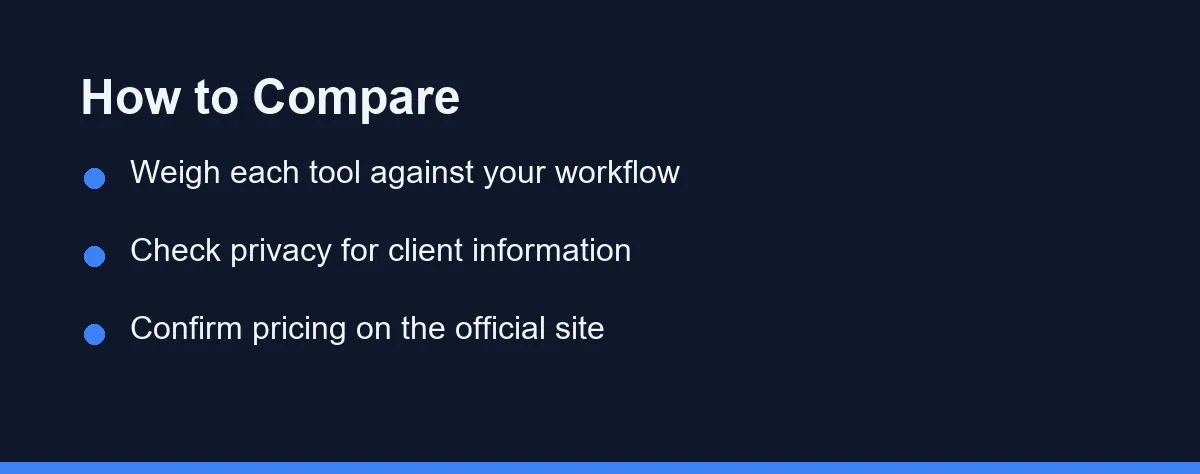
Use this as a map, then verify specifics on each provider’s official site, since tools and features change.
| Tool type | Main job | Best for | Watch for |
|---|---|---|---|
| Writing assistant | Draft content and emails | Content-heavy coaches | Generic voice |
| Transcription tool | Session notes and summaries | Session-focused coaches | Client privacy |
| Scheduling helper | Booking and reminders | Admin-overloaded coaches | Impersonal tone |
| Email assistant | Faster routine replies | Busy inboxes | Over-automation |
| Design or content tool | Social graphics and posts | Visual marketers | Time to learn |
No row covers everything, which is why most coaches end up combining two or three. The combination should follow where your hours go rather than what a competitor mentions on a podcast.
The final column deserves as much attention as the second. Every category carries a characteristic failure mode, and knowing it in advance is what keeps the tool from damaging the practice it was meant to help.
Free Tiers, Paid Plans, And Stacking
Costs here range from free tiers to monthly subscriptions, and they compound quickly once several are running. Confirm all current pricing on each provider’s official site, as of 2026.
Many writing and transcription tools offer free plans that suit a starting coach. Those plans cap usage or features, which is often enough in the first year, so begin free wherever the option exists. Check the cap against your session length, though. As of September 2026, Otter.ai’s free Basic plan allows 300 transcription minutes a month and 30 minutes per conversation, which cuts an hour-long session in half.
Paid plans unlock higher usage, stronger output, and integrations. For a busy practice that can be worth it, provided you can name the hours it returns rather than the features it lists.
Stacking is the quiet failure. Several small monthly fees combine into a real cost, so review the list periodically and cancel anything that has gone unopened for a month.
Annual billing lowers the price on some tools, and it is worth taking only once a tool has proved itself across a full quarter. Our best free AI tools guide covers what a starting practice can run without paying at all.
Adding One Tool At A Time
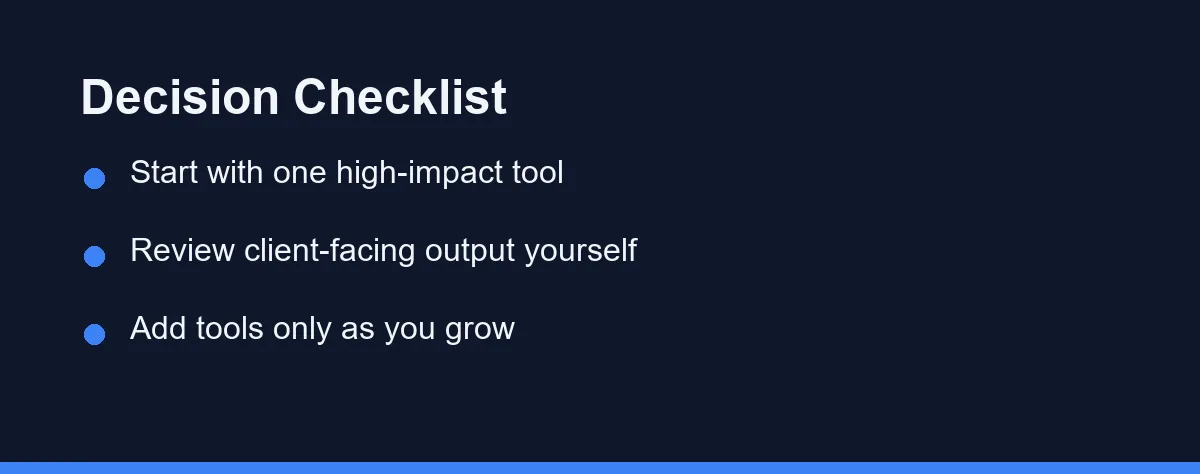
Track a normal week first and note where the admin hours actually disappear. The task with the largest total is where a tool pays off soonest.
Choose one tool for that task rather than three. Learning a single product well beats spreading attention across several that all stay at surface level.
Check the privacy terms before any client information goes in, and decide what is safe to type. Client trust outranks convenience every time, and the decision is easier to make before the habit forms.
Test the output on a real task rather than a demo prompt. How much editing it needs, and whether it sounds like you, decides whether it saves work or relocates it.
Then add tools only as the practice grows. Expanding in step with your needs, rather than ahead of them, is what keeps a toolkit useful instead of expensive.
Which Tool Should A Coach Start With
The content-heavy coach: Start with a writing assistant such as ChatGPT or Claude to speed up newsletters, posts, and emails, then rewrite in your own voice. It removes blank-page friction while keeping the perspective clients follow you for.
The session-focused coach: Begin with Otter.ai or Fathom so you can be present with clients instead of taking notes. Confirm consent and privacy first, then use the summaries to follow up thoughtfully between sessions.
The admin-overloaded coach: Prioritize a scheduling helper such as Calendly alongside an email assistant, cutting booking back-and-forth and routine replies. Keep warmth in automated messages so efficiency does not read as coldness.
The budget-conscious coach: Use the free tiers of one writing tool and one transcription tool before paying for anything. Add a paid plan only when a free limit clearly slows you down, and avoid stacking subscriptions early.
The coach unsure where to start: Track your week, find the biggest time drain, and pick one tool for it. Learn that tool well, then expand. Our best AI tools for small business guide offers a broader starting map.
Keep The Coaching Human
The right toolkit is the one that removes your heaviest admin burden, not the longest list of subscriptions. Writing assistants, transcription tools, scheduling helpers, and design tools each target a different drain.
Start at the bottleneck and expand deliberately. Use AI to draft, summarize, and organize, and keep the judgment and connection at the center of the work entirely yours.
Protect client confidentiality above all of it. Read the data terms, ask before recording, and keep the details that would embarrass a client out of every prompt.
Confirm features, privacy terms, and pricing on each provider’s official site, since all three change often. For related reading, see our guides on best AI tools for freelancers and best AI tools for small business.
FAQ
What AI tools are most useful for coaches?
The most useful AI tools for coaches usually fall into a few groups: a writing assistant for content and client emails, a meeting or transcription tool for session notes, a scheduling helper, and a content or design tool for social posts. The best mix depends on whether you spend more time on marketing, admin, or client delivery. Start with the one task that eats the most time.
How can AI tools help a coaching business?
AI can draft client emails, summarize session recordings, generate social content, and handle scheduling reminders, which frees time for actual coaching. It should support your judgment, not replace it. Always review anything client-facing before sending, since coaching is personal and AI can sound generic. Used carefully, these tools reduce admin so you can focus on clients.
Is it ethical to use AI tools with coaching clients?
Be cautious and transparent. Avoid putting sensitive client details into tools without understanding their privacy and data policies, and never present AI-generated advice as your own professional judgment. Many coaches use AI for drafting and admin but keep the coaching itself human. Confirm each tool's privacy terms on its official site before sharing any client information.
How much should a coach spend on AI tools?
You can start with very little. Many coaches begin with one free or low-cost AI writing assistant and a transcription tool, then add more only as needed. Layering several paid subscriptions before you know your workflow wastes money. Pick one tool that solves your biggest time drain, learn it well, and expand deliberately from there.
Do I need separate AI tools for each task?
Not necessarily, because different tools excel at different jobs. A general writing assistant handles content and emails, but a dedicated transcription tool captures sessions better, and a design tool makes social graphics faster. Trying to force one tool to do everything often produces mediocre results. Match each core task to the tool built for it.
Sources
- Otter.ai: Pricing — checked 2026-09-27
Some links may be affiliate links. We may earn a commission at no extra cost to you.
This article was written with AI assistance. It is researched and fact-checked, not based on personal hands-on testing unless explicitly stated.
Comments
Post a Comment