Ten Writers, Ten Different Answers
Ask ten writers which AI tool is best, and you will get ten different answers. That is not because the tools are confusing. It is because “writing” covers very different jobs.
A novelist, a marketer, and a student each need something distinct from the same broad category. One wants long-form structure, another wants punchy ad copy, the third just wants clean grammar.
So this guide skips the hype and sorts the field by the job you actually do. You will see how the main categories differ, what they tend to cost, and which real tools fit each use case.
Names like ChatGPT, Claude, Jasper, Copy.ai, and Grammarly come up throughout, matched to the work they handle best.
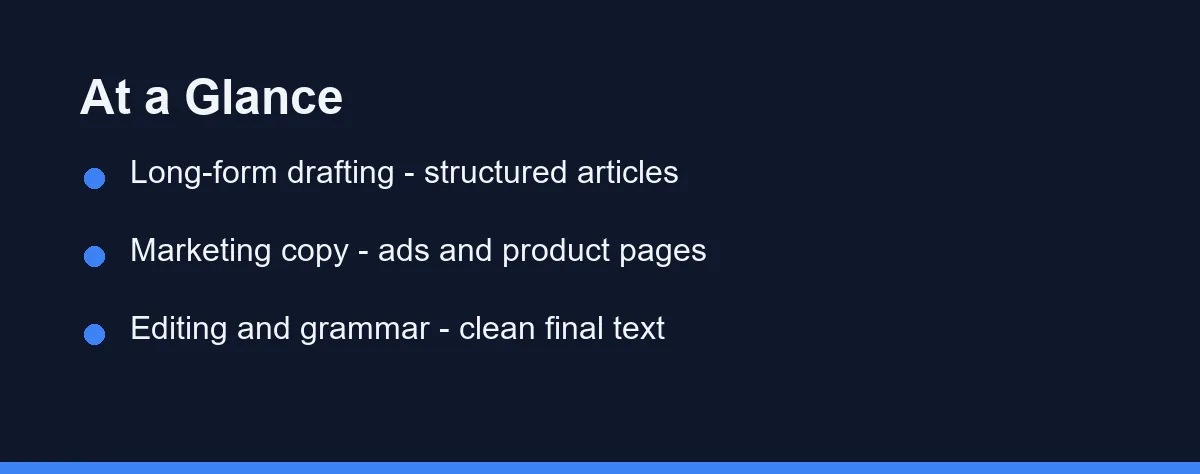
Draft, Sell, or Polish
Pick a long-form drafting tool if you write articles, blog posts, or reports and want structured first drafts fast.
Pick a marketing copy tool if your focus is ads, landing pages, product descriptions, or short promotional text.
Pick an editing and grammar assistant if your drafts already exist and you mainly need polish, clarity, and tone fixes.
Many writers combine two of these, and the comparison table below shows exactly where each type shines.
What Are AI Writing Tools?
AI writing tools use large language models to help you draft, edit, and refine text. You give a prompt or some context, and the tool generates suggestions.
Some tools focus on generating new content from scratch. Others focus on improving text you already wrote.
A few aim to do both inside one workspace. The best choice depends on which of those jobs you do most often.
These tools speed up routine writing, but they still need human review for accuracy and voice.
The Top AI Writing Tools Compared
The market splits into a few clear categories. Understanding them makes the choice much easier.
General assistants like ChatGPT, Claude, and Gemini handle a wide range of writing tasks. They draft, brainstorm, summarize, and rewrite across many formats.
Dedicated copywriting platforms such as Jasper and Copy.ai focus on marketing teams. They offer templates for ads, emails, and product pages.
Editing assistants like Grammarly and ProWritingAid sharpen existing drafts. They catch grammar, clarity, and tone problems quickly.
The table below summarizes the practical differences.
| Tool type | Best for | Strength | Watch out for |
|---|---|---|---|
| General assistant (ChatGPT, Claude, Gemini) | Versatile drafting and ideas | Flexible across many formats | Needs clear prompts and fact-checks |
| Copywriting platform (Jasper, Copy.ai) | Marketing and sales copy | Templates and brand voice tools | Less ideal for deep long-form |
| Editing assistant (Grammarly, ProWritingAid) | Polishing existing text | Grammar, clarity, and tone | Does not create from scratch |
| Long-form specialist (various) | Articles and SEO content | Structure and outlines | Output still needs human edits |
| Workspace writer (Notion AI) | Drafting inside your notes and docs | Uses context from your workspace | Weaker as a standalone writer |
| Research assistant (Perplexity) | Sourced drafts and fact-finding | Cited, current answers | Not built for polished long-form |
For a deeper look at the general assistants, see our comparison of ChatGPT vs Claude vs Gemini.
Start From the Task, Not Features
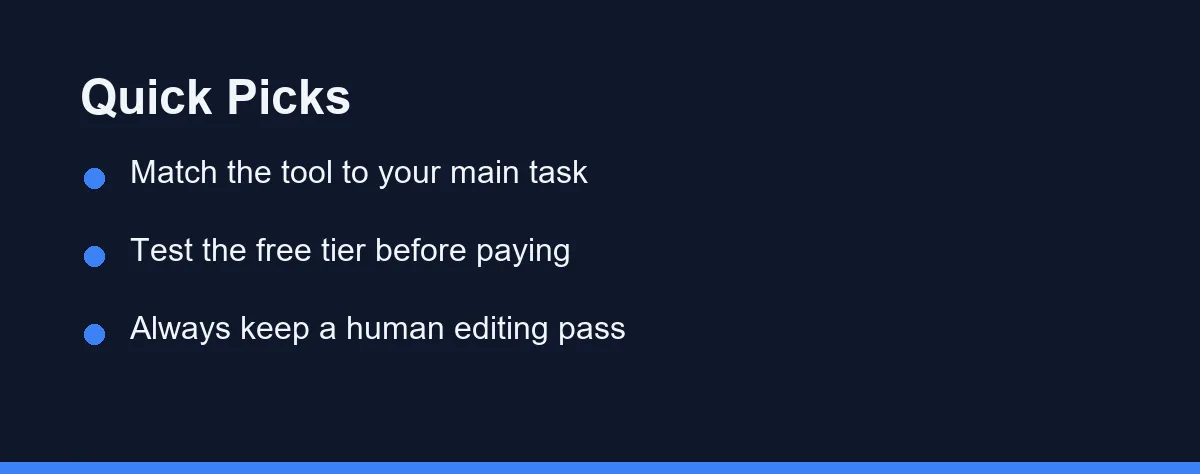
Start with your main task, not the feature list. The most common mistake is picking a popular tool that does not match your real workflow.
If you write long articles, prioritize tools that handle structure and outlines well. A clear draft saves more time than fancy extras.
If you write marketing copy, look for template libraries and brand voice settings. These features speed up repetitive promotional work.
If you mostly edit, choose a strong grammar and clarity assistant. It will catch issues faster than a general model.
Budget matters too. Test a free tier or trial before you commit to a paid plan, since usage limits and prices change often.
Free Tiers and Per Word Allowances
Most AI writing tools follow a similar pricing pattern. There is usually a free tier with limits and paid plans for heavier use.
General assistants often offer a capable free version plus a monthly subscription for advanced models. Copywriting platforms tend to charge per seat or per word allowance.
Editing assistants usually have a free browser tool and a premium tier for advanced suggestions. Long-form specialists often price by credits or word count.
The table below shows approximate monthly pricing for popular tools. These figures are rough tiers at the time of writing, so confirm current pricing on each official site.
| Tool | Free tier | Individual paid | Team / business |
|---|---|---|---|
| ChatGPT | Yes, capable | Plus around $20/mo | Team and Enterprise per seat |
| Claude | Yes, with limits | Pro around $20/mo | Team plans per seat |
| Grammarly | Yes, basic checks | Premium roughly $12-30/mo | Business per seat |
| Jasper | Trial only | Creator around $39-49/mo | Teams and Business tiers |
| Copy.ai | Yes, limited | Pro around $36-49/mo | Team and Enterprise plans |
Prices and limits change frequently, so always confirm the current numbers on each official site. As a rule, match the plan to how often you write, since heavy users get more value from paid tiers.
How Different Tools Handle Common Tasks
For brainstorming and outlines, a general assistant is hard to beat. It can suggest angles, headings, and structures in seconds.
For polished marketing copy, a dedicated platform has an edge. Its templates give consistent results for ads and product pages.
For final cleanup, an editing assistant shines. It flags awkward phrasing, passive voice, and grammar slips before you publish.
Research and summarizing sit with the general assistants too. They can condense sources, though every claim still needs verification against the original.
The Trade-offs Inside Each Category
Every category involves trade-offs. Here is a balanced view to set expectations.
General assistants
- Flexible across nearly any writing task.
- Great for ideas, drafts, and quick rewrites.
- Require careful prompts and fact-checking.
Copywriting platforms
- Fast for ads, emails, and product copy.
- Helpful brand voice and template features.
- Less suited to deep, long-form articles.
Editing assistants
- Excellent at grammar, clarity, and tone.
- Integrate into browsers and editors easily.
- Cannot generate full drafts on their own.
Knowing these trade-offs helps you avoid paying for features you will rarely use.
Tips to Get Better Results
A few habits improve output from any AI writing tool. They matter more than the specific brand you pick.
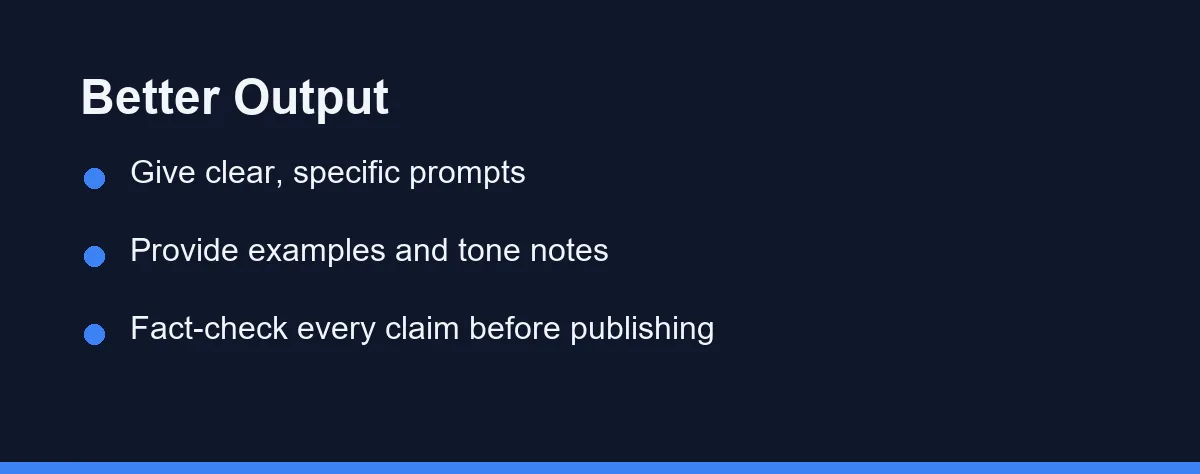
Give clear, specific prompts. Name the audience, tone, length, and goal instead of asking for something vague.
Provide examples. Sharing a short sample of your preferred style helps the tool match your voice more closely.
Edit every draft. Treat AI output as a strong starting point, not a finished piece ready to publish.
Fact-check claims. AI tools can state wrong details confidently, so verify names, numbers, and quotes against trusted sources.
Combining Tools for the Best Workflow
You do not have to rely on a single tool. A common setup pairs them by strength.
Many writers draft with a general assistant, then move the text into an editing assistant for polish. This blends fast creation with careful cleanup.
Marketing teams often draft campaign copy in a dedicated platform, then run a grammar check before launch. The split keeps both speed and quality high.
This layered approach plays to each tool’s design. One creates, another refines, and you stay in control of the final voice. For visual content to pair with your writing, see our guide to the best AI image generators.
Which Writing Tool Fits Which Job
Best for long-form articles and blogs: Reach for a general assistant like Claude or ChatGPT. They hold structure across a long piece and take direction on tone well. Pair either with a careful editing pass before you publish.
Best for marketing and ad copy: Choose a dedicated platform such as Jasper or Copy.ai. Their templates for ads, emails, and product pages speed up repetitive promotional work. Teams also gain brand-voice controls that keep output consistent.
Best for grammar and final polish: Grammarly is the safe pick. It lives in your browser and editor, catching clarity and tone issues as you type. Use it as the last step, not the first draft.
Best on a tight budget: Start with the free tiers of ChatGPT, Claude, and Grammarly. Together they cover drafting, rewriting, and cleanup at no cost. Upgrade only when message caps genuinely slow you down.
Best for a full content team: A paid copywriting platform plus a shared editing tool works well. You get templates, brand voice, and consistent grammar across many writers. Confirm per-seat pricing on the official site before you scale up.
Limitations to Keep in Mind
AI writing tools are powerful, but they share a few blind spots. Knowing them keeps your expectations realistic.
They can state wrong facts with total confidence. Any name, date, or statistic needs a check against a trusted source before it goes live.
They also drift toward a generic, average voice. Without clear tone notes and examples, the output can read like everyone else’s.
Finally, they repeat themselves over long pieces. Watch for the same phrases and transitions, then edit them out so your writing keeps its rhythm.
No Trophy for a Single Winner
There is no trophy for a single best AI writing tool, and that is good news. It means you get to pick the one that fits your desk, not someone else’s.
Match the category to your main job first. Long-form drafting points to Claude or ChatGPT, marketing copy points to Jasper or Copy.ai, and pure polish points to Grammarly.
Then let the free tiers do the deciding. A week of real use tells you more than any feature list, and it costs nothing to try two or three.
Whatever you land on, keep a human editing pass on every draft. The tools handle the heavy lifting, but the final call on voice and facts stays with you.
That editing pass has one step people skip. How to fact-check AI writing before you publish sets out a repeatable way to catch invented sources and stale numbers.
Two related worries send people here as well. If your work has been questioned, what proves you wrote it covers the evidence that actually holds up. And for anyone weighing a machine draft against reading the source, an AI summary versus reading it yourself sets out what a summary reliably drops.
One further limit decides how far any of these tools travel. How AI writing tools hold up in languages other than English covers the register and length problems that appear once you leave English.
FAQ
What is the best AI writing tool in 2026?
There is no single winner for everyone. The best AI writing tool depends on whether you need marketing copy, long-form articles, grammar fixes, or research, so match the tool to your main task.
Can I use more than one AI writing tool together?
Yes. Many writers pair a long-form drafting tool with a grammar and editing assistant, then run final checks before publishing.
Are AI writing tools free to use?
Most popular tools offer a free tier or trial with limits, plus paid plans for higher usage. Always confirm current limits on the official site.
Can AI writing tools replace human writers?
Not really. AI drafts speed up the first version, but they still need a human editing pass for accuracy, voice, and fact-checking before you publish. Treat the output as a strong starting point, not a finished piece.
What is the difference between Jasper, Copy.ai, and ChatGPT?
Jasper and Copy.ai lean toward marketing and sales copy with brand-voice templates. ChatGPT and Claude are more flexible for long-form articles, editing, and general drafting. Grammarly focuses on polishing text you already wrote.
Sources
- Anthropic pricing — checked 2026-09-27
- Grammarly Prices and Plans — checked 2026-09-27
- Copy.ai pricing — checked 2026-09-27
Some links may be affiliate links. We may earn a commission at no extra cost to you.
This article was written with AI assistance. It is researched and fact-checked, not based on personal hands-on testing unless explicitly stated.
Comments
Post a Comment