Starter Covers About 45 Clips a Month
Pick Pika Starter if you make fewer than 45 short Pika 2.5 clips a month, and Creator once you need more. The Pika pricing page lists 900 credits a month on Starter for $8 billed annually, as of November 2026. A 5-second Pika 2.5 clip at 720p costs 20 credits, so that is 45 clips or 225 seconds of footage.
Creator costs $28 a month billed annually and gives 3,150 credits. Every paid plan charges the same price per credit, so moving up never makes a credit cheaper.
You upgrade for a bigger pool, more parallel jobs and the limited-time free daily clips. All figures come from the Pika pricing page, checked in November 2026. Confirm current pricing on the official site before subscribing.
The Free Plan Is a Store, Not an Allowance
Pika calls its entry tier Free, yet the comparison table lists 0 monthly credits. The same cell says the plan runs on credit packs only. You get access to all models, yet every generation is paid for with a pack.
Packs start at 1,500 credits for $25 and run up to 66,000 credits for $1,000, which includes a 10% bonus. The page also lists a one-time top-up rate of 60 credits per $1.
Two Free plan details matter more than the price. Exports carry no watermark, which is generous. The Free plan also lists the commercial license as not included, so a pack bought on Free does not cover client work or a monetized channel.
Every Paid Plan Charges the Same per Credit
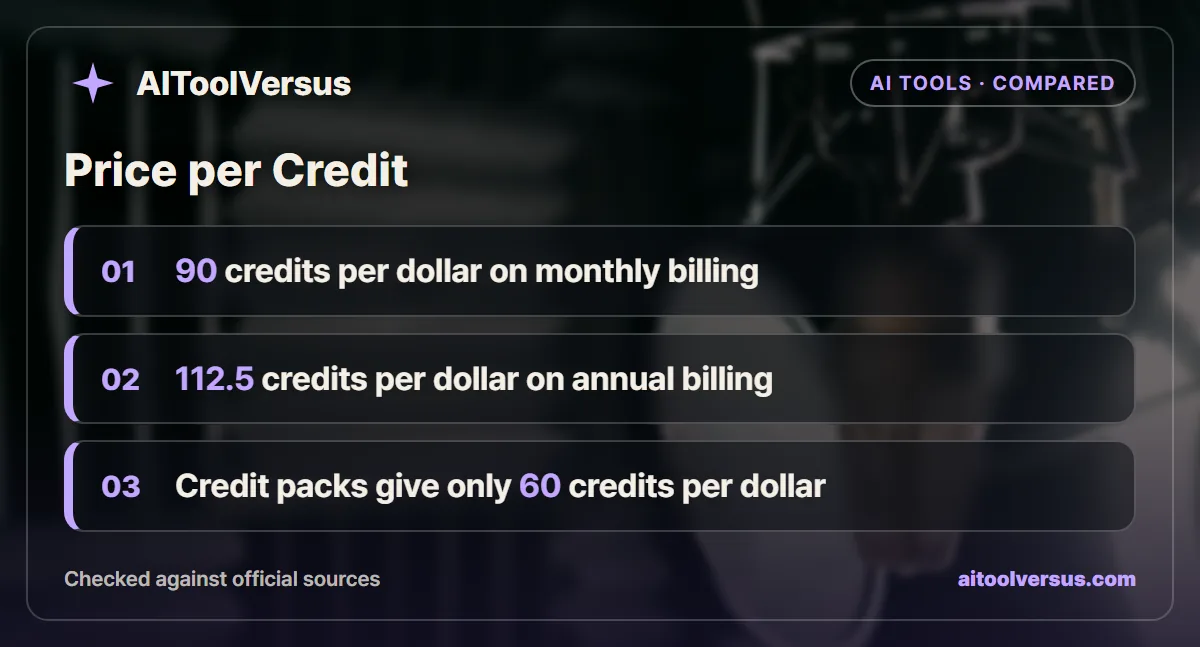
Divide each plan price by its credit pool and the result barely moves. Starter at $10 for 900 credits and Creator at $35 for 3,150 credits both work out to 90 credits per dollar on monthly billing.
Annual billing lifts both to 112.5 credits per dollar, because $8 buys 900 and $28 buys 3,150. Fancy at its $95 starting price also gives 90 credits per dollar for 8,550 credits.
Credit packs are the expensive route. At 60 credits per dollar, a pack credit costs 1.5 times what a monthly-plan credit costs. That ratio is the whole case for subscribing if you generate every month.
What 900 Credits Turn Into by Model
Pika now hosts several third-party video models next to its own, and each one bills a different amount per 5-second clip. The model you choose changes your output far more than the plan does.
| Model and resolution | Credits per 5-second clip | Clips from Starter (900) | Clips from Creator (3,150) |
|---|---|---|---|
| Pika H3 Flex, 768p | 10 | 90 | 315 |
| Pika 2.5, 720p | 20 | 45 | 157 |
| Wan 3.0, 720p | 33 | 27 | 95 |
| Seedance 2.0 Mini, 720p | 40 | 22 | 78 |
| Seedance 2.0, 720p | 80 | 11 | 39 |
| Kling 4.0, 1080p | 118 | 7 | 26 |
| Seedance 2.5, 720p | 122 | 7 | 25 |
| Seedance 2.5, 1080p | 299 | 3 | 10 |
The spread runs almost 30 to 1. Starter buys 90 H3 Flex clips but only 3 clips of Seedance 2.5 at 1080p. Pick your model first, then size the plan around it.
Images, Voice and Music Draw From the Same Pool
Credits are not reserved for video. The same balance pays for still images, voiceover and music, and the per-item rates are low next to a video clip.
| Item | Credits | Items from Starter (900) |
|---|---|---|
| GPT Image 2.5, 1K image | 2 | 450 images |
| Seedream 5 Lite, 1K image | 3 | 300 images |
| Nano Banana 2.1, 1K image | 5 | 180 images |
| Ideogram 4.5, image | 9 | 100 images |
| ElevenLabs v4 voice | 9 per 1,000 characters | 100,000 characters |
| MiniMax Music 3.0 | 9 per song | 100 songs |
This changes how a small project should be planned. A storyboard of 20 Nano Banana frames costs 100 credits, the same as five Pika 2.5 clips. Locking the look in stills first, then animating only the frames that work, stretches Starter much further.
Voice and music are cheap enough to ignore at Starter scale. A 4,000-character narration script costs 36 credits, and a background track costs 9. Video generation will always be the line item that decides your plan.
Starter and Creator Side by Side
The table uses the Pika pricing page as of November 2026. Annual prices are per month on annual billing.
| Plan | Monthly billing | Annual billing | Credits a month | Parallel jobs | Commercial license |
|---|---|---|---|---|---|
| Free | $0 | $0 | 0, packs only | 2 video, 2 image and audio | Not included |
| Starter | $10 | $8, $96 a year | 900 | 2 video, 8 image and audio | Included |
| Creator | $35 | $28, $336 a year | 3,150 | 8 video, 32 image and audio | Included |
| Fancy | From $95 | From $76, from $912 a year | 8,550 and up | Unlimited | Included |
| Enterprise | Custom | Custom | Custom | Not listed | Included |
Creator adds one feature Starter lacks, which is free Pika H3 Flex generations every day. The page marks this as a limited-time offer and shows the daily count only after you sign in. Do not budget around it.
Fancy is the first plan with a priority queue. Early access to new models sits on the higher Fancy tiers, which the page says start from $440 a month.
Parallel Jobs Decide How Fast You Work
Starter runs 2 video generations at once, and Creator runs 8. Credits set how much you can make in a month, while parallel slots set how long a session takes.
Picture a batch of eight variations of one shot. On Starter they run two at a time, so you wait through four rounds. On Creator all eight start together, which matters when you iterate on a prompt and need to compare results side by side.
Image and audio slots scale the same way, from 8 on Starter to 32 on Creator. If you build storyboards from still frames first, that gap matters as much as the credit pool.
Three Shorts a Week Worked Out in Credits
Consider a faceless channel that posts 3 Shorts a week with 30 seconds of generated footage in each. Each Short needs six 5-second clips, so 12 Shorts a month need 72 usable clips.
Assume one keeper for every two generations, which is an illustrative ratio and not a Pika figure. The calculation below uses Pika 2.5 at 720p and 20 credits per clip.
| Step | Calculation | Result |
|---|---|---|
| Usable clips needed | 12 Shorts x 6 clips | 72 clips |
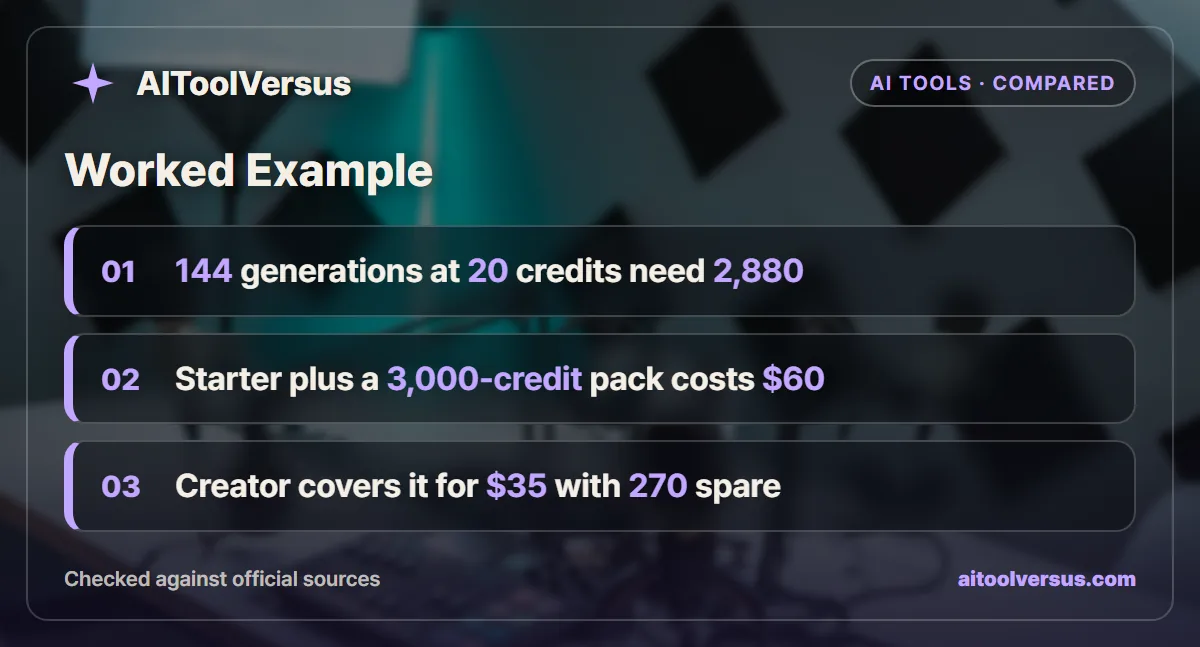
| Generations at 1 in 2 | 72 x 2 | 144 generations |
| Credits at 20 per clip | 144 x 20 | 2,880 credits |
| Starter shortfall | 2,880 - 900 | 1,980 credits |
| Starter plus packs | $10 + $50 for 3,000 credits | $60 a month |
| Creator | 3,150 credits | $35 a month, 270 spare |
Creator wins by $25 a month on monthly billing, and the gap stays at $30 on annual billing. Now swap in Kling 4.0 at 118 credits per clip. The same 144 generations need 16,992 credits, which is more than even the 8,550 credits at the bottom of Fancy.
The example shows that model choice can multiply your credit need almost sixfold before your posting schedule changes at all.
Rollover Rules Favor Packs for Irregular Work
Plan credits refresh each billing period and do not roll over. A quiet month on Creator simply loses whatever is left of the 3,150 credits.
Top-up credits work differently. The pricing page says they carry over and expire 365 days after purchase. That makes packs the better fit for work that arrives in bursts, despite the higher price per credit.
A simple rule follows. If your monthly use swings by more than half, compare a smaller plan plus occasional packs against the larger plan. If your use is steady, the larger plan wins because pack credits cost 1.5 times as much.
Annual Billing Saves 20 Percent on Either Plan
Annual billing cuts both plans by the same share. Starter drops from $120 a year on monthly billing to $96, a saving of $24. Creator drops from $420 to $336, a saving of $84.
| Plan | 12 monthly payments | Annual price | Saving | Credits over 12 months |
|---|---|---|---|---|
| Starter | $120 | $96 | $24, or 20% | 10,800 |
| Creator | $420 | $336 | $84, or 20% | 37,800 |
The catch is that the credits still arrive month by month. An annual plan does not hand you 10,800 credits up front, and each month’s unused balance still expires at the next refresh.
Commit to a year only after two or three monthly cycles show steady use. If your output is still finding its level, the extra 20% on monthly billing is cheap insurance against a plan that turns out too big.
Checks Before You Publish Pika Footage
The commercial license is a plan feature, not a per-video purchase. Footage you generated on Free stays outside that license, so start any client project on a paid plan from the first clip.
Third-party models carry their own terms as well. Read the usage rules for Kling, Seedance or Wan before you deliver work made with them, and keep a note of which model produced each clip.
Our guide to using AI-generated images commercially covers the licensing questions that also apply to video. If you want the same credit math for another tool, the Runway Free vs Standard breakdown prices video by the second.
Which Pika Plan Fits Your Output
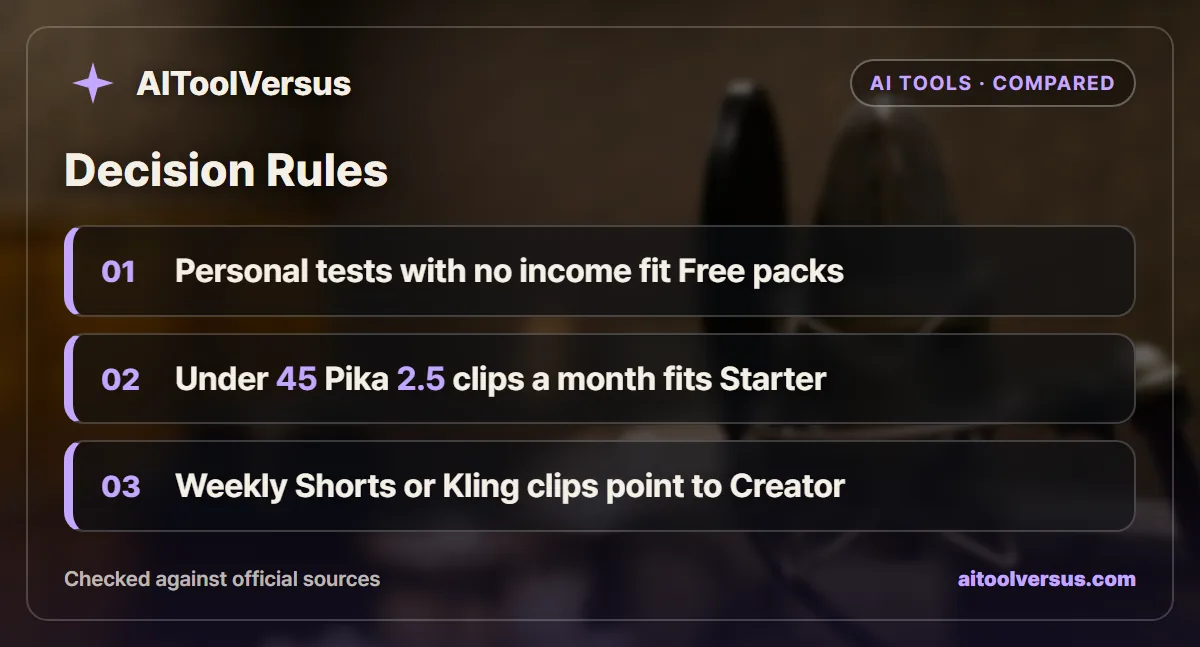
If you are testing ideas for yourself with no income attached: Free fits. A 1,500-credit pack for $25 buys 75 Pika 2.5 clips with no watermark, and pack credits last 365 days.
If you make under 45 Pika 2.5 clips a month: Starter fits. At $8 a month billed annually it adds the commercial license, and pack top-ups cover the odd heavy month.
If you post short video every week: Creator fits. The 3,150 credits cover 157 Pika 2.5 clips, and 8 parallel video jobs make batch work faster.
If you rely on Kling 4.0 or Seedance at 1080p: Creator is the floor, and Fancy may be needed. A month of 1080p clips can use credits several times faster than Pika 2.5.
If you only need one busy month: buy Creator on monthly billing for $35 and cancel. Paying once beats a $336 annual commitment you will not use.
Spend Your First Credits on a Keep-Rate Test
Before choosing a plan, generate ten clips of a shot you will actually use and count the keepers. That ratio, multiplied by your monthly clip count and the model rate, gives your real credit need.
If your keep rate is worse than one in two, size up. The wider AI video generator comparison can help if Pika turns out to be the wrong kind of tool for your footage.
Confirm current pricing and credit rates on the official site before subscribing. Pika adds partner models often, and the per-clip credit table changes faster than the plan prices.
FAQ
Does Pika give free credits every month?
No. The Pika pricing page lists 0 monthly credits on the Free plan and says free users buy credit packs instead, as of November 2026. The smallest pack is 1,500 credits for $25. Free exports carry no watermark, but the Free plan does not include a commercial license.
How much do Pika Starter and Creator cost?
Starter costs $10 a month on monthly billing or $8 a month billed annually, which is $96 a year. Creator costs $35 a month or $28 a month billed annually, which is $336 a year. Confirm current pricing on the official site before you subscribe.
How many videos can you make with 900 Pika credits?
It depends on the model. At 20 credits per 5-second clip, Pika 2.5 at 720p gives 45 clips, or 225 seconds, from the 900 Starter credits. Kling 4.0 at 1080p costs 118 credits per clip, so the same 900 credits cover only 7 clips.
Do unused Pika credits roll over to the next month?
No. The pricing page says plan credits refresh each billing period and do not roll over. Credits bought as a top-up carry over and expire 365 days after purchase, so packs suit irregular work better than an oversized plan.
Can you use Pika videos commercially on the Free plan?
Not on the Free plan. The pricing page marks the commercial license as not included on Free and included on Starter, Creator and Fancy. Buying a credit pack on Free does not add the license, so a monetized channel needs at least Starter.
Sources
- Pika plans and pricing — checked 2026-11-05
Some links may be affiliate links. We may earn a commission at no extra cost to you.
How this article was made: it was drafted with AI assistance from the official sources listed above, and its figures were checked against those pages on the dates shown. It is not based on personal hands-on testing.
Comments
Post a Comment