The Napkin Logo Matters More Than the Credit Count
Pick Napkin AI Plus at $9 a month if your visuals go to clients or into published work. The Free plan gives 500 AI credits a week, which covers light use, but every visual carries Napkin branding. Plus removes it and adds 10,000 credits a month, as of November 2026.
If you make diagrams for your own notes or study, Free is enough. Napkin charges roughly 1 credit per word you select, so 500 credits stretch further than the number suggests. Confirm current pricing on the official site before you subscribe.
How Napkin Turns Text Into Visuals
Napkin AI works from text you already have. You select a passage, and Napkin generates a visual from it that you can then edit.
That design explains the credit system. The Napkin AI pricing page says credits are charged per word selected for generation, at roughly 1 credit per word. Napkin adds that the rate may change for more complex outputs or advanced features.
Editing is not rationed. Every plan, including Free, lists unlimited visual editing. You spend credits when you generate, not when you adjust colors, labels or layout.
Free, Plus and Pro Side by Side
The table uses the Napkin pricing page as of November 2026. Prices are per person per month on monthly billing.
| Feature | Free | Plus | Pro |
|---|---|---|---|
| Price | $0, forever | $9 per person a month | $22 per person a month |
| AI credits | 500 a week | 10,000 a month | 30,000 a month |
| Napkin branding | On visuals | Removed | Removed, with unlimited custom branding |
| Export formats | Unlimited PNG and PDF | Adds unlimited PPT and SVG | Same as Plus |
| Brand styles | Built-in styles only | 3 brand styles | Unlimited custom branding |
| Font uploads | No | No | Yes |
| Premium AI image models | Not listed | Yes | Yes, plus exclusive designs |
| Credit top-ups | Not listed | Not listed | Optional |
| Team management and billing | No | Yes | Yes |
Napkin says annual billing saves 25% compared with monthly. The page does not print the annual dollar amounts, so check the figure at checkout.
File import is unlimited on every plan. Free accepts PPT, DOC, PDF, HTML and Markdown files, so you can bring in an existing document rather than retyping it.
What 500 Credits a Week Turns Into

Credits are easier to judge as visuals. Assume each visual comes from a 120-word passage, an illustrative length for a short paragraph or a list of steps.
| Plan | Credits | Calculation | Visuals from 120-word passages |
|---|---|---|---|
| Free | 500 a week | 500 / 120 | About 4 a week |
| Free over a year | 26,000 a year | 500 x 52 | About 216 a year |
| Plus | 10,000 a month | 10,000 / 120 | About 83 a month |
| Pro | 30,000 a month | 30,000 / 120 | About 250 a month |
Results are rounded down only at the last step. Free averages about 2,167 credits a month across a year, so Plus gives roughly 4.6 times as much.
Shorter selections go further. A 40-word heading and bullet list would use about 40 credits, letting Free produce 12 visuals in a week. Longer selections drain credits quickly.
Weekly Credits Behave Differently From Monthly Ones
Free and Plus meter credits on different clocks. Free gives 500 credits each week, while Plus and Pro give one larger allowance each month.
A weekly allowance spreads use evenly but caps any single week. Even if you skipped Napkin for a month, Free still gives you only 500 credits in the week a deadline lands.
A monthly allowance lets you spend in bursts. On Plus, a consultant could use 6,000 credits in the week before a pitch and still have 4,000 left.
The pricing page does not say whether unused credits roll over on any plan. Plan as if they do not, and judge each plan by its weekly or monthly figure alone.
A Blogger and a Consultant Run the Numbers
The two examples below use the same rate of roughly 1 credit per word. Both are illustrative workloads, not usage figures published by Napkin.
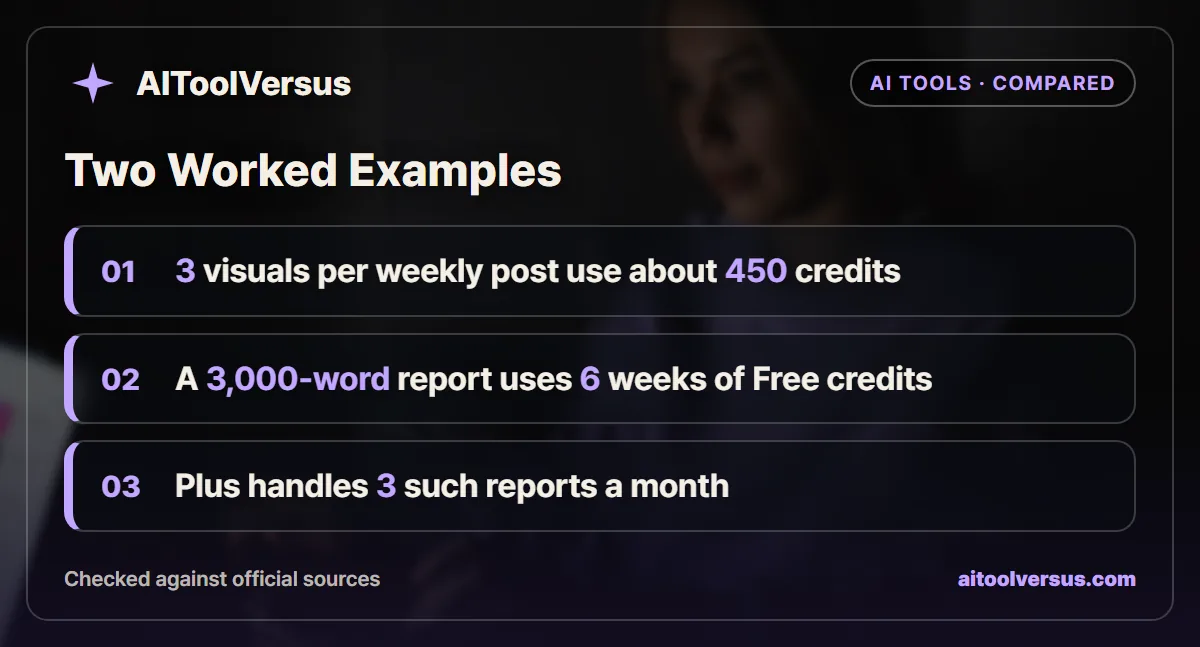
A blogger posting once a week. Assume each post gets 3 visuals, each made from a 150-word section. That is 450 credits a week, inside the 500 Free allows.
| Step | Calculation | Result |
|---|---|---|
| Credits per post | 3 visuals x 150 words | 450 credits |
| Weekly Free allowance | Fixed by the plan | 500 credits |
| Credits left each week | 500 - 450 | 50 credits |
Credits are not the problem here. Every visual still carries Napkin branding, which looks out of place on a client or business blog. The upgrade buys a clean image, not more output.
A consultant turning a report into slides. Assume the consultant selects an entire 3,000-word report section by section to build a deck.
| Step | Calculation | Result |
|---|---|---|
| Credits for one report | 3,000 words x 1 credit | 3,000 credits |
| Weeks of Free credits needed | 3,000 / 500 | 6 weeks |
| Reports per month on Plus | 10,000 / 3,000 | 3 reports, with 1,000 credits left |
| Reports per month on Pro | 30,000 / 3,000 | 10 reports |
Six weeks of saving credits is not realistic for client work. Plus also adds PPT export, which drops the visuals straight into a deck.
Branding and Export Formats Are What Plus Really Sells
The pricing page lists Napkin branding on visuals made with Free. It is removed on Plus and Pro.
For a student or someone sketching ideas, a small logo costs nothing. For a freelancer, an agency or anyone presenting to clients, it signals a free tool. For client-facing work, that is often a stronger reason to upgrade than credits.
Export format is the second reason. Free exports PNG and PDF without limit, which suits blogs and documents. Plus adds PPT and SVG, and SVG keeps diagrams sharp at any size.
Brand styles round out the case. Plus lets you save 3 brand styles, so colors stay consistent across a series of visuals.
When Pro Is Worth $13 More a Month
Pro costs $22 a month against $9 for Plus. It triples the credit allowance to 30,000 a month.
Per credit, Pro is slightly cheaper. Plus works out to $0.0009 a credit and Pro to about $0.00073, using monthly prices. The saving only matters if you actually use more than 10,000 credits.
Pro also adds unlimited custom branding, font uploads and exclusive designs. It is the only plan that lists optional credit top-ups, which protects a heavy month from a hard stop.
If you regularly select more than 10,000 words a month, Pro fits. Below that, the extra $13 mostly buys branding control.
Billing Rules for Teams and Cancellations
Napkin charges per person. Its FAQ says you can invite as many members as you like, but on paid plans each member who accepts an invitation adds a seat.
For a team of 3 on monthly billing, Plus costs $27 a month and Pro costs $66. Plan the number of seats before sending invitations.
Upgrades are charged immediately and prorated for the rest of the billing cycle. Downgrades take effect at the end of the cycle. Your content stays accessible afterward, but editing may be restricted.
If a payment fails, Napkin retries up to 8 times over the following month. After that, the account moves to the Free plan.
Privacy and Training Settings
Napkin’s FAQ says Enterprise customer data is not used to train its AI. Self-serve accounts may have anonymized interaction data used for training, and you can opt out in Account Settings.
That setting matters if you paste confidential reports. Our guide on checking whether an AI tool trains on your data explains what to look for in any tool.
Napkin also states it is SOC 2 Type II compliant, ISO 27001 certified and GDPR compliant. The reports can be requested through its Trust Center.
Five Questions to Answer Before Upgrading
A short checklist settles most cases faster than comparing feature lists. Answer each one with your own numbers.
1. Who will see the visuals? If anyone outside your own notes will, the Free plan branding is the first problem to solve.
2. How many words do you select in a typical week? Under 500 fits Free, and under about 2,300 averages out inside the 10,000 Plus credits per month.
3. Which file formats do you need? PNG and PDF are free, but PPT and SVG need Plus or Pro.
4. How many people need their own account? Each accepted invitation adds a paid seat, so a team of 4 on Plus costs $36 a month.
5. Will you paste confidential material? If so, set the training opt-out in Account Settings first, or ask about Enterprise.
If the answers are “only me”, “under 500”, “PNG” and “one”, Free covers you. Any answer pointing past those limits is a reason to move up a plan.
Which Napkin AI Plan Fits Your Work
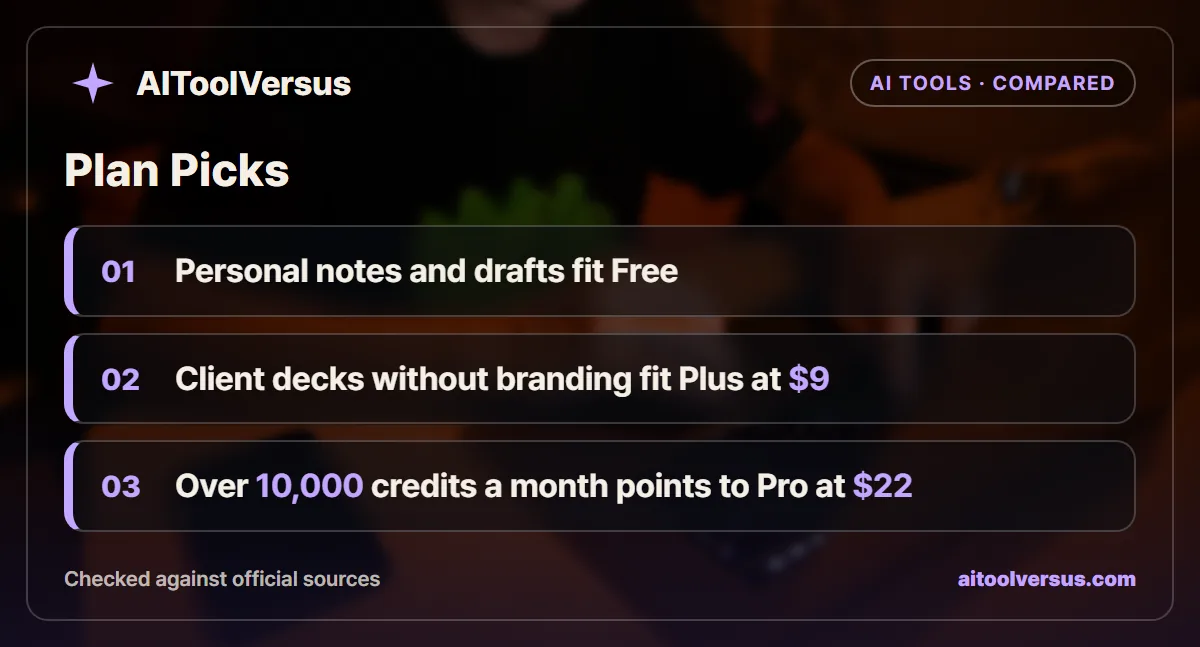
If you make diagrams for your own notes, study or drafts: Free fits. The 500 weekly credits cover about 4 visuals from 120-word passages, and branding does not matter.
If you publish visuals on a business blog or send them to clients: Plus fits at $9 a month. It removes Napkin branding and adds PPT and SVG export.
If you turn long reports into decks every week: Pro fits at $22 a month. A 3,000-word report uses 3,000 credits, so Plus covers only 3 a month.
If you are a student or a nonprofit hoping for a discount: Free fits. Napkin says it does not currently offer discounts to either group.
If a small team shares one brand look: Plus fits for most teams, at $9 per seat. Move to Pro if you need custom fonts or more than 3 brand styles.
Start on Free With Your Own Text
Try Free with a passage from a real document and note how many words you select. That tells you more about your monthly credit need than any estimate.
Then decide on branding, not volume. If the visuals will be seen by clients, Plus is the cheapest way to remove the logo. Our guides to AI presentation makers and AI tools for bloggers cover the wider field. Confirm current pricing on the official site before you subscribe.
FAQ
Is Napkin AI free to use?
Yes. Napkin AI has a Free plan with 500 AI credits a week, unlimited visual editing and unlimited PNG and PDF export. Visuals made on Free carry Napkin branding, as of November 2026.
How are Napkin AI credits counted?
Napkin charges credits per word you select for generation, at roughly 1 credit per word. Napkin says the rate may change for more complex outputs or advanced features.
How much does Napkin AI Plus cost?
Plus costs $9 per person a month and Pro costs $22 per person a month, as of November 2026. Napkin says annual billing saves 25% compared with monthly billing. Confirm current pricing on the official site.
Can you remove the Napkin watermark on the free plan?
No. Napkin's pricing page lists Napkin branding on visuals made with the Free plan. Plus removes the branding and adds PPT and SVG export.
Does Napkin AI have a student discount?
Not currently. Napkin's pricing FAQ says it does not offer discounts to nonprofits or students, and describes the Free plan as meant for light usage.
Sources
- Napkin AI Pricing — checked 2026-11-07
Some links may be affiliate links. We may earn a commission at no extra cost to you.
How this article was made: it was drafted with AI assistance from the official sources listed above, and its figures were checked against those pages on the dates shown. It is not based on personal hands-on testing.
Comments
Post a Comment