
The Mark That Works While You Sleep
Your logo does quiet work every day. It sits on your website, your invoices, and your social profiles, shaping a first impression before anyone reads a word. For a new venture, paying a studio for that mark can feel out of reach.
AI logo generators change the math. You type a business name, choose a few style cues, and the software returns dozens of concepts in seconds. Some look like rough sketches, while others land close to something you could ship.
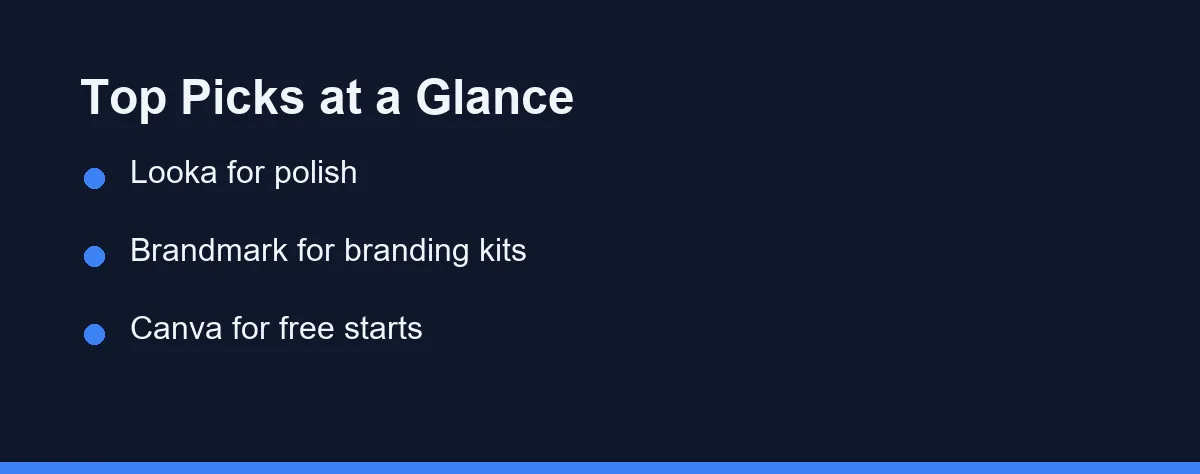
For most people, Looka offers the cleanest balance of quality and ease, producing polished logos and full brand kits with minimal effort. Brandmark is the stronger alternative when you want broader brand assets from the same pass.
Canva remains the top free starting point for casual users, and Tailor Brands suits owners who want logos bundled with business tools. The rest of this guide is about the two details that decide whether any of them work for you.
If you are exploring AI creative tools more broadly, you may also like our roundup of the best AI image generators for related visual work.
Vector Files or a Logo You Cannot Print
This is the trap that catches new founders, and it only shows up months later.
Most free tiers hand you a PNG. A raster file has a fixed pixel size, so enlarging it for a banner, a shopfront sign, or a printed brochure produces soft, blurred edges that no amount of editing repairs.
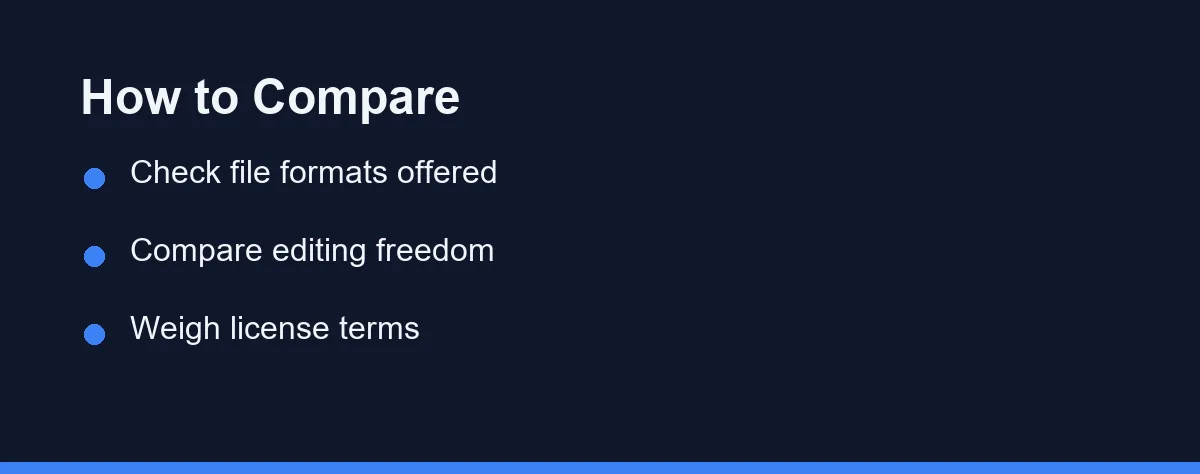
Vector formats such as SVG and EPS store shapes as mathematics rather than pixels. They scale from a favicon to a billboard without losing a single crisp edge, which is why every printer will ask for one.
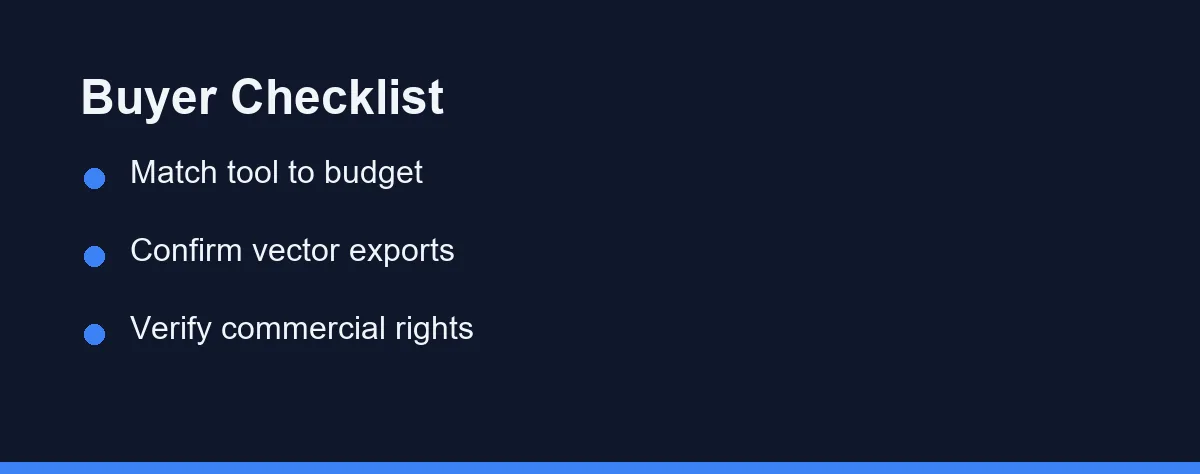
Vector export almost always sits behind a paid tier. Confirm it is included in the plan you can actually afford before you invest hours refining a concept, since discovering the gap afterward means starting over or paying more than you planned.
The related question is editing freedom. Some tools lock you into a fixed layout, while broader design platforms let you adjust fonts, colors, and spacing freely, and that control is usually what separates a generic mark from one that fits your brand.
There is a simple test for any candidate logo before you pay. Shrink it to the size of a browser tab icon, then imagine it printed across a shopfront window.
If the mark turns into an unreadable smudge at small size, the design is too detailed. If it looks thin and lost when enlarged, the weight is wrong. A logo has to survive both extremes, and generated concepts often fail one of them.
Check it in plain black and white as well. Colour hides weak shapes, and a mark that only works in its original palette will disappoint you the first time someone faxes, stamps, or embroiders it.
Who Actually Owns the Logo
Ownership and commercial rights vary by tool and by plan, and this is not a detail you can resolve later.
Some free tiers grant preview rights only, meaning you may look at the design but not use it on a product, a storefront, or a filing. Others grant full commercial use only from a specific tier upward.
Read the license terms before you build anything around the mark. Confirm the current licensing details on each official site, since providers revise these terms more often than they announce.
Uniqueness is a separate concern. These tools generate original combinations of shapes, fonts, and colors from your prompts, but the underlying components are shared, so results can resemble other templated logos.
Review the output carefully with that in mind. If your business depends on a distinctive identity, treat the generated file as a starting point that a designer refines rather than a finished trademark.
Registering the mark is a separate cost. The USPTO charges a base application fee of $350 per class of goods or services, as of September 2026. That fee is worth paying only once the design is final and distinctive.
The Generators Worth Shortlisting
Several capable platforms compete here, each with a slightly different focus.
Looka produces clean, modern logos with little input. After you answer a few style questions, it generates a wide range of concepts and offers brand kits with matching colors and fonts.
Brandmark focuses on cohesive branding rather than a single logo, generating cards, social assets, and color palettes alongside the mark. That suits teams building a full identity in one pass.
Canva is a broad design platform with a free logo maker built in. Its strength is the enormous template library and easy drag-and-drop editing, which works well for side projects and quick drafts.
Tailor Brands bundles logo creation with business formation and marketing tools, targeting new entrepreneurs who want branding and admin in one place.
Adobe Express brings logo tools into the wider Adobe ecosystem, connecting with other Adobe apps and offering strong editing controls for people already invested there.
| Tool | Best For | Vector Export | Editing Control | Brand Kit |
|---|---|---|---|---|
| Looka | Polished logos | Yes (paid) | Moderate | Yes |
| Brandmark | Full branding | Yes (paid) | Moderate | Yes |
| Canva | Free starts | Limited | High | Partial |
| Tailor Brands | New businesses | Yes (paid) | Moderate | Yes |
| Adobe Express | Adobe users | Yes (plan) | High | Partial |
| Wix Logo Maker | Website owners | Yes (paid) | Moderate | Partial |
| Fiverr Logo Maker | Marketplace users | Yes (paid) | Moderate | Partial |
| LogoAI | Automated kits | Yes (paid) | Moderate | Yes |
The pattern is consistent. Vector export sits behind payment almost everywhere, editing control peaks in the broad design tools, and brand kits are strongest in the dedicated logo platforms.
Pricing follows a freemium shape across the category. You preview designs at no cost, then pay to download high-resolution or vector files, and commercial rights may depend on the tier you select.
| Tool | Free Tier | Paid Model (approx.) | What Paying Unlocks |
|---|---|---|---|
| Looka | Preview only | One-time or subscription | High-res files, brand kit |
| Brandmark | Preview only | One-time logo package | Vector files, full assets |
| Canva | Yes, generous | Monthly Pro subscription | Premium assets, extras |
| Tailor Brands | Preview only | Monthly subscription | Vector files, business tools |
| Adobe Express | Yes, limited | Monthly subscription | Full editing, Adobe library |
Those values are approximate and reflect broad market positioning at the time of writing. Confirm current pricing on each official site before you buy.
Watch renewal costs on subscription plans especially closely. A logo is usually a one-time need, so a recurring fee may not fit, and a one-time purchase often works out cheaper across a year. Our guide to the best free AI tools covers options that complement a logo workflow.
Which Generator Fits Your Stage
Best for a polished logo with little effort: Looka. It turns a few style answers into clean, modern marks and matching brand kits. Choose it when you want a professional result without wrestling with design tools.
Best for a full brand identity: Brandmark. It generates a logo alongside cards, social assets, and color palettes in one pass. Pick it when you need a consistent look across many touchpoints from day one.
Best free starting point: Canva. Its free logo maker pairs a huge template library with easy drag-and-drop editing. It suits side projects and quick first drafts where budget matters most, though vector export is the known limit.
Best for new business owners: Tailor Brands. It bundles branding with formation and marketing tools for people launching a company. Reach for it when you want admin tasks and a logo handled together.
Best for existing Adobe users: Adobe Express. It brings logo tools into the wider Adobe ecosystem with strong editing controls. It makes the most sense if you already use Photoshop or Illustrator.
For teams planning a wider toolkit, it helps to weigh logo tools alongside our review of the best AI writing tools.
A Strong First Draft, Not a Finished Identity
There is no single winner here, only the tool that fits your stage and budget. A weekend project and a funded startup pull toward very different picks.
Generating concepts takes seconds, and a usable logo can be ready within the hour. The longer part is refining fonts, colors, and spacing until the mark feels like yours rather than like a template.
Budget that extra time deliberately. The difference between a forgettable logo and a memorable one is almost never the generator, and almost always the hour of adjustment afterward.
Two checks decide the rest. Confirm the plan you can afford includes vector files, and read the license so your commercial rights are clear before you build a brand on the design.
One last test is worth the minute it takes. Put the finished mark on a phone screen and on a printed page, and keep it only if it survives both sizes.
Owning the file is not the same as owning the brand, and the difference matters once the logo goes on products. Before you print anything, read whether you can trademark an AI-generated logo, which covers conflict searches and why a generated mockup fails as a specimen.
FAQ
Can AI logo generators create a truly original logo?
They generate original combinations of shapes, fonts, and colors based on your prompts. Results can look similar to other templated logos, so review carefully and refine before committing. For full uniqueness, treat the output as a starting point for a designer.
Do I own the logo an AI tool creates?
Ownership and commercial rights vary by tool and by plan, and some free tiers limit usage. Always read the license terms before using a logo commercially. Confirm the current licensing details on each official site.
Are AI logo generators free to use?
Many offer free previews, but high-resolution files, vector formats, and full rights usually require a paid plan. Pricing changes often across providers. Check the official site for current plans before you buy.
Can I get vector files from an AI logo generator?
Vector files such as SVG or EPS are usually available, but often only on a paid tier. They scale without blur, which matters for print and large signage. Confirm that vector export is included in the plan you choose.
How long does it take to make a logo with these tools?
Generating concepts takes only seconds, and a usable logo can be ready in under an hour. The longer part is refining fonts, colors, and spacing to fit your brand. Budget extra time if you want a polished, distinctive result.
Sources
- USPTO: Summary of 2025 trademark fee changes — checked 2026-09-27
Some links may be affiliate links. We may earn a commission at no extra cost to you.
This article was written with AI assistance. It is researched and fact-checked, not based on personal hands-on testing unless explicitly stated.
Comments
Post a Comment