No Longer a Party Trick
Type a sentence, wait a few seconds, and a finished image appears. In 2026, that is no longer a party trick. It is how a lot of real marketing, design, and content work now starts.
The hard part has shifted. It is not whether these tools can draw, but which one deserves a spot in your workflow. Midjourney, DALL-E 3, Stable Diffusion, and Adobe Firefly all pull in different directions.
This guide lines them up by what they are actually good at. You will see how each one works, what it tends to cost, and which tool fits a given job.
Where Each Generator Wins
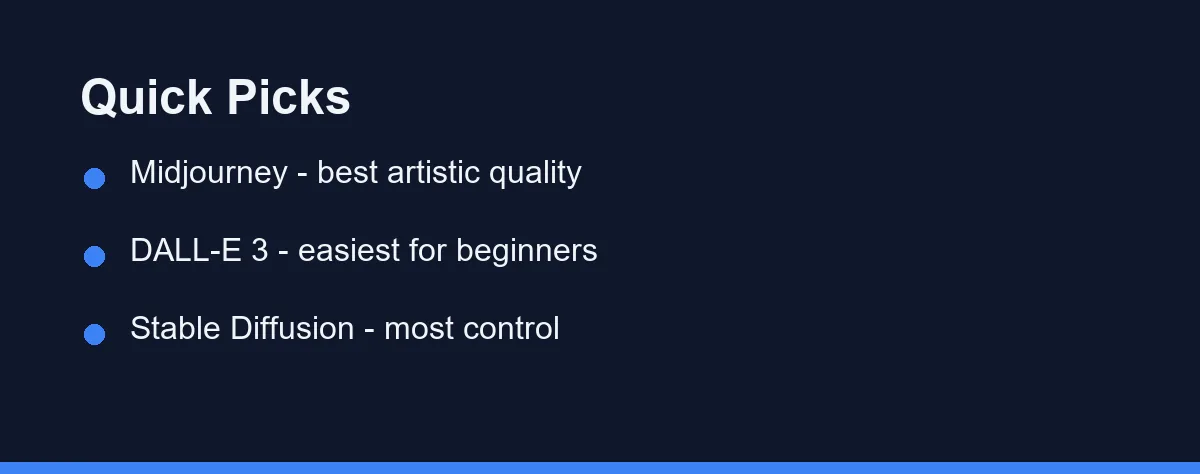
For pure artistic quality and striking visuals, Midjourney remains the favorite among creative professionals.
For beginners who want simple, conversational prompting, DALL-E 3 inside ChatGPT is the easiest entry point.
For maximum control and customization, Stable Diffusion gives technical users an open and flexible foundation. The comparison table below shows exactly where each tool fits.
Top Picks Compared
The best AI image generators in 2026 each serve a slightly different audience. Below is a quick look at the leading options.
Midjourney is known for its painterly, polished output. It excels at concept art, illustration, and richly stylized images.
DALL-E 3 is built into ChatGPT and other OpenAI products. It understands natural language prompts well and is forgiving for newcomers.
Stable Diffusion is open and highly customizable. Power users run it locally or through hosted services to fine-tune every detail.
Adobe Firefly focuses on commercial safety and integration with Creative Cloud apps. It appeals to teams already using Photoshop.
Google Imagen and other newer models continue to push photorealism and text rendering forward each year.
Interface, Control, and Licensing Lined Up
The table below summarizes the practical differences between the leading tools. Use it to narrow your shortlist quickly.
| Feature | Midjourney | DALL-E 3 | Stable Diffusion | Adobe Firefly |
|---|---|---|---|---|
| Best for | Artistic quality | Beginners | Customization | Commercial work |
| Interface | Web app and Discord | ChatGPT chat | Web, apps, or local | Creative Cloud apps |
| Learning curve | Moderate | Very easy | Steep for local setup | Easy for Adobe users |
| Prompt style | Keyword and natural | Natural language | Keyword and detailed | Natural language |
| Customization | Style controls | Limited | Extensive | Style and brand tools |
| Editing tools | Inpainting and zoom | Basic edits | Many extensions | Strong Photoshop tie-in |
| Pricing model | Subscription tiers | Bundled with plans | Free to hosted plans | Subscription and credits |
| Commercial licensing | Paid tiers grant rights | Per OpenAI terms | Model-dependent | Built for commercial safety |
| Text in images | Improving | Strong for short text | Varies by model | Reliable in Adobe apps |
| Offline / local use | No | No | Yes, with a GPU | No |
Pricing across all of these tools changes often. Always confirm current plans and limits on each official site before you subscribe.
How Each Tool Works
Understanding the workflow helps you predict whether a tool will fit your routine.
Midjourney started on Discord but now offers a full web interface. You type a prompt, receive several variations, then upscale or remix the ones you like.
DALL-E 3 lives inside conversational tools like ChatGPT. You describe an image in plain English, and it generates results you can refine through follow-up messages.
Stable Diffusion is a model rather than a single product. You can run it through a web service, a desktop app, or your own machine with a capable graphics card.
Adobe Firefly sits inside familiar apps such as Photoshop and Express. It generates images and supports features like generative fill directly on your canvas.
Match the Generator to Your Workflow
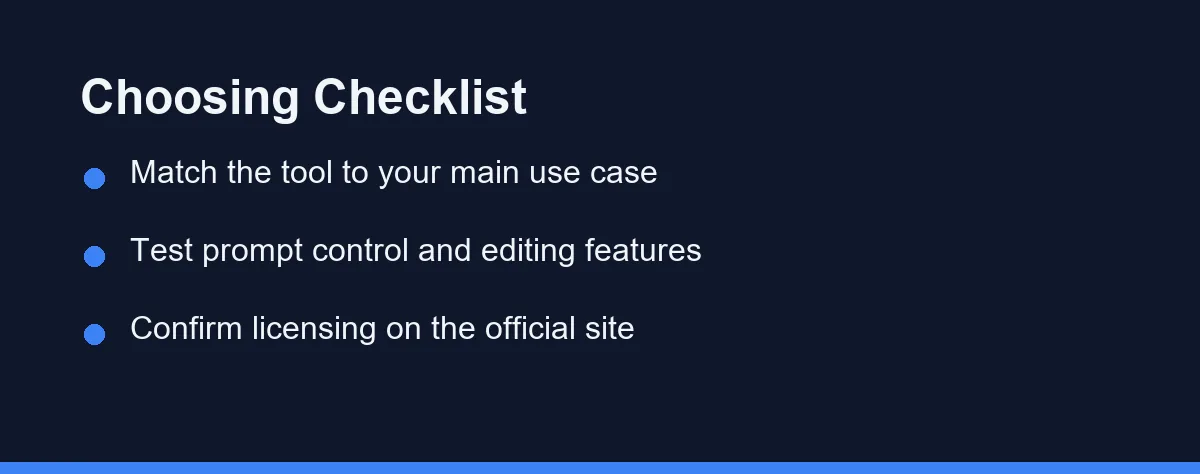
Picking the best AI image generator depends on what you actually need to create.
Start with your main use case. A social media manager has different needs than a game studio building concept art.
Consider your comfort with prompting. Some tools reward detailed, technical prompts, while others handle casual descriptions gracefully.
Think about editing too. If you need to adjust faces, backgrounds, or text inside an image, choose a tool with strong editing or inpainting features. Lettering is a weak spot for every model, and our explainer on why AI image generators still get text wrong covers how designers work around it.
Finally, weigh integration. If your team already lives in Adobe apps, a tool that plugs into that workflow saves real time.
For a broader overview of free options, see our roundup of the best free AI tools. It covers entry-level generators that cost nothing to try.
Free Versus Paid Options
Most leading generators use paid plans, but several offer a way to test without spending money.
Free tiers usually limit resolution, speed, or the number of monthly images. They are enough to evaluate quality before you commit.
Paid plans unlock higher resolution, faster queues, and often broader commercial rights. Heavy users typically find a subscription pays for itself.
Because pricing shifts frequently, never assume a number you read elsewhere. Check the official site for current tiers, credit costs, and license terms.
The table below lists approximate pricing tiers at the time of writing. Confirm current pricing on each official site, since plans and credits change often.
| Tool | Free tier | Individual paid | Team / business |
|---|---|---|---|
| Midjourney | Limited or none | Basic around $10/mo | Pro and Mega tiers |
| DALL-E 3 | Limited free access | Bundled in ChatGPT Plus (~$20/mo) | Team and Enterprise per seat |
| Stable Diffusion | Free to run locally | Hosted plans vary | Hosted or self-managed |
| Adobe Firefly | Yes, with credits | Firefly or Creative Cloud plan | Business and enterprise plans |
Students in particular should look for discounts and bundled access. Our guide to the best AI tools for students highlights budget-friendly picks worth exploring.
From Ad Creatives to Concept Art

AI image generators now support a wide range of real projects. Knowing the common patterns helps you pick wisely.
Marketing teams produce social posts, ad creatives, and blog headers at speed. Quick iteration matters more than perfect realism here.
Designers and game studios use generators for concept art and mood boards. Midjourney and Stable Diffusion are popular for this stylized work.
Ecommerce sellers create product mockups and lifestyle scenes. Tools with strong editing and commercial licensing fit this need well.
Educators and content creators add custom illustrations to lessons and videos. Easy, conversational tools like DALL-E 3 lower the barrier for them.
Tips for Better Results
A few habits improve output no matter which tool you choose.
Be specific in your prompts. Name the subject, style, lighting, and mood instead of leaving the model to guess.
Iterate in small steps. Generate a batch, pick the closest result, then refine it with focused follow-up prompts.
Use reference styles when available. Many tools let you guide output toward a particular look or aspect ratio.
Always review licensing before publishing. Commercial rights vary by tool and plan, so confirm the terms on the official site first.
Where Each Generator Shines and Slips
Every generator involves trade-offs. A balanced view helps set expectations.
Midjourney delivers stunning art but offers less precise control over exact details. Its style is distinctive, which is both a strength and a limit.
DALL-E 3 is approachable and fast, yet it gives fewer advanced controls than power-user tools. It favors ease over deep customization.
Stable Diffusion is the most flexible option, though local setup can be technical. The payoff is near-total control for those willing to learn.
Adobe Firefly prioritizes commercial safety and integration, which appeals to teams but may feel constrained to experimental artists.
Which Should You Choose
If you want the most beautiful results with minimal fuss, Midjourney is the standout creative choice.
If you are new to AI images and value simplicity, DALL-E 3 inside ChatGPT is the gentlest place to start.
If you need deep control or want to run models yourself, Stable Diffusion rewards the extra effort. And if you live in Adobe apps, Firefly keeps everything in one familiar place.
Licensing and Commercial Use
Commercial rights are easy to overlook until a client asks about them. Sort this out before you publish anything for business.
Rules differ by tool and by plan. Some grant broad commercial rights on paid tiers, while others restrict use or require attribution.
Adobe Firefly leans hardest into commercial safety, which is why teams favor it for client work. Open Stable Diffusion models vary by license, so read each one.
Because terms change, never rely on a figure from a forum or an old article. Confirm the current license on the official site for your tool and plan.
Which Generator Fits Your Skill Level
Best for beginners: DALL-E 3 inside ChatGPT is the gentlest start. You describe an image in plain English and refine it through chat. There is nothing to install and no prompt syntax to memorize.
Best for artistic and concept work: Midjourney sets the standard for stylized, polished output. Illustrators and designers lean on it for mood boards and concept art. Its results often look finished with little editing.
Best for full control: Stable Diffusion rewards technical users. You can run it locally, swap models, and fine-tune a consistent style. The tradeoff is setup effort and hardware needs.
Best for commercial teams: Adobe Firefly focuses on commercial safety and Creative Cloud integration. It fits studios already living in Photoshop and Express. Generative fill on your own canvas is a real time-saver.
Best on a budget: Start with free tiers and local Stable Diffusion. They cover social graphics and experiments without a subscription. Upgrade only when speed or resolution limits get in your way.
Your Best, Not the Best
Picking an AI image generator is less about finding the “best” and more about finding your best. The four leaders each own a different lane, and none of them wins every job.
If you are new, start in DALL-E 3 and just describe what you see. If you chase artistic polish, Midjourney is the one to beat. If you need control, Stable Diffusion pays back the effort, and if you live in Adobe, Firefly keeps everything in one place.
Whatever you try, check the licensing before you publish anything commercial. Test two or three free tiers for a week, then keep the tool that matches your style and let the rest go.
If your shortlist is already down to the big three, our head-to-head on Midjourney vs DALL-E vs Stable Diffusion compares them on the axes that actually differ. Designers working inside an existing suite face a narrower choice, covered in Canva AI vs Adobe Firefly. And if you came here for one specific job rather than general image work, the best AI logo generators roundup handles brand marks, where file formats and usage rights matter more than raw image quality.
Tool choice also matters less than most people expect once the prompt improves, and how to write better AI image prompts walks through a structure that lifts results on any of these engines.
For blog and article artwork, the comparison is not only between generators. AI image generator vs stock photos for blog images weighs generation against a stock library on cost, licensing, and how long each route takes to produce something usable.
FAQ
What is the best AI image generator in 2026?
There is no single winner for everyone. Midjourney leads on artistic quality, while DALL-E 3 is easiest for beginners and tightly integrated with ChatGPT.
Are there free AI image generators worth using?
Yes. Several tools offer free tiers or trial credits, though they usually limit resolution, speed, or the number of monthly generations. Check each official site.
Can I use AI generated images commercially?
It depends on the tool and your plan. Many platforms grant commercial rights on paid tiers, but you must confirm the current license terms on the official site.
What is the difference between Midjourney, DALL-E 3, and Stable Diffusion?
Midjourney is strongest for stylized, artistic images and concept art. DALL-E 3 is the easiest for beginners and handles natural-language prompts inside ChatGPT. Stable Diffusion offers the most control for technical users who want to run models themselves.
Can AI image generators create accurate text in images?
Text rendering has improved a lot, but results still vary by tool and prompt. DALL-E 3 and newer models handle short words better than older ones. For critical text, plan to add it yourself in an editor.
Sources
- Adobe Firefly: compare plans that include generative AI — checked 2026-09-27
- Stability AI License — checked 2026-09-27
Some links may be affiliate links. We may earn a commission at no extra cost to you.
This article was written with AI assistance. It is researched and fact-checked, not based on personal hands-on testing unless explicitly stated.
Comments
Post a Comment