Pro Buys Volume and Apps, Not Cheaper Credits
Stay on Standard at $9.99 a month for image work, and pay $19.99 for Pro once video becomes weekly. Adobe lists 2,000 generative credits on Standard and 4,000 on Pro, as of October 2026. That works out to about 200 credits per dollar on both, so Pro is not a discount on credits.
What the extra $10 buys is a bigger pool for premium features like video, sound effects and music. Adobe also recommends Pro, not Standard, for anyone who needs Photoshop and Express access.
Everything below comes from the Adobe Firefly plans page, checked on October 31, 2026. Confirm current pricing on the official site before subscribing, because Adobe adjusts allowances and partner models more often than its headline prices.
Why the Credit Count Matters Less Than You Think
Most people compare the two plans by the credit number alone. That misses how Firefly actually splits its features.
Standard image features, such as Generative Fill, are listed as unlimited on every paid plan. Credits only pay for the premium side, meaning video generation, audio translation, sound effects, music and partner models. If your work is mostly image edits inside Firefly, the credit pool barely moves.
So the real question is how much premium generation you need in a typical month. Image-only users can ignore the 4,000 figure almost entirely.
What 2,000 and 4,000 Credits Turn Into
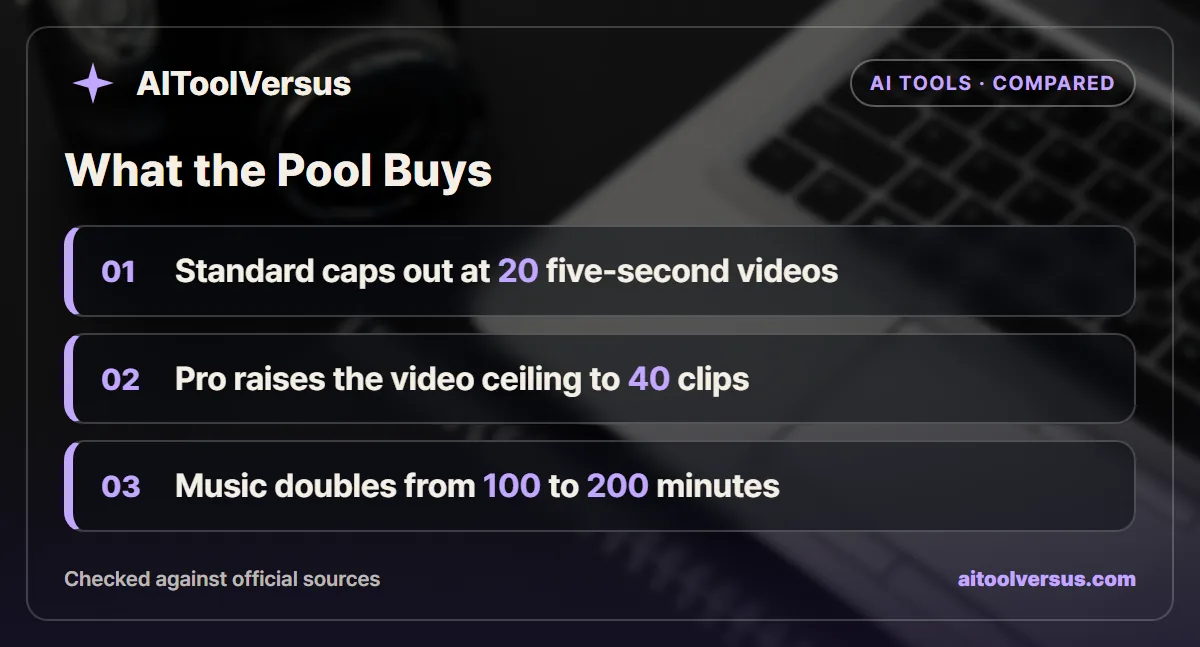
Adobe translates each credit pool into rough output counts. The plans page lists these as “up to” figures for each feature.
On Standard, 2,000 credits cover up to 20 five-second videos, up to 6 minutes of audio or video translation, up to 200 sound effects, or up to 100 minutes of music. On Pro, 4,000 credits cover up to 40 videos, 13 minutes of translation, 400 sound effects, or 200 minutes of music.
Read the word “or” carefully. The same credits pay for every premium feature, so each number appears to assume the whole allowance goes to that one task. Spend half your Standard pool on music and only about 10 video clips remain.
Twenty five-second clips equal 100 seconds of generated video per month on Standard, and 200 seconds on Pro. That is enough for a handful of short social posts, not a steady stream of b-roll.
Four Firefly Plans Side by Side
The table uses the individual US prices on the Firefly plans page as of October 2026. All four plans are listed with monthly billing.
| Plan | Monthly price | Credits a month | Five-second videos | Translation | Sound effects | Music |
|---|---|---|---|---|---|---|
| Free | $0 | Daily generations, refresh every day | Limited daily | Not listed | Not listed | Not listed |
| Standard | $9.99 | 2,000 | Up to 20 | Up to 6 min | Up to 200 | Up to 100 min |
| Pro | $19.99 | 4,000 | Up to 40 | Up to 13 min | Up to 400 | Up to 200 min |
| Pro Plus | $49.99 | 10,000 | Up to 100 | Up to 33 min | Up to 1,000 | Up to 500 min |
| Premium | $199.99 | 50,000 | Unlimited Firefly Video Model | Up to 166 min | Up to 5,000 | Up to 2,500 min |
The per-credit price stays flat from Standard through Pro Plus at roughly 200 credits per dollar. Only Premium improves it, to about 250 credits per dollar, and it adds unlimited use of the Firefly Video Model in Generate Video.
The Photoshop and Express Line in the Pro Column
Adobe’s own plan advice draws the line clearly. The FAQ recommends Standard for creators who mainly do image and vector work, and Pro for anyone who needs video or Photoshop and Express access.
That second reason is easy to overlook. If you already pay for Adobe Express Premium or want Photoshop on web and mobile, Pro may replace a separate subscription. In that case the extra $10 a month is not really buying credits at all.
If you never open Photoshop or Express, that half of the Pro case disappears. You are then paying $10 more purely for a larger premium pool.
Three Creators Run Through a Month
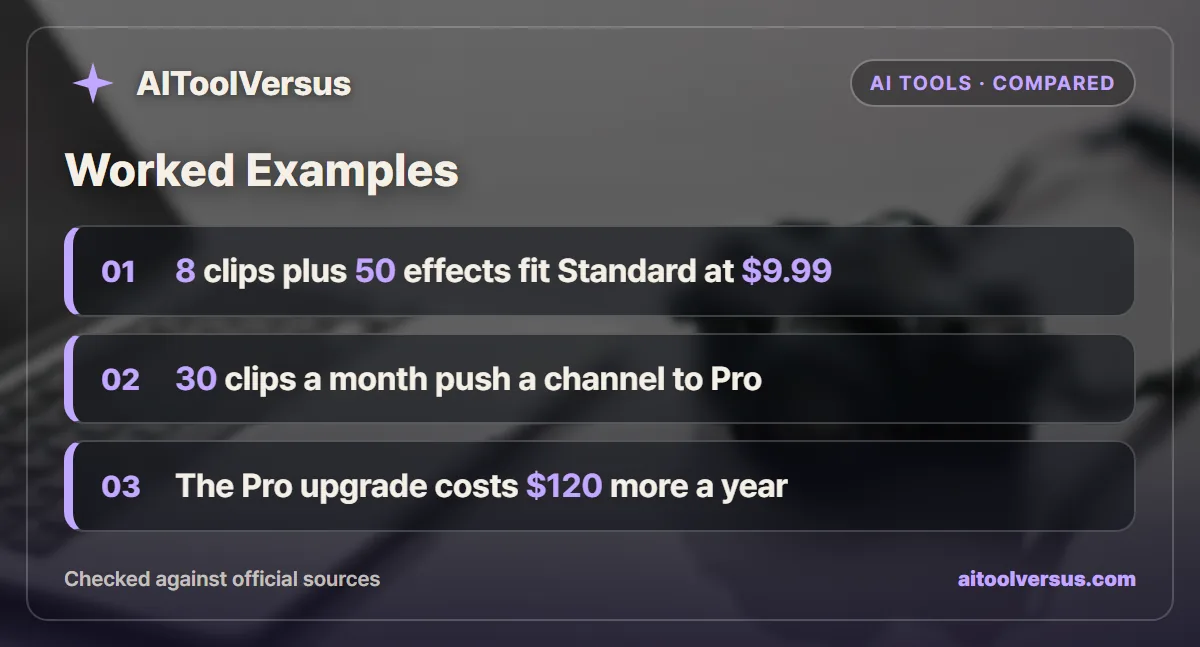
These examples use the plan page ratios, which imply about 100 credits per five-second clip and about 10 credits per sound effect on both plans. Real usage can differ by feature, so treat the math as a planning estimate.
A social media freelancer making 8 short clips and 50 sound effects a month. Eight clips use about 800 credits and 50 effects use about 500, for roughly 1,300 of the 2,000 on Standard. Standard covers it with room for a few extra clips at $9.99 a month.
A faceless YouTube channel needing 30 b-roll clips a month. Thirty clips need about 3,000 credits, which is more than the Standard ceiling of 20 videos. Pro covers 40 clips, so the channel fits Pro with about 1,000 credits to spare for music or effects.
A product photographer who only edits images. Generative Fill and the other standard image features are unlimited on paid plans. Standard at $9.99 is the whole answer, and even the credit pool may go unused.
| Plan | Monthly | Twelve months | Difference from Standard |
|---|---|---|---|
| Standard | $9.99 | $119.88 | None |
| Pro | $19.99 | $239.88 | $120.00 more |
| Pro Plus | $49.99 | $599.88 | $480.00 more |
The yearly totals assume the prices hold for twelve months of monthly billing. The examples show that clip count decides the plan, and image editing alone never justifies Pro.
Estimating Your Own Monthly Credit Need
You can build a rough budget from the plans page itself. Dividing each credit pool by its “up to” count gives the same ratios on Standard and Pro.
| Premium task | Standard math | Implied credits per unit |
|---|---|---|
| Five-second video | 2,000 credits for 20 videos | About 100 per clip |
| Sound effect | 2,000 credits for 200 effects | About 10 per effect |
| Music | 2,000 credits for 100 minutes | About 20 per minute |
| Translation | 2,000 credits for 6 minutes | About 330 per minute |
Translation stands out as the expensive task. A single 5-minute tutorial dubbed into one language would use most of a Standard month, while the same credits could produce about 16 short video clips.
To use the table, list last month’s premium jobs and multiply each by its ratio. A month of 12 clips, 5 minutes of music and 30 effects comes to about 1,200 plus 100 plus 300, or roughly 1,600 credits.
That fits Standard with a small margin. Add one translated video and the month moves past 2,000, which is the point where Pro or an add-on starts to make sense.
These ratios are derived from Adobe’s rounded “up to” counts, not from a published rate card. Treat them as a planning guide and watch the credit counter in your account for the real figure.
When Credits Run Out Mid-Month
The plans page FAQ says Firefly credits reset on each billing cycle and do not roll over. A slow month cannot bank credits for a launch month.
When the pool runs dry, Adobe lists three options. You can wait for the reset, upgrade the plan, or buy a credit add-on, which the page says starts at 2,000 credits. The add-on price is not shown on the plans page, so check it before relying on top-ups.
Standard generative features stay unlimited during that gap. You can keep filling and expanding images, but new video, audio and partner model jobs pause.
Partner Models Spend the Same Credits
Paid individual plans include access to partner models alongside Adobe’s own. The plans page lists GPT Image, Gemini with Nano Banana and FLUX for images, and Runway, Kling, Luma and Topaz Astra for video.
Those models draw from the same credit pool as Firefly’s premium features. A month spent experimenting with partner video models can drain a Standard pool faster than the “up to 20 videos” line suggests.
There is also a licensing difference. Adobe describes Firefly model outputs as safe for commercial use, but says users are responsible for partner model outputs. Our guide to which AI image generators offer IP indemnity explains why that distinction matters for client work.
Where Pro Plus and Creative Cloud Pro Come In
Pro Plus at $49.99 a month carries 10,000 credits and up to 100 five-second videos. It suits someone producing video for clients most working days, where 40 clips would run out in the second week.
Adobe also mentions Creative Cloud Pro at $69.99 a month in the same FAQ, aimed at people who need the full desktop apps. If you already pay for Creative Cloud, check your existing credit allowance before adding a Firefly plan on top.
Team versions of Pro, Pro Plus and Premium exist at the same per-license prices, billed annually and paid monthly. They add admin tools and 24x7 support.
Which Firefly Plan Fits Your Workload
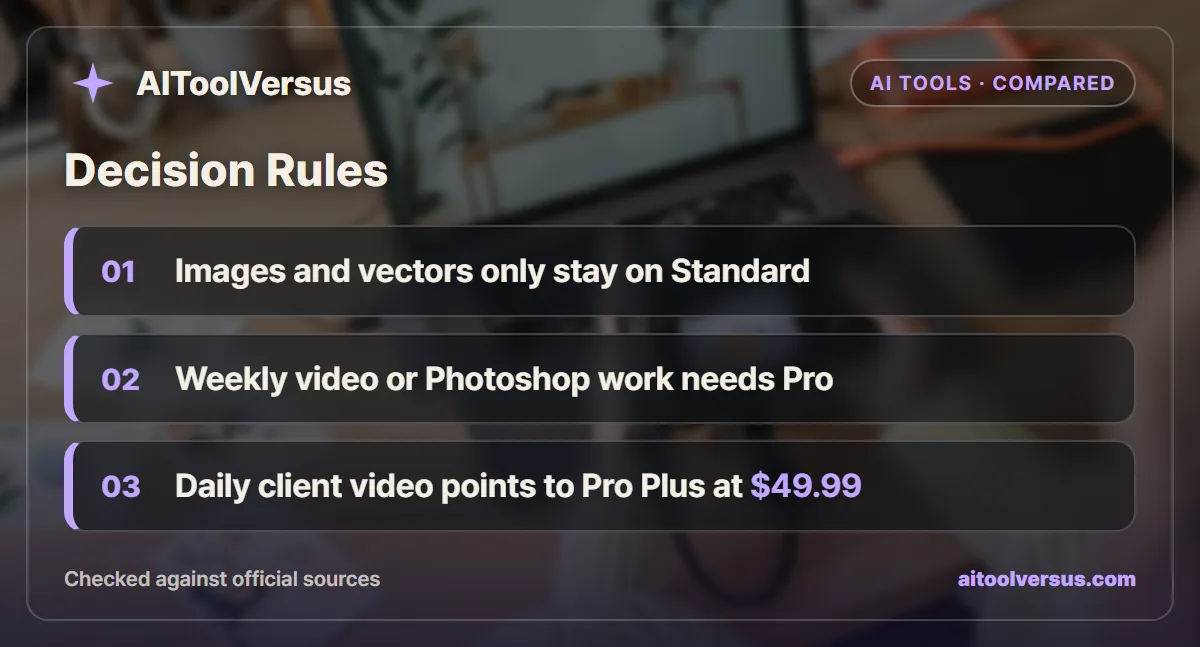
If you edit and generate images but rarely make video: Standard fits. Generative Fill stays unlimited, and 2,000 credits cover occasional premium experiments.
If you need Photoshop or Express on web and mobile: Pro fits, even with light video use. The app access can replace a separate subscription.
If you post short video clips every week: Pro fits once you pass about 20 clips a month. Count last month’s clips before upgrading.
If you deliver video to clients most days: Pro Plus fits better than stacking add-ons. It lifts the ceiling to 100 clips for $49.99.
If you only make a few images a week: The free plan’s daily generations may be enough. Its limits refresh every day, so test there first.
For a wider view of the market, the best AI image generators roundup compares Firefly with Midjourney and others. If your work is mostly templates and social layouts, Canva AI vs Adobe Firefly covers that choice.
Start on the Free Daily Generations
Use the free plan for a week on the exact work you plan to pay for. Note how many video clips, sound effects and music tracks you actually needed.
If the total stays under about 20 clips a month and you do not need Photoshop, Standard at $9.99 is enough. If it runs past that, Pro at $19.99 doubles every premium ceiling.
Before publishing anything for a client, read whether AI-generated images can be used commercially. Then confirm current pricing on the official site, since the credit allowances and partner model list can change between billing cycles.
FAQ
How much do Adobe Firefly Standard and Pro cost?
Adobe lists Firefly Standard at $9.99 a month with 2,000 generative credits and Firefly Pro at $19.99 a month with 4,000 credits, as of October 2026. Both are shown as monthly individual plans in US dollars. Confirm current pricing on the official site, since Adobe changes plan contents more often than prices.
Does Firefly Pro give you cheaper credits than Standard?
No. At list price both plans work out to about 200 credits per dollar, so Pro simply doubles the monthly pool. The extra value in Pro comes from the larger video, audio and music allowances, and from the Photoshop and Express access Adobe points Pro buyers toward.
What happens when you run out of Firefly credits?
Standard image features such as Generative Fill stay unlimited on every paid plan, per the Firefly plans page. Premium features like video, audio and partner models stop until the next billing cycle, an upgrade, or a credit add-on, which Adobe says starts at 2,000 credits.
Do unused Firefly credits roll over?
No. Adobe states that monthly generative credits reset each billing cycle and do not roll over. A quiet month does not build a buffer for a busy one, so pick the plan that covers your typical month rather than your average across a year.
Can you use Firefly images and videos commercially?
Adobe describes outputs from its own Firefly models as safe for commercial use, with IP indemnification for eligible enterprise customers. The plans page also says users are responsible for outputs from partner models such as GPT Image, FLUX, Runway or Kling, so check each partner license before client work.
Sources
- Adobe Firefly plans and pricing — checked 2026-10-31
Some links may be affiliate links. We may earn a commission at no extra cost to you.
How this article was made: it was drafted with AI assistance from the official sources listed above, and its figures were checked against those pages on the dates shown. It is not based on personal hands-on testing.
Comments
Post a Comment