Every Vendor Promises No Data Entry
Every accounting software vendor now ships an assistant, and every one of them promises to end data entry. The pitch lands well in January and less well in April.
The useful question is not whether AI helps a practice. It is which specific tasks it can finish, which ones it can only start, and which ones it should never touch.
That line is easy to draw once you sort work by a single test. Does a mistake show up immediately, or does it surface months later inside a filed return?
This guide sorts the common tasks into three buckets, compares the tool categories that serve each one, and sets out a rollout that does not put client work at risk.
Capture Yes, Filed Numbers No
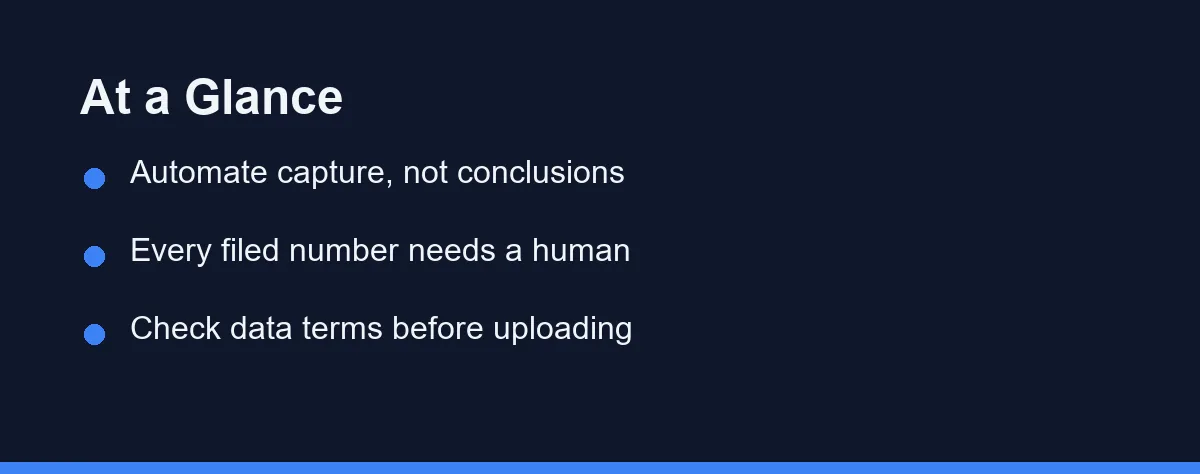
Automate capture and matching. Receipt extraction, bank feed reconciliation, transaction coding suggestions, and document sorting are high volume, low judgement, and immediately verifiable.
Assist, but do not automate, anything that communicates or interprets. Client emails, month-end commentary, and variance explanations all benefit from a first draft that a human then corrects.
Never hand over the filed number. Tax positions, statutory accounts, payroll submissions, and anything requiring professional judgement stay with the person whose name is on the sign-off.
The gain shows up in review time rather than headcount. A practice that measures the right thing sees it in the first quarter, and one that expects staff reductions usually sees nothing at all.
The Three Buckets
Bucket one: mechanical and checkable. Receipt data extraction, invoice capture, bank transaction matching, and coding suggestions based on history. An error here is visible in the ledger the same day, which makes the task safe to delegate.
Bucket two: drafting and explaining. Client update emails, management commentary, engagement letter first drafts, and plain-English explanations of an accounting treatment. The AI produces structure and tone, and you supply the facts and the judgement.
Bucket three: judgement and liability. Tax treatment decisions, materiality calls, going concern assessments, and anything filed with a regulator. These require professional responsibility that no vendor assumes on your behalf.
Most disappointment comes from mixing bucket two with bucket three. A fluent, confident, wrong explanation of a tax rule reads exactly like a correct one, and nothing in the output signals which you received.
Where the Tools Actually Sit
Ledger platforms have the deepest access to your data and the narrowest scope. QuickBooks and Xero both ship assistants inside the product, which means suggestions arrive with context about the account, the client, and the history. Confirm current feature availability on the QuickBooks and Xero sites, since these features roll out by region.
Document capture tools sit upstream of the ledger. Dext and similar services read receipts and invoices, then push structured data into the accounting system, and this is usually where a small practice sees the fastest payback.
Payables and spend platforms automate the approval chain rather than the bookkeeping. Bill.com and Ramp apply rules and flag policy exceptions, which removes chasing rather than typing.
General assistants sit outside your data entirely. ChatGPT, Claude, and Microsoft Copilot are drafting tools, and they help with explanation and summarisation once you accept they cannot see the ledger. Our ChatGPT versus Microsoft Copilot comparison covers how the two differ for business use.
Which Category Earns Its Cost
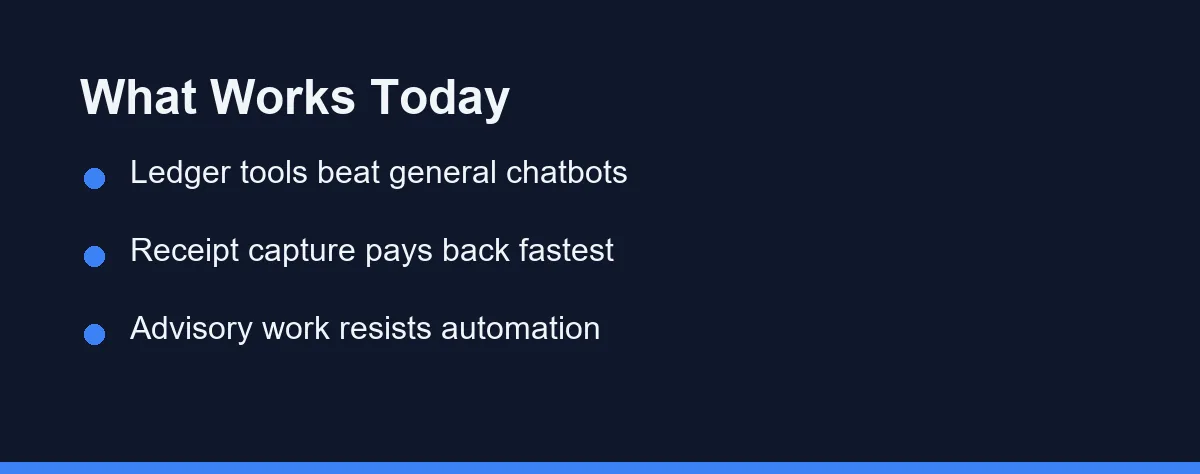
The table maps tool categories to the buckets above. Read it as a guide to where each category earns its cost rather than a ranking.
| Tool category | Examples | Best for | Sees your ledger | Human review needed | Main risk |
|---|---|---|---|---|---|
| Ledger assistants | QuickBooks, Xero | Coding suggestions, anomaly flags | Yes | Spot check | Over-trusting suggested categories |
| Receipt and invoice capture | Dext, Hubdoc | Data extraction at volume | Pushes into ledger | Light | Misread totals on poor scans |
| Payables and spend | Bill.com, Ramp | Approvals, policy exceptions | Partial | Approval step | Rules drifting from actual policy |
| Practice reporting | Fathom, Syft | Management commentary drafts | Yes, read only | Full read | Confident but shallow narrative |
| Workflow and review | Keeper, Karbon | Client queries, close checklists | Yes | Light | Process debt if adopted half way |
| General assistants | ChatGPT, Claude, Copilot | Explanations, email drafts, formulas | No | Full verification | Fabricated rules and thresholds |
| Spreadsheet copilots | Excel Copilot, Sheets AI | Formula building, data cleanup | No | Full verification | Silent errors in unchecked formulas |
Notice the pattern in the last two rows. The tools with the least access to your data need the most verification, which is the reverse of how they are usually marketed.
The middle rows are where small practices tend to underinvest. Capture and approvals are unglamorous, and they remove more hours than any chatbot.
How to Choose and Roll It Out
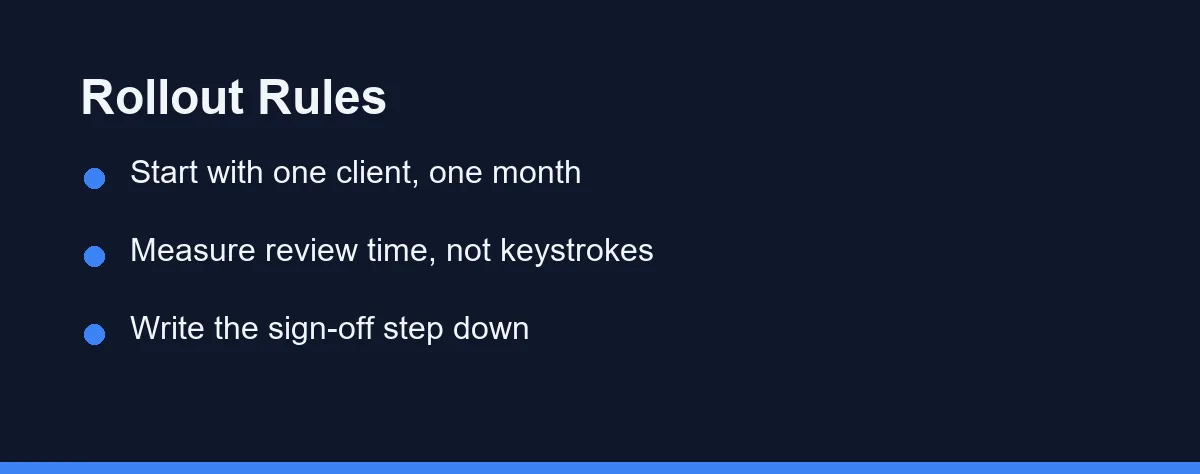
Start with one client and one month rather than a firm-wide launch. A single ledger gives you a clean before and after, and it limits the damage if the tool codes badly.
Measure review time instead of keystrokes saved. Data entry time is the number vendors quote, and review time is the number that decides whether your month-end actually got shorter.
Read the data processing terms before any client file goes near a tool. The questions worth answering are whether inputs train shared models, where data is stored, and how long it is kept. Business terms usually answer all three, and consumer terms usually answer none.
Write the sign-off step into your workflow explicitly. A named person confirming that AI-assisted output was reviewed turns an informal habit into evidence, which matters for both your professional body and your insurer.
Then set a review date three months out. Tools in this category change quickly, and a quarterly check keeps the stack honest rather than merely paid for. Our overview of AI tools for small business is a reasonable starting point for that review.
Which Automation Fits Your Practice
Solo bookkeeper with twenty small clients: Capture tools first, and nothing else for now. Receipt and invoice extraction removes the largest block of repetitive work, and it integrates with the ledger you already use without changing your process.
Two-partner practice doing compliance and some advisory: Add ledger assistants and a reporting tool. The coding suggestions shorten the mechanical pass, and drafted commentary gives you a starting point for the advisory conversations that carry your margin.
In-house accountant at a growing company: Prioritise payables and spend automation over anything else. Your pain is approvals, chasing, and policy exceptions rather than journal entries, and that is a workflow problem rather than a bookkeeping one.
Tax specialist: Keep general chatbots away from client-facing answers entirely. Use them to draft explanations of positions you have already determined, and verify every threshold against the tax authority’s own published guidance.
Firm preparing for a busy season with temporary staff: Automate capture and standardise the review checklist before the intake. Temporary staff plus unfamiliar automation is the combination most likely to put an unreviewed number into a return.
Anyone still on spreadsheets for client books: Fix the system before adding intelligence to it. An assistant on top of a fragile spreadsheet process produces faster errors, and the migration is the higher-value project.
Bundled Tiers and Cleanup Costs
Pricing in this category is moving quickly, and assistants are increasingly bundled into subscription tiers rather than sold separately. Confirm current terms on each vendor’s own pricing page, since published plans as of 2026 change frequently.
| Cost line | Typical structure | What drives it |
|---|---|---|
| Ledger assistant | Included in higher plan tiers | Plan level, region, client count |
| Receipt capture | Per user or per document volume | Documents processed each month |
| Payables platform | Per user, sometimes per transaction | Approval seats and payment volume |
| Reporting tool | Per client file or per practice | Number of client reports produced |
| General assistant | Per seat, monthly | Team seats and model tier |
The cost that surprises firms is not the subscription. It is the migration and cleanup work needed before automation produces reliable suggestions, since a messy chart of accounts teaches the tool the wrong patterns.
Before adding another seat, check what the practice already pays for. Overlapping capabilities are common once three vendors ship assistants, and the drafting features in an AI email assistant may already cover your client correspondence.
Never Trust a Confident Tax Figure
Trusting confident output on rules and thresholds is the mistake with the largest consequences. Tax and reporting rules change annually and vary by jurisdiction, and a general assistant will state an outdated figure without hesitation.
Uploading client files to consumer tools is the second. Consumer terms differ from business terms, and a client confidentiality problem is harder to fix than a slow month-end.
Automating on a messy chart of accounts wastes the investment. Suggestions learn from your history, so inconsistent coding produces inconsistent automation.
Skipping the documented review step creates a professional exposure rather than a technical one. If the sign-off is not written down, it is difficult to demonstrate later that it happened.
Finally, do not judge a tool on the demo. Run it against a real month with known answers, and count the corrections you had to make before the numbers were right.
Where Verification Stops Being Immediate
The automate line in accounting sits exactly where verification stops being immediate. Capture, matching, and coding suggestions are safe because errors surface at once, and filed positions are not because errors surface much later.
Drafting sits between the two. Let the tool write the first version of an email or a commentary, then apply the judgement that makes it correct.
Start with one client and one month, measure review time rather than keystrokes, and write down who signs off. That sequence turns a marketing promise into a shorter close.
FAQ
Which bookkeeping tasks are safe to automate with AI?
Categorisation, receipt capture, bank feed matching, and first-draft client emails are the safe wins. They are high volume, low judgement, and every result stays visible to you before it reaches a return or a report. Anything that ends in a filed number needs a human sign-off.
Can I use ChatGPT to answer client tax questions?
No. General chatbots reason from training data that has no view of your jurisdiction, your client's facts, or the current year's thresholds. They also state wrong rules with complete confidence. Use them to draft explanations, then verify every figure against the tax authority's own guidance.
Who is liable when an AI tool gets a client's books wrong?
The practical answer is that professional obligations do not transfer to software. Your professional body and your insurer still hold you responsible for filed work, regardless of which tool produced the draft. Document your review step so the sign-off is evidenced rather than assumed.
Is it safe to put client financial data into an AI tool?
Look for the vendor's data processing terms rather than the marketing page. The questions that matter are whether client data trains shared models, where it is stored, and how long it is retained. Practice management platforms usually publish clearer answers than general chatbots.
How much time does AI actually save a small accounting practice?
Most firms see it in review time rather than data entry. Coding suggestions and automated receipt capture compress the mechanical pass, and the saved hours move into exception handling and advisory work. Firms that expect headcount savings in the first year are usually disappointed.
Some links may be affiliate links. We may earn a commission at no extra cost to you.
This article was written with AI assistance. It is researched and fact-checked, not based on personal hands-on testing unless explicitly stated.
Comments
Post a Comment