
Robotic Speech Is No Longer the Problem
Short answer: pick ElevenLabs for lifelike narration and cloning. Choose Murf when a video or marketing team needs a finished studio. Choose Azure AI Speech or Google Cloud Text-to-Speech when the audio has to come out of an API at scale.
Amazon Polly remains the high-volume budget option. Play.ht and WellSaid Labs sit between the creator studios and the developer clouds.
The flat, robotic text-to-speech of a few years ago is gone. Today’s AI voices breathe, pause, and carry emotion well enough to narrate a video or an audiobook.
Top neural voices now sound natural enough that casual listeners often cannot tell them from human narration. Quality still varies by language, emotion, and pacing, which is why a sample test beats any demo reel.
That progress created a crowded market, and the best pick depends entirely on your goal. A creator chasing warm narration wants something a software engineer wiring up an app does not.
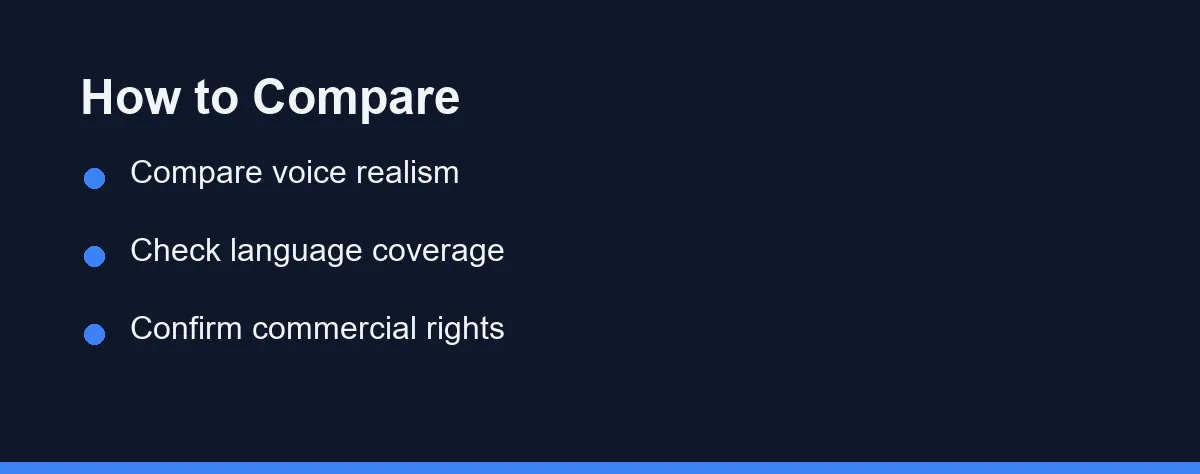
This guide sorts the leading AI voice generators by what they do best, weighing realism, language coverage, workflow features, and licensing.
Realism, Studio, or API

Three lanes cover almost everyone, and knowing your lane removes most of the confusion.
For lifelike narration and voice cloning, ElevenLabs is widely regarded as the realism leader. For marketing and video teams that want an all-in-one studio, Murf is a strong choice.
For developers who need scalable API access, Microsoft Azure and Google Cloud are dependable, with Amazon Polly as the cost-conscious alternative.
Play.ht and WellSaid Labs sit in the middle, balancing quality with workflow features. Your best fit depends on whether you prioritize realism, languages, integration, or price.
What Separates a Good Read From a Flat One
Realism is the headline feature, but “realistic” is not one property. It is several, and they fail independently.
Listen for pacing first. A voice that reads every sentence at the same speed sounds mechanical even when each word is perfectly clear, and pacing is what listeners notice before anything else.
Breathing and micro-pauses come next. Their absence is what made older text-to-speech exhausting to listen to for more than a minute.
Emphasis is the third. A good tool lets you mark which word carries the weight of a sentence, and that single control does more for a script than swapping voices.
Then check the practical controls around all of it. Pronunciation editing for names and jargon, pause tuning, and multi-speaker support separate polished audio from an obvious first draft.
Language and accent coverage matters if you serve a global audience. Some tools support dozens of languages, while others do a handful very well, so confirm your target languages have multiple high-quality voices.
What Changed by 2026
Three shifts matter more than any single new voice, and they change which tool is the right answer.
Expressive control went mainstream. Emotion tags, style presets, and per-word emphasis used to be a premium feature on one or two platforms, and they now appear across most creator-facing tools, which narrows the realism gap for short scripts.
Latency became a product decision. Streaming and real-time synthesis are now standard on the developer clouds and on several creator platforms. If you are building a voice assistant or a live reading feature, ask about streaming latency before you compare voice quality.
Consent moved from etiquette to gatekeeping. Major platforms now put verification steps in front of cloning a voice that is not yours.
Publishers face their own disclosure rules, including YouTube’s requirement to label realistic synthetic content. Confirm the current policy on the official site before you build a workflow around a cloned voice.
Pick by Use Case in 30 Seconds
| Your job | Start with | Why |
|---|---|---|
| Audiobook or long narration | ElevenLabs | Expressive pacing holds up over hours |
| Explainer or marketing video | Murf AI | Studio editing and video sync in one place |
| App or product feature | Azure AI Speech or Google Cloud TTS | API, custom voice, predictable scaling |
| Large volume on a budget | Amazon Polly | Usage billing and AWS integration |
| Corporate e-learning | WellSaid Labs | Clean, consistent professional reads |
| Podcast or creator workflow | Play.ht | Creator editor plus API access |
Shortlist one row, then test it against your own script before you compare anything else.
The Creator-Facing Platforms
ElevenLabs
ElevenLabs is known for some of the most natural-sounding voices available, excelling at expressive narration, audiobooks, and high-quality voice cloning. Many creators choose it when realism is the top priority.
It supports a growing list of languages and offers both a web studio and an API. The free tier is limited, so heavy users typically move to a paid plan.
Murf AI
Murf targets marketers, trainers, and video teams who want a complete studio, pairing a large voice library with editing tools including video sync. The interface stays approachable for non-technical users.
It works well for explainer videos, e-learning, and presentations, focusing on polished, ready-to-use production rather than raw cloning.
Play.ht and WellSaid Labs
Play.ht offers a large voice selection with a creator-friendly editor and API access. WellSaid Labs focuses on clean, professional voices for corporate and e-learning content.
Both suit teams that want strong output without deep engineering work, and both are worth a sample test against your actual scripts.
The Developer Clouds
Microsoft Azure AI Speech is a developer-grade platform with broad language support, neural voices, custom voice options, and reliable scaling. Teams already on Microsoft cloud integrate it easily, though setup expects some technical comfort.
Google Cloud Text-to-Speech provides a deep catalog of neural voices and languages, integrating smoothly with other Google Cloud services. Pricing scales by usage, which suits variable workloads, and developers value its documentation.
Amazon Polly is the long-standing, cost-conscious option. It supports many languages and integrates tightly with AWS, and while some rivals sound more expressive, it favors reliability and scale.
The rule of thumb here is simple. Pick the cloud your product already runs on, because the integration savings outweigh small differences in voice quality.
The Voices Compared
| Tool | Best For | Voice Realism | Voice Cloning | API Access |
|---|---|---|---|---|
| ElevenLabs | Realistic narration | Excellent | Yes | Yes |
| Murf AI | Marketing and video | Strong | Limited | Yes |
| Azure AI Speech | Developers and apps | Strong | Custom voice | Yes |
| Google Cloud TTS | Cloud-scale apps | Strong | Custom voice | Yes |
| Play.ht | Creators and podcasts | Strong | Yes | Yes |
| Amazon Polly | AWS, high volume | Good | Limited | Yes |
| WellSaid Labs | Corporate e-learning | Strong | Limited | Yes |
| Speechify | Reading and accessibility | Strong | Limited | Yes |
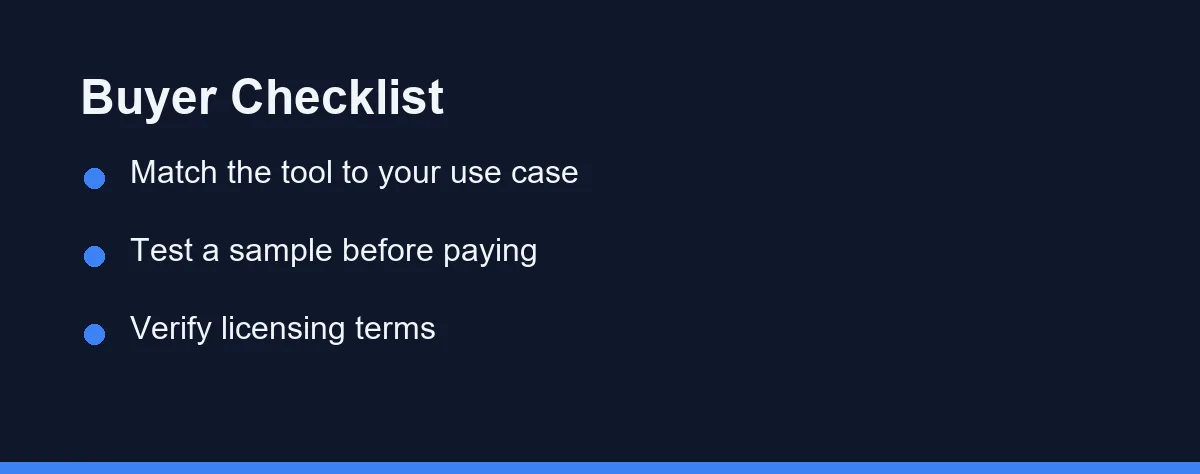
Shortlist two or three from this table rather than trying to rank them all. Capabilities change often, so verify the details on each official site.
Cloning, Consent, and Commercial Rights
Two legal questions decide whether any of this is usable, and both are easy to answer late and expensively.
Many tools clone a voice from a short sample, and you should only clone a voice you have permission to use. Cloning someone without consent can breach both the provider’s terms and the law, so review each cloning policy before you upload anything.
Your own voice is the safe case. A client’s voice, a colleague’s voice, or a public figure’s voice is not, regardless of how easy the tool makes it.
Commercial rights are the second question. Most leading platforms grant commercial usage on paid plans, but the exact terms vary widely, and free outputs may carry a watermark or a non-commercial restriction.
Read the license carefully before publishing, especially for ads or monetized video. A great voice is useless if its license blocks your project.
Characters, Minutes, and Usage Billing
Pricing varies by tool and changes frequently. Plans are commonly tiered by monthly characters or audio minutes generated, with higher tiers adding cloning, more voices, and commercial rights.
Many providers offer a free tier with a small allowance for testing. Creator and team plans unlock fuller libraries, while developer APIs from Azure, Google, and Amazon bill by usage volume.
| Tool | Free Tier | Paid Model (approx.) | What Paying Unlocks |
|---|---|---|---|
| ElevenLabs | Yes, small quota | Character-based monthly | More characters, cloning, rights |
| Murf AI | Yes, limited | Per-seat monthly | More minutes, full library |
| Azure AI Speech | Free credits | Usage-based per character | Full API, custom voice |
| Google Cloud TTS | Free credits | Usage-based per character | Full catalog, scaling |
| Amazon Polly | Free tier credits | Usage-based per character | High-volume neural voices |
Those values are approximate and reflect general positioning at the time of writing. Confirm current pricing on each official site before you subscribe.
Budget against your real monthly volume rather than a one-time test. A plan that looks cheap can get expensive at scale, and character limits are easy to underestimate when a single video script runs to thousands.
The Control You Only Miss After the First Bad Take
Realism gets the headlines, but the feature that saves an afternoon is control over how a specific word comes out. Every script has a brand name, an acronym, or a number the model will read its own way.
Look for three controls before you commit to a platform.
A pronunciation dictionary. The strongest option is a saved lexicon that applies your spelling of a name across every future project. Without it you end up re-fixing the same word in every episode.
Per-word or phonetic overrides. Some editors let you respell a word inline or supply a phonetic form. That handles one-off cases without polluting a shared dictionary.
Pacing and emphasis marks. Pauses, emphasis, and speed changes matter most in long narration, where a model that never breathes becomes exhausting after ten minutes. Our guide to AI voice pacing and pauses covers how to place those marks in a script.
Developer APIs typically expose this through SSML, a markup format where you wrap text in tags to set breaks, emphasis, and phonemes. Creator studios usually wrap the same idea in a visual editor. The capability is similar, but the workflow is not, so match it to who will actually be editing.
Test this with your hardest paragraph, not your cleanest one. Feed a candidate a passage containing a product name, an acronym, a date, and a currency figure. The tool that reads those correctly on the first pass will save you more time than the one that sounds marginally warmer.
When Running It Yourself Makes Sense
Open-source speech models now run on a normal desktop computer, and for some workflows that changes the arithmetic. There is no per-character bill, nothing leaves your machine, and the output is yours by default.
The trade is real: you handle setup and updates yourself, quality on expressive long-form narration still trails the leading hosted platforms, and there is no support line when something breaks.
That trade favors local models in three situations. High steady volume, where usage billing dominates your costs. Sensitive scripts that should not be uploaded to a vendor at all. And prototyping, where you need a thousand throwaway takes before choosing a paid voice for the final render.
For a polished commercial product with a deadline, a hosted platform still wins on time to result.
Verdicts by Project Type
Best for lifelike narration and cloning: ElevenLabs. It leads on expressive, natural voices and high-quality voice cloning for audiobooks and video. Choose it when realism is your single most important requirement.
Long-form narration is the hardest case on this list, because consistency over ten hours matters more than a single impressive sample. We narrow the field for that use in best AI voice generator for audiobooks.
Best for marketing and explainer videos: Murf AI. It pairs a large voice library with editing tools and a video sync feature in one studio. Reach for it when non-technical teammates need polished, ready-to-use audio.
Best for developers and apps: Azure AI Speech or Google Cloud TTS. Both offer neural voices, custom voice options, and reliable scaling through an API. Pick the one that matches the cloud your product already runs on.
Best for high-volume, cost-sensitive work: Amazon Polly. It favors reliability and scale over cutting-edge expressiveness, and it integrates tightly with AWS. It fits apps that generate large amounts of audio on a budget.
Best balance of quality and ease: Play.ht or WellSaid Labs. Play.ht offers a creator-friendly editor and API, while WellSaid focuses on clean corporate voices. Both suit teams wanting strong output without deep engineering work.
Test With Your Own Script, on a Phone Speaker
The right voice generator is simply the one that fits your job. ElevenLabs owns realism, Murf serves video teams, and the major clouds power developers at scale.
Test candidates with your own script rather than a demo reel, since vendors choose demo text that flatters their pacing. Your script has the names, numbers, and awkward clauses that expose the weaknesses.
Listen on the device your audience will actually use. A phone speaker exposes flat pacing and thin low end that studio headphones politely hide.
For full content workflows, see our guide to the best AI video generators and the best AI writing tools. Beginners can start with our roundup of the best free AI tools.
Which generator you pick matters less than whether synthetic voice is the right call for your format. Four guides cover the decisions that follow. AI voice cloning vs text to speech explains when a cloned voice is worth the extra setup and consent requirements. Audiobook producers weighing narration budgets should read AI narration vs a voice actor.
Video creators can start with the AI voice generator for YouTube videos guide, and course creators deciding whether to record themselves at all should see AI voice generator vs recording your own voice for online courses.
FAQ
Are AI voice generators free to use?
Many tools offer a limited free tier with a small monthly character allowance, while higher limits and commercial rights usually require a paid plan. Free outputs may also be watermarked or restricted to non-commercial use. Always check the official site for the current free quota.
Can I use AI-generated voices for commercial projects?
Most leading platforms grant commercial usage rights on their paid plans, but the exact terms vary widely. Read each provider's license carefully before publishing, especially for ads or monetized video. When in doubt, confirm the latest licensing terms on the official site.
How realistic do AI voices sound in 2026?
Top neural voices now sound natural enough that casual listeners often cannot tell them apart from human narration. Quality still varies by language, emotion, and pacing, so testing a sample for your specific use case is wise.
Can AI voice generators clone my own voice?
Many tools offer voice cloning that copies a voice from a short sample, but you should only clone a voice you have permission to use. Cloning someone without consent can breach both the tool's terms and the law. Review each provider's cloning policy first.
What is the best free AI voice generator?
Most major platforms include a free tier, but they differ in what the free output lets you do rather than in how it sounds. The practical question is whether the free plan allows commercial use and whether it adds a watermark or attribution requirement. Check the current free quota and licence terms on the official site before you build a workflow on one.
How do I stop an AI voice from mispronouncing names and acronyms?
Look for a saved pronunciation dictionary, per-word phonetic overrides, and pause or emphasis controls. Developer APIs expose these through SSML markup, while creator studios wrap the same controls in a visual editor. Test a candidate with a paragraph containing a brand name, an acronym, and a currency figure before you subscribe.
Which AI voice generator is best for my project?
Realism leaders like ElevenLabs suit narration and audiobooks, while all-in-one studios like Murf fit marketing videos. Developers usually prefer the scalable APIs from Azure, Google, or Amazon. Match the tool to your main use case rather than chasing one winner.
Some links may be affiliate links. We may earn a commission at no extra cost to you.
This article was written with AI assistance. It is researched and fact-checked, not based on personal hands-on testing unless explicitly stated.
Comments
Post a Comment